Clash of Titans
更新日期
目前版本
1.61.1.5
提供者

愛玩Clash of Titans的你,雙手不應該被束縛在智慧手機的小屏幕上。像職業選手一樣用鍵盤和滑鼠來全面控制你的遊戲吧。逍遙模擬器給你提供了你所有的期待。在電腦上下載、安裝Clash of Titans並盡情遊玩。再也不用擔心剩餘電量、流量消耗和煩人的來電。全新的逍遙模擬器9是你在電腦上遊玩Clash of Titans的最佳選擇!我们用心準備,完美的按鍵映射系統讓Clash of Titans宛如電腦遊戲;我們,用嫻熟的技術編程,逍遙多開器讓所有遊戲開好開滿;獨一無二的虛擬化引擎釋放你電腦的全部潛力,一切都入絲般順滑。我們不僅在意你怎樣遊玩,更在意如何讓你享受遊玩的樂趣!
更多
透過逍遙模擬器,在電腦上下載Clash of Titans,享受大熒幕的暢快體驗。 歡迎來到泰坦之戰的世界!
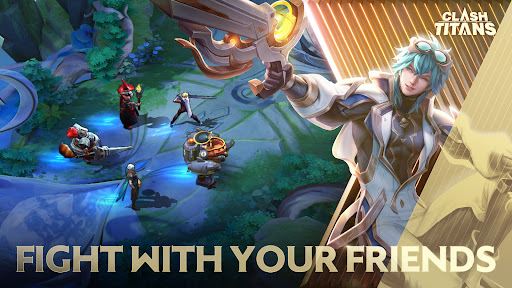
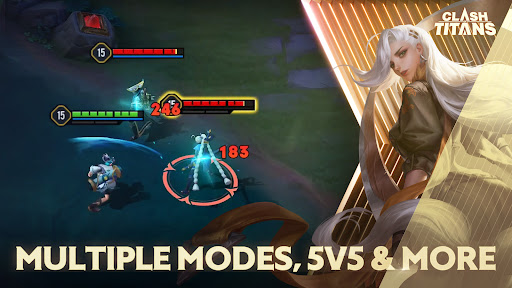
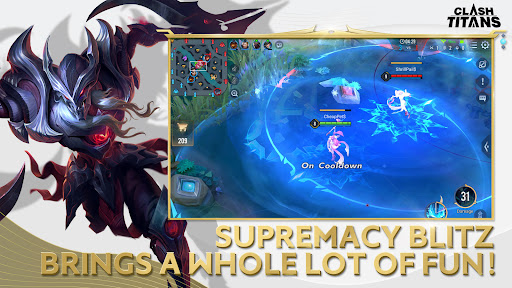

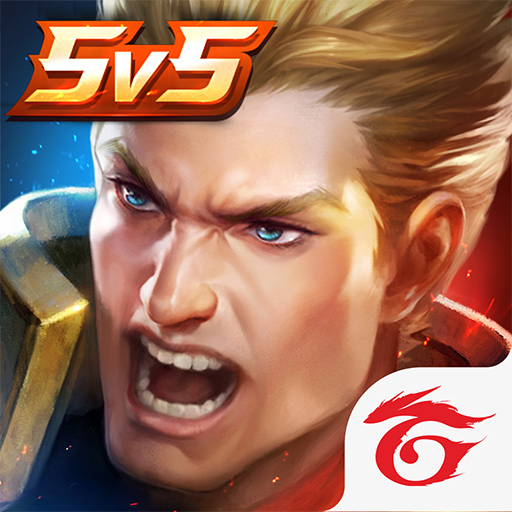
歡迎來到泰坦之戰的世界!體驗印度精彩的移動 MOBA 遊戲,並被數量眾多的泰坦和皮膚所吸引! 5V5團戰,做泰坦!
-經典5V5 MOBA
不僅有無數泰坦等你解鎖,還有海量精彩免費皮膚和獎勵活動等著你。加入泰坦之戰!精彩的傳奇內容不容錯過!
- 超級殺戮觸手可及,在手機上體驗刺激的巔峰
流暢的控制和精確的技能準確性,每次都能獲得陸地技能。嘗試獲得自己的超級殺戮!潛入尋找你的巨人和角色。只需兩根手指,體驗實時戰鬥!
- 與朋友組隊,隨時玩耍
隨時隨地邀請您的朋友,與新朋友組隊一起玩。你在等什麼!與您的朋友一起下載這款真棒 MOBA 並立即玩!
- 組隊並作為一個整體戰鬥
坦克、法師、輔助、射手、刺客……清晰的角色和策略。與您的朋友一起集思廣益,共同變得更強大。實現你作為泰坦的夢想!
- 許多令人興奮的皮膚供您選擇
我們在《泰坦之戰》中擁有泰坦之海、令人驚嘆的免費皮膚和無數活動!不要睡在這上面!
聯繫我們:
臉書:https://www.facebook.com/clashoftitansmoba
IG:https://www.instagram.com/clashoftitans_official/
不和諧:https://discord.gg/clashoftitans
更多

1. 下載逍遙安裝器並完成設置

2. 啟動逍遙後打開位於桌面上的谷歌商店

3. 在谷歌商店中搜尋Clash of Titans
Install
4. 下載並安裝Clash of Titans
5. 下載完成後點擊圖標來啟動

6. 透過逍遙享受在電腦上玩Clash of Titans
逍遙安卓是優秀的安卓模擬器,全球超過5000萬用戶的優先選擇。逍遙安卓以虛擬化技術為核心,為用户打造突破手機配備局限的遊戲平台!
大屏精細展示;無限待機,超越電池和流量限制
鍵鼠,手把操作全面支持,操作更精準
用逍遙多開同時運行多個遊戲、應用。
Play Clash of Titans on PC by following steps: