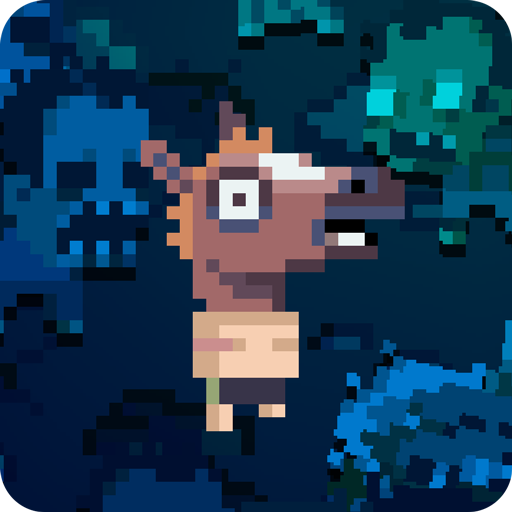
Flick Shot Rogues
更新日期
目前版本
提供者

愛玩Flick Shot Rogues的你,雙手不應該被束縛在智慧手機的小屏幕上。像職業選手一樣用鍵盤和滑鼠來全面控制你的遊戲吧。逍遙模擬器給你提供了你所有的期待。在電腦上下載、安裝Flick Shot Rogues並盡情遊玩。再也不用擔心剩餘電量、流量消耗和煩人的來電。全新的逍遙模擬器9是你在電腦上遊玩Flick Shot Rogues的最佳選擇!我们用心準備,完美的按鍵映射系統讓Flick Shot Rogues宛如電腦遊戲;我們,用嫻熟的技術編程,逍遙多開器讓所有遊戲開好開滿;獨一無二的虛擬化引擎釋放你電腦的全部潛力,一切都入絲般順滑。我們不僅在意你怎樣遊玩,更在意如何讓你享受遊玩的樂趣!
更多
透過逍遙模擬器,在電腦上下載Flick Shot Rogues,享受大熒幕的暢快體驗。 *NOTICE - TRY BEFORE YOU BUY* - Play the beginning for free.
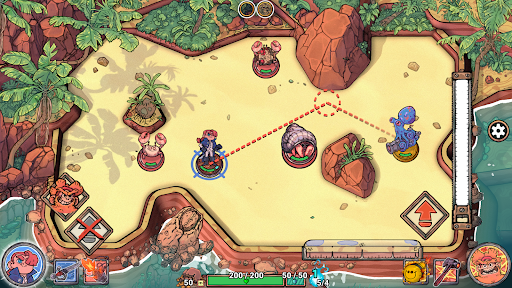
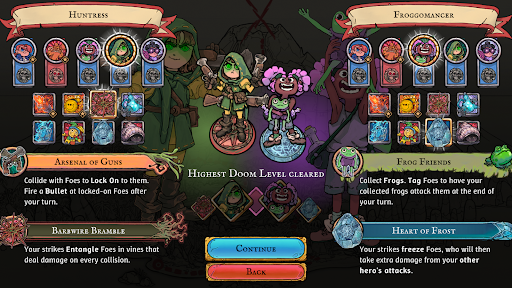
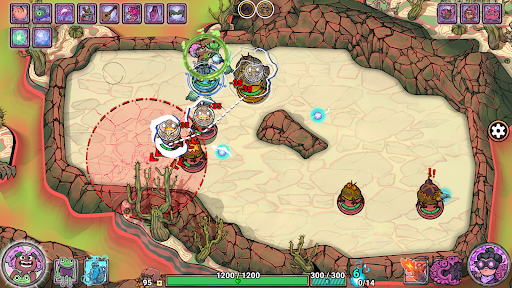
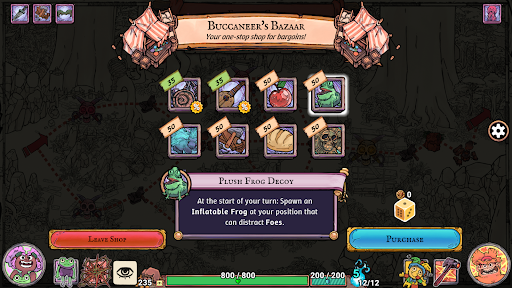
*NOTICE - TRY BEFORE YOU BUY* - Play the beginning for free. A one-time in-app purchase unlocks the full game. No ads.
FLICK SHOT ROGUES blends the tactile satisfaction of flicking stuff across a table with the strategic depth of your favourite turnbased roguelikes. Chain together ridiculous combos, unlock characters, items and skills, and conquer the island!
Death is not the end! Each new journey across the island will reshuffle the enemies and offer different rewards. Rise to the challenge and adapt your strategy accordingly!
Collect powerful items, talents, and curses, each with unique and game-changing effects. Brave the risks of the curse and supercharge your run with game breaking interactions.
更多

1. 下載逍遙安裝器並完成設置

2. 啟動逍遙後打開位於桌面上的谷歌商店

3. 在谷歌商店中搜尋Flick Shot Rogues
Install
4. 下載並安裝Flick Shot Rogues
5. 下載完成後點擊圖標來啟動

6. 透過逍遙享受在電腦上玩Flick Shot Rogues
逍遙安卓是優秀的安卓模擬器,全球超過5000萬用戶的優先選擇。逍遙安卓以虛擬化技術為核心,為用户打造突破手機配備局限的遊戲平台!
大屏精細展示;無限待機,超越電池和流量限制
鍵鼠,手把操作全面支持,操作更精準
用逍遙多開同時運行多個遊戲、應用。
Play Flick Shot Rogues on PC by following steps: