
Geny AI - Chatbot Assistant
更新日期
目前版本
1.5
提供者

想體驗Geny AI - Chatbot Assistant,可是手機熒幕太小,一載軟體就變燙,怎麼辦?透過逍遙模擬器,在電腦的大熒幕上暢快體驗!用鍵鼠操作更精準流暢,逍遙模擬器滿足您的所有期待。在電腦上下載安裝Geny AI - Chatbot Assistant,不用擔心電池當掉,想體驗多久就多久,順暢跑一天~全新的逍遙模擬器9,絕對是您體驗Geny AI - Chatbot Assistant電腦版的最佳選擇。完美的按鍵映射系統讓Geny AI - Chatbot Assistant如PC軟體般順手;強大的多開功能可同時執行多個任務;獨家虛擬化技術更能徹底釋放電腦效能,保障長時間穩定運作。我們致力於不讓設備限制您的體驗,助您輕鬆高效,暢快無比!
更多
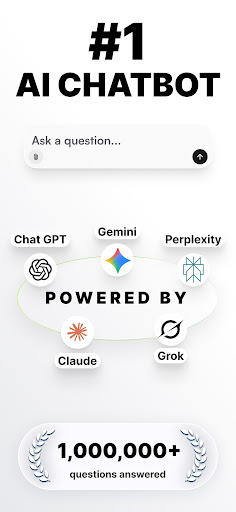
使用逍遙模擬器在電腦上享受Geny AI - Chatbot Assistant的卓越體驗。這是一款功能強大的免費安卓模擬器,為您提供數千款安卓應用程式的桌面版本。與好友互動,有效率完成工作,盡情享受! "Meet Geny – a fast, easy-to-use AI chatbot that combines multiple advanced AI models into a single, unified chat experience.

"Meet Geny – a fast, easy-to-use AI chatbot that combines multiple advanced AI models into a single, unified chat experience.
With Geny, you can access different AI models in one place and switch between them at any point in a conversation without losing context. Whether you’re asking everyday questions, diving into complex topics, creating content, or brainstorming ideas, Geny delivers flexible and efficient AI assistance to support your daily tasks.
Built for seamless continuity, Geny lets you return to previous conversations and continue right where you left off. Your chat history is securely saved and neatly organized, making it simple to revisit any discussion whenever needed.
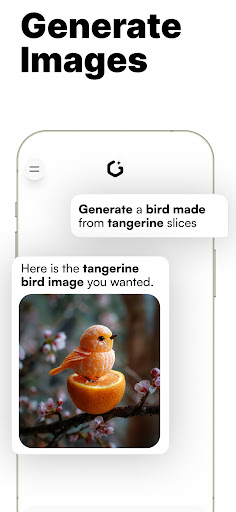
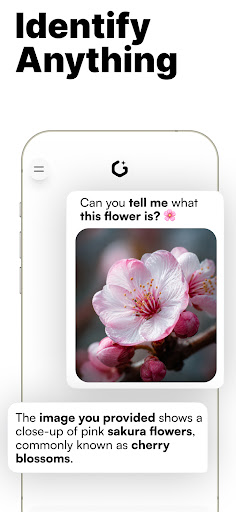
Designed not only for chatting but also for improving productivity. You can attach images or files to add context, search through your past conversations to quickly find information, and manage all interactions effortlessly. You can also copy, share, or regenerate responses instantly to better match your needs.
Key Features
- Switch smoothly between multiple AI models within a single conversation
- Save chat history and continue conversations anytime without losing context
- Easily search through previous chats
- Attach images and files for more detailed and accurate responses
- Instantly copy, share, or regenerate AI-generated answers
Download Geny today and bring all your AI conversations, ideas, and tasks into one place with a smooth, fast, and unified chat experience designed for everyday use.
https://swappyazilim.com/privacy.html
https://swappyazilim.com/terms.html"
更多

1. 下載逍遙安裝器並完成設置

2. 啟動逍遙後打開位於桌面上的谷歌商店

3. 在谷歌商店中搜尋Geny AI - Chatbot Assistant
Install
4. 下載並安裝Geny AI - Chatbot Assistant
5. 下載完成後點擊圖標來啟動

6. 透過逍遙享受在電腦上體驗Geny AI - Chatbot Assistant
逍遙安卓是優秀的安卓模擬器,全球超過5000萬用戶的優先選擇。逍遙安卓以虛擬化技術為核心,為用户打造突破手機配備局限的應用平台!
大屏精細展示;無限待機,超越電池和流量限制
鍵鼠,手把操作全面支持,操作更精準
用逍遙多開同時運行多個遊戲、應用。
Use Geny AI - Chatbot Assistant on PC by following steps: