PDFReader - Master
更新日期
目前版本
1.1.3
提供者

想體驗PDFReader - Master,可是手機熒幕太小,一載軟體就變燙,怎麼辦?透過逍遙模擬器,在電腦的大熒幕上暢快體驗!用鍵鼠操作更精準流暢,逍遙模擬器滿足您的所有期待。在電腦上下載安裝PDFReader - Master,不用擔心電池當掉,想體驗多久就多久,順暢跑一天~全新的逍遙模擬器9,絕對是您體驗PDFReader - Master電腦版的最佳選擇。完美的按鍵映射系統讓PDFReader - Master如PC軟體般順手;強大的多開功能可同時執行多個任務;獨家虛擬化技術更能徹底釋放電腦效能,保障長時間穩定運作。我們致力於不讓設備限制您的體驗,助您輕鬆高效,暢快無比!
更多
使用逍遙模擬器在電腦上享受PDFReader - Master的卓越體驗。這是一款功能強大的免費安卓模擬器,為您提供數千款安卓應用程式的桌面版本。與好友互動,有效率完成工作,盡情享受! PDFReader - Master is a document reader app designed to help you view, scan, and manage everyday documents.
PDFReader - Master is a document reader app designed to help you view, scan, and manage everyday documents.
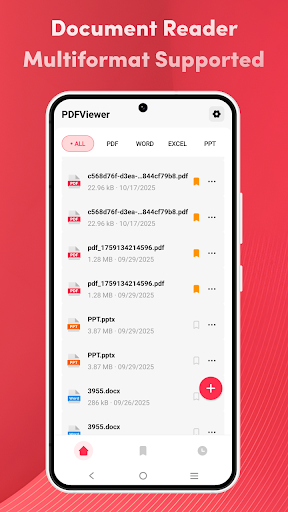
With support for PDF, Word, Excel, and PPT, the app works as a practical document reader and file reader for work, study, or personal use. All supported files on your device can be found and opened quickly in one place.
Multi-format Document Viewing
PDFReader - Master supports common document formats, including:
PDF files
Word documents
Excel files (excel view)
PowerPoint files
You can use the app as a pdf reader, document viewer, or documents app to open and read files anytime.
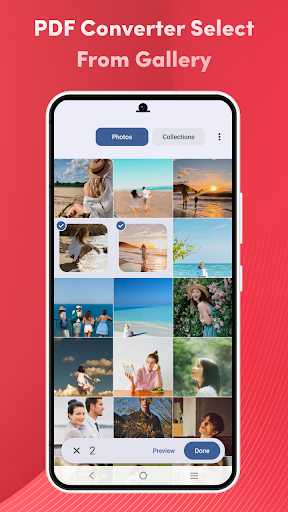
Scan & Convert Photos to PDF
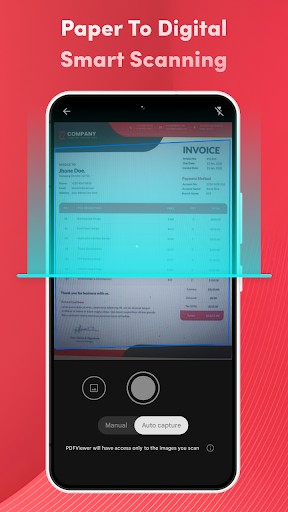
The app includes a basic PDF scanner and photo to PDF feature:
Scan documents using your camera
Convert photos to PDF files
Create simple PDF documents from images
⭐ File Management Made Simple
PDFReader - Master also helps you organize your files:
Recently opened files for quick access
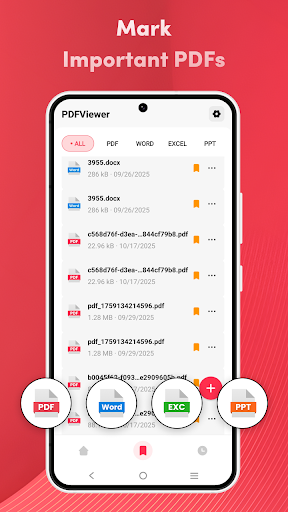
Marked (Favorites) to keep important documents easy to find
Simple file list view for better document management
Whether you need a file app, document reader, or pdf app, everything stays clear and easy to use.
更多

1. 下載逍遙安裝器並完成設置

2. 啟動逍遙後打開位於桌面上的谷歌商店

3. 在谷歌商店中搜尋PDFReader - Master
Install
4. 下載並安裝PDFReader - Master
5. 下載完成後點擊圖標來啟動

6. 透過逍遙享受在電腦上體驗PDFReader - Master
逍遙安卓是優秀的安卓模擬器,全球超過5000萬用戶的優先選擇。逍遙安卓以虛擬化技術為核心,為用户打造突破手機配備局限的應用平台!
大屏精細展示;無限待機,超越電池和流量限制
鍵鼠,手把操作全面支持,操作更精準
用逍遙多開同時運行多個遊戲、應用。
Use PDFReader - Master on PC by following steps: