
Unzip
更新日期
目前版本
2.4.14
提供者

想體驗Unzip,可是手機熒幕太小,一載軟體就變燙,怎麼辦?透過逍遙模擬器,在電腦的大熒幕上暢快體驗!用鍵鼠操作更精準流暢,逍遙模擬器滿足您的所有期待。在電腦上下載安裝Unzip,不用擔心電池當掉,想體驗多久就多久,順暢跑一天~全新的逍遙模擬器9,絕對是您體驗Unzip電腦版的最佳選擇。完美的按鍵映射系統讓Unzip如PC軟體般順手;強大的多開功能可同時執行多個任務;獨家虛擬化技術更能徹底釋放電腦效能,保障長時間穩定運作。我們致力於不讓設備限制您的體驗,助您輕鬆高效,暢快無比!
更多
透過逍遙模擬器,在電腦上下載Unzip,享受大熒幕的暢快體驗。 The main features include:.
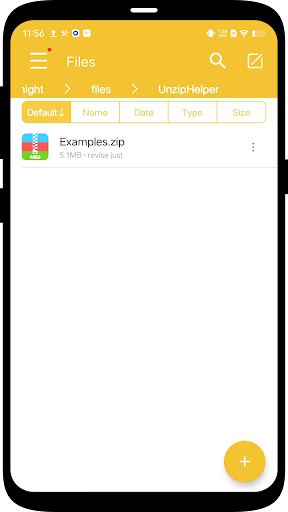
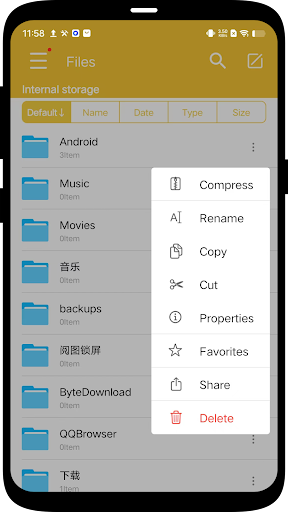
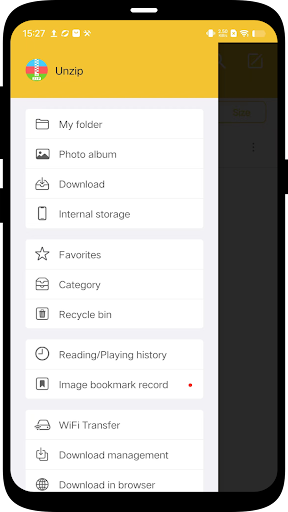
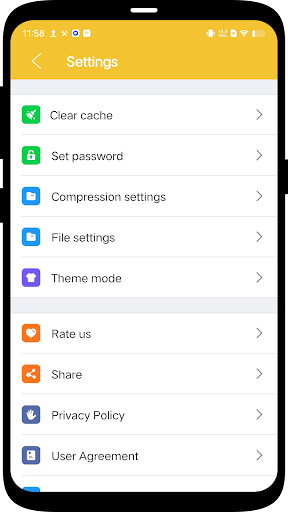
The main features include:
- Supports decompression of Zip, 7z, RAR, Lzh, ZIPX, TAR, GZIP, BZIP, TGZ, TBZ, ISO, DEB, CAB, JAR, RPM, CBS and many other documents.
- Supports multiple formats of volume decompression.
- Support password decompression files and support ZIP, 7Z encryption compression.
- Compressed file management and transfer.
- Scan the code to download the file.
- Support client access such as FTP, SMB, WebDAV.
- Support iCloudDrive access and import.
- Support Wi-Fi transmission.
- Support video file playback in multiple formats.
Please download and experience more features. If you have any questions, please contact us in the app or visit the following website: http://img.kailule.cn/MobileSupport.html
更多

1. 下載逍遙安裝器並完成設置

2. 啟動逍遙後打開位於桌面上的谷歌商店

3. 在谷歌商店中搜尋Unzip
Install
4. 下載並安裝Unzip
5. 下載完成後點擊圖標來啟動

6. 透過逍遙享受在電腦上體驗Unzip
逍遙安卓是優秀的安卓模擬器,全球超過5000萬用戶的優先選擇。逍遙安卓以虛擬化技術為核心,為用户打造突破手機配備局限的應用平台!
大屏精細展示;無限待機,超越電池和流量限制
鍵鼠,手把操作全面支持,操作更精準
用逍遙多開同時運行多個遊戲、應用。
Use Unzip on PC by following steps: