ZOOM Cloud Meetings
更新日期
目前版本
1788195638
提供者

想體驗ZOOM Cloud Meetings,可是手機熒幕太小,一載軟體就變燙,怎麼辦?透過逍遙模擬器,在電腦的大熒幕上暢快體驗!用鍵鼠操作更精準流暢,逍遙模擬器滿足您的所有期待。在電腦上下載安裝ZOOM Cloud Meetings,不用擔心電池當掉,想體驗多久就多久,順暢跑一天~全新的逍遙模擬器9,絕對是您體驗ZOOM Cloud Meetings電腦版的最佳選擇。完美的按鍵映射系統讓ZOOM Cloud Meetings如PC軟體般順手;強大的多開功能可同時執行多個任務;獨家虛擬化技術更能徹底釋放電腦效能,保障長時間穩定運作。我們致力於不讓設備限制您的體驗,助您輕鬆高效,暢快無比!
更多
透過逍遙模擬器,在電腦上下載ZOOM Cloud Meetings,享受大熒幕的暢快體驗。 Zoom Workplace 是一款以人工智慧優先的協作平台,涵蓋會議、聊天、電話呼叫、文件、日曆、邮件、白板等多項功能。
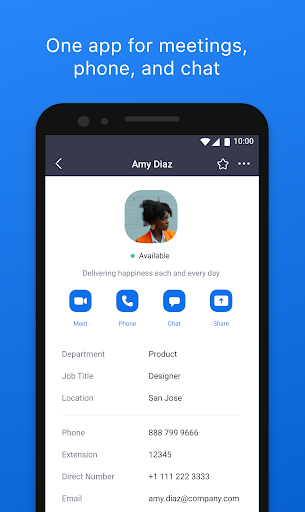
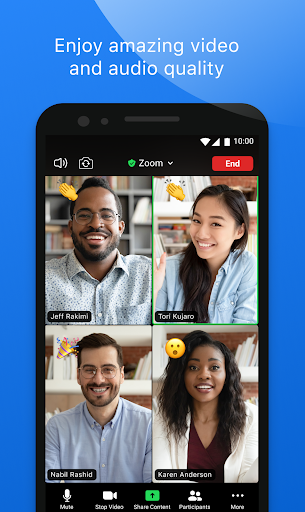
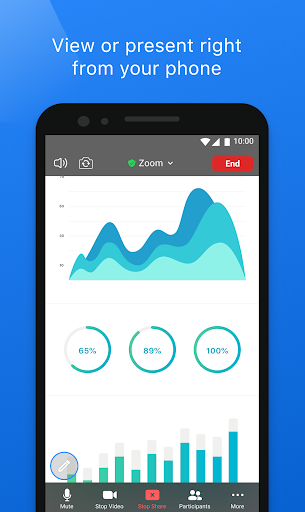
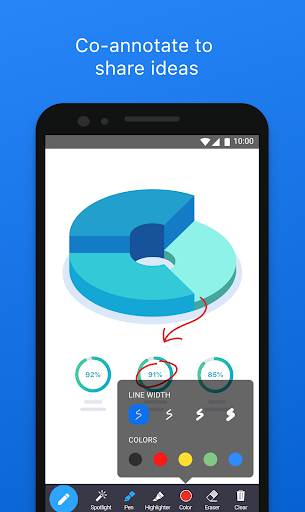
Zoom Workplace 是一款以人工智慧優先的協作平台,涵蓋會議、聊天、電話呼叫、文件、日曆、邮件、白板等多項功能。無論您是遠端工作、在辦公室或行動辦公,Zoom Workplace 都能協助您的團隊保持聯繫並完成工作 — 所有功能皆整合於單一應用程式。
內建核心 AI 功能,可協助您準備會議、透過 My Notes 記錄會議筆記、掌握錯過的訊息,並更快撰寫內容。
隨時隨地使用 Zoom AI* 完成更多工作
內建 AI 筆記功能,可生成 AI 會議摘要
使用瞭解您工作情境的 AI 撰寫訊息與內容,數秒內掌握未讀聊天訊息。
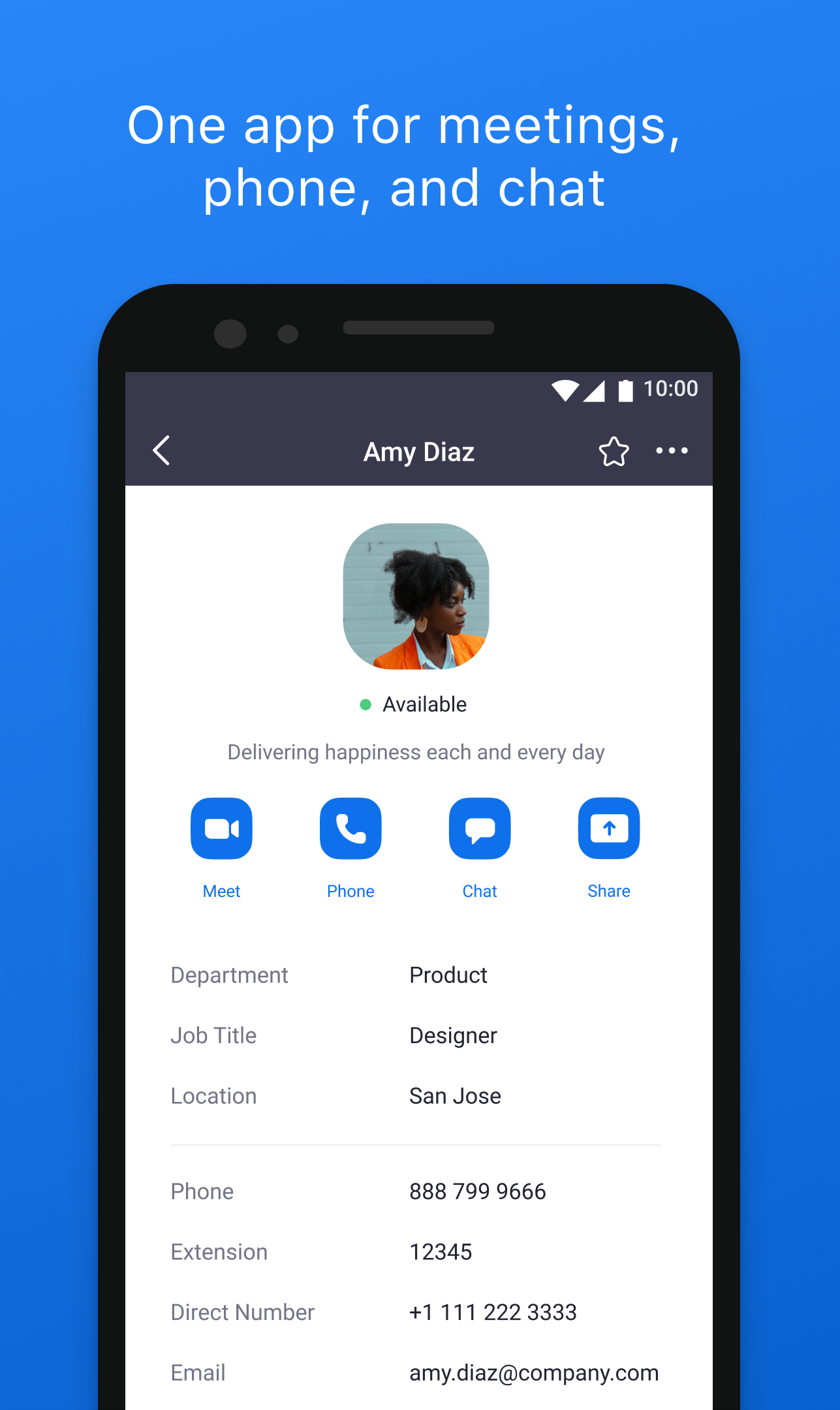
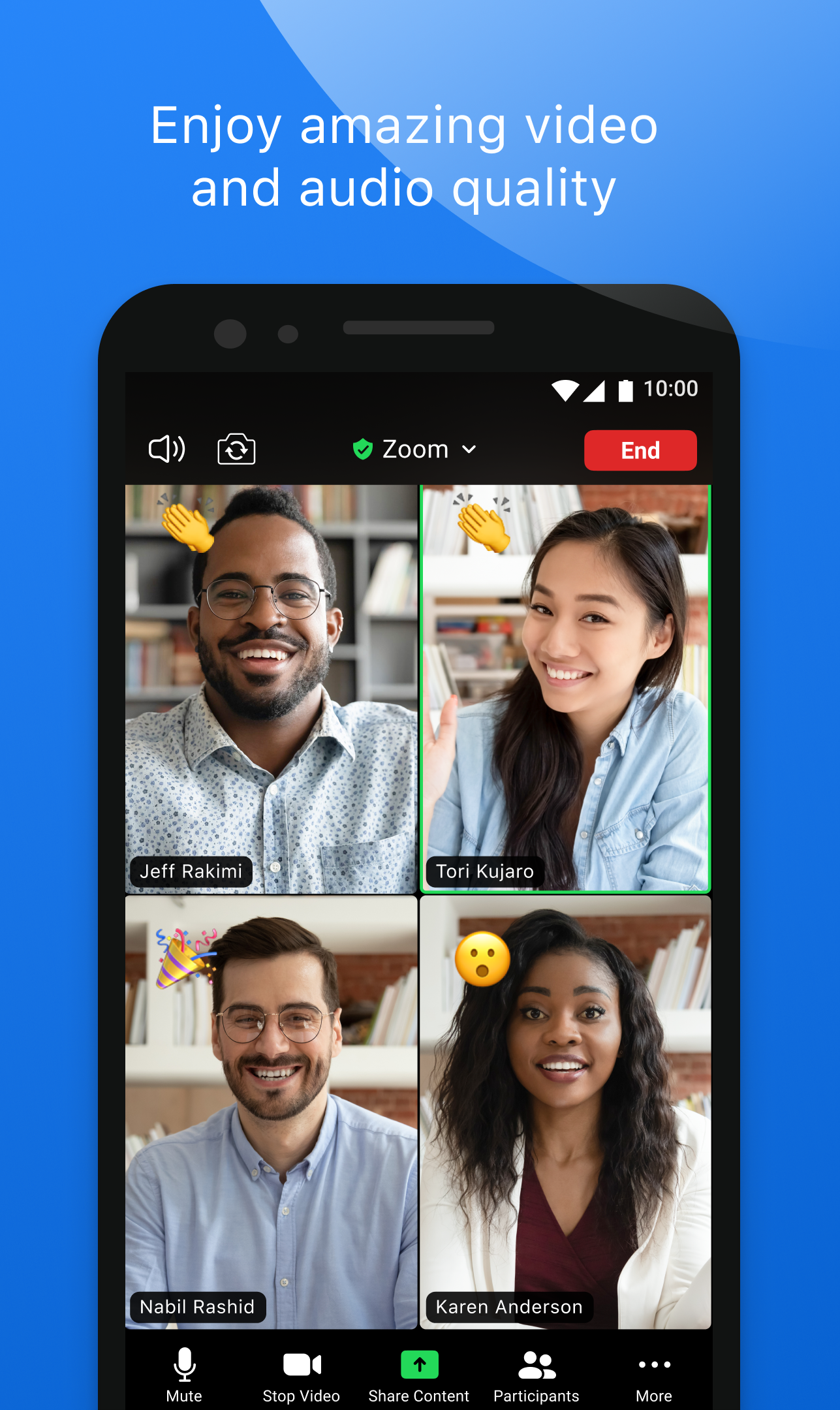
一個應用程式滿足視訊會議、聊天和通話需求
一鍵排程或加入視訊會議
在 Team Chat 中向同事和外部聯絡人傳送訊息
使用 Zoom Phone* 撥打和接聽電話或傳送簡訊文字訊息
提升您的生產力
建立並分享 Zoom Docs,讓團隊資訊同步
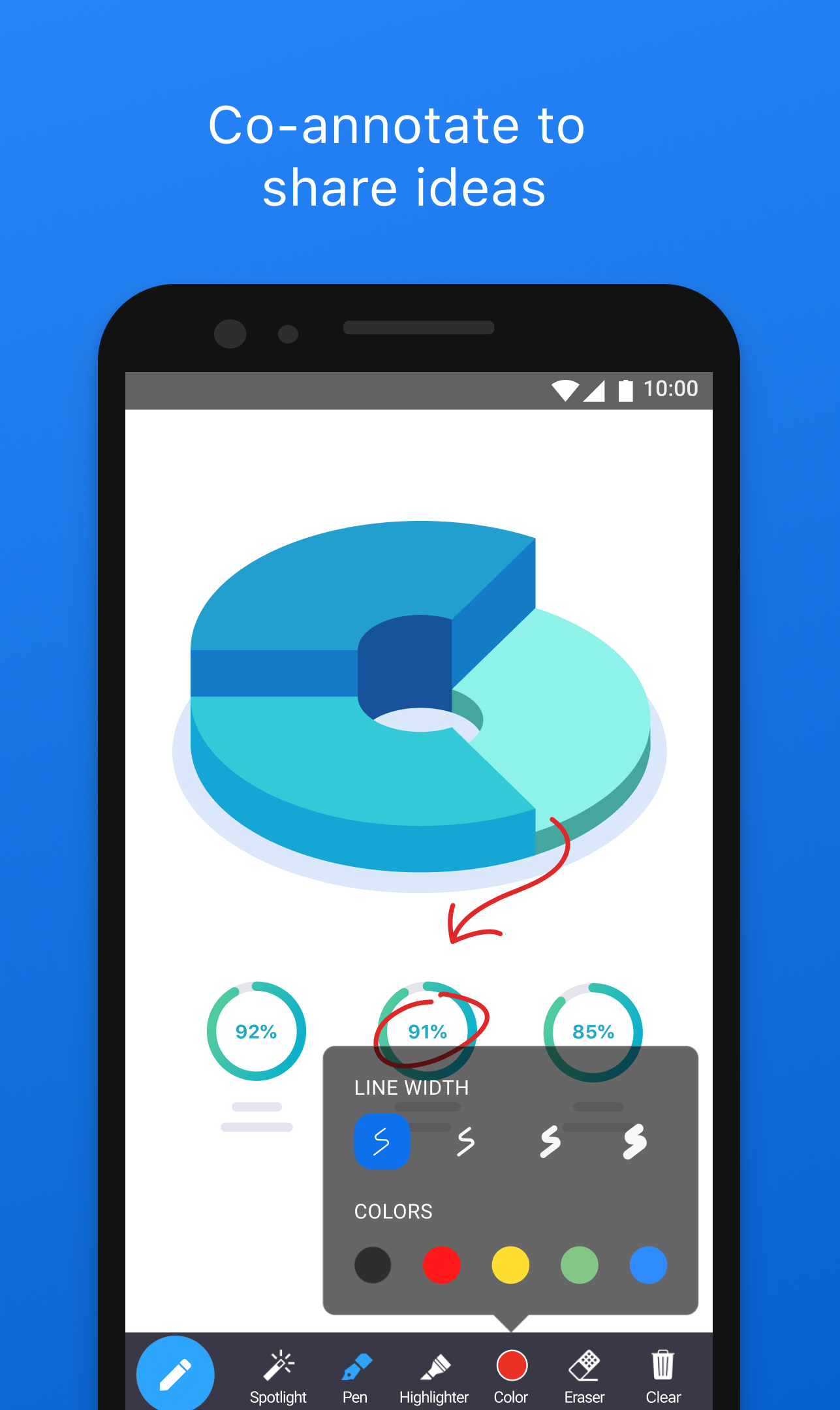
取得自動會議摘要,於 Zoom Whiteboard 進行腦力激盪與協作
在裝置之間切換而不中斷
一鍵在裝置之間轉移進行中的視訊通话或電話呼叫
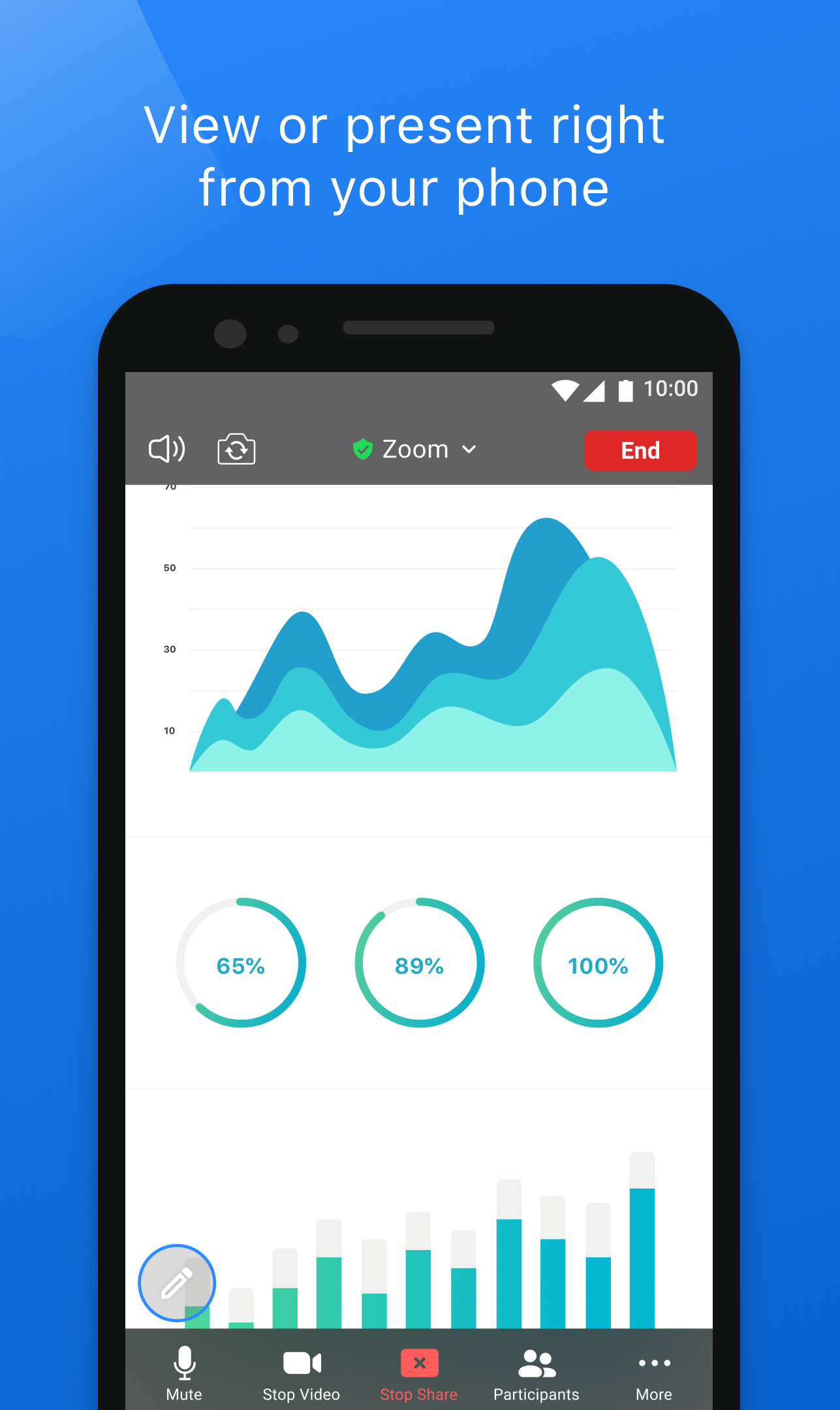
啟動 Zoom Rooms 會議並分享您的畫面*
在 Android 手機使用畫中畫、平板電腦使用分割畫面進行多工處理
隨時隨地安全工作
「Hey Google」語音指令,支援免手持操作
以企業級資安與 SSO* 保護您的資料
Zoom Workplace 將團隊仰賴的協作工具 — 視訊會議、團隊訊息、雲端電話、文件編輯、虛擬白板、日曆與電子郵件 — 整合於單一簡易應用程式。其設計宗旨在於協助您減少在工具間切換的時間,將更多心力專注於真正重要的事務。
使用某些產品功能可能需要付費的 Zoom Workplace 訂閱或其他授權。立刻升級您的免費帳戶,即可開始享有這些權益。Zoom AI 可能不適用於所有地區或垂直產業。某些功能目前不適用於所有地區或方案,未來可能有所變更。
將您的免費帳戶升級為 ZOOM WORKPLACE PRO,即可使用 AI 功能
主持無限次數的會議,每次最多 30 小時
將會議錄製到雲端(最多 10GB)
指派會議聯席主持人和排程者
除非您在免費試用或方案計費週期結束前至少 24 小時取消訂閱,否則您的 Zoom Workplace Pro 訂閱將自動續訂。訂閱生效後,您在 Google Play 應用程式中可管理訂閱。您在 Google Play 帳戶中綁定的付款方式所收取的金額,將依您選取的方案與所屬國家/地區而有所不同。我們會在您開始免費試用或確認購買之前顯示方案價格。
我們很樂意聆聽您的意見!歡迎加入 Zoom 社群:https://community.zoom.com/
請在社交媒體上關注我們 @zoom
《服務條款》:https://www.zoom.com/zh-tw/trust/terms/
隱私權聲明:https://www.zoom.com/zh-tw/trust/privacy/privacy-statement/
需要協助嗎?透過 https://support.zoom.com/hc 聯絡我們
更多

1. 下載逍遙安裝器並完成設置

2. 啟動逍遙後打開位於桌面上的谷歌商店

3. 在谷歌商店中搜尋ZOOM Cloud Meetings
Install
4. 下載並安裝ZOOM Cloud Meetings
5. 下載完成後點擊圖標來啟動

6. 透過逍遙享受在電腦上體驗ZOOM Cloud Meetings
逍遙安卓是優秀的安卓模擬器,全球超過5000萬用戶的優先選擇。逍遙安卓以虛擬化技術為核心,為用户打造突破手機配備局限的應用平台!
大屏精細展示;無限待機,超越電池和流量限制
鍵鼠,手把操作全面支持,操作更精準
用逍遙多開同時運行多個遊戲、應用。
Use ZOOM Cloud Meetings on PC by following steps: