
VMOMENT
更新日期
目前版本
38.0.0
提供者

想體驗VMOMENT,可是手機熒幕太小,一載軟體就變燙,怎麼辦?透過逍遙模擬器,在電腦的大熒幕上暢快體驗!用鍵鼠操作更精準流暢,逍遙模擬器滿足您的所有期待。在電腦上下載安裝VMOMENT,不用擔心電池當掉,想體驗多久就多久,順暢跑一天~全新的逍遙模擬器9,絕對是您體驗VMOMENT電腦版的最佳選擇。完美的按鍵映射系統讓VMOMENT如PC軟體般順手;強大的多開功能可同時執行多個任務;獨家虛擬化技術更能徹底釋放電腦效能,保障長時間穩定運作。我們致力於不讓設備限制您的體驗,助您輕鬆高效,暢快無比!
更多
透過逍遙模擬器,在電腦上下載VMOMENT,享受大熒幕的暢快體驗。 VMOMENT APP is a global healthy living social platform that integrates communication, health, entertainment, information, education, and social functions.
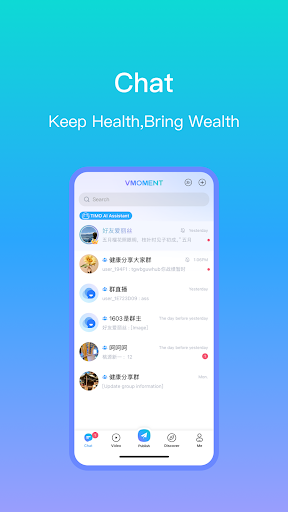
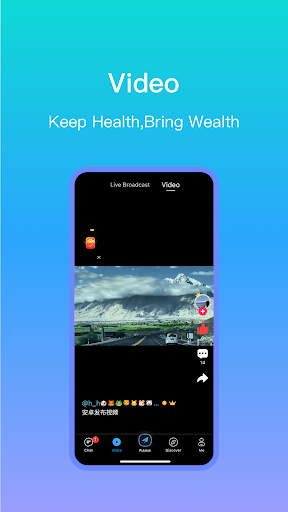
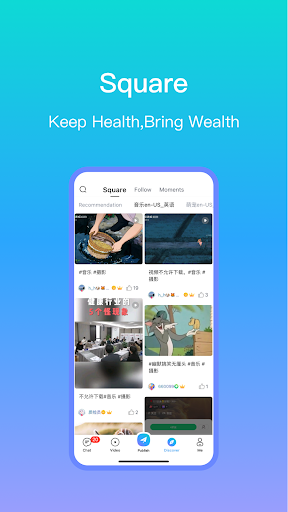
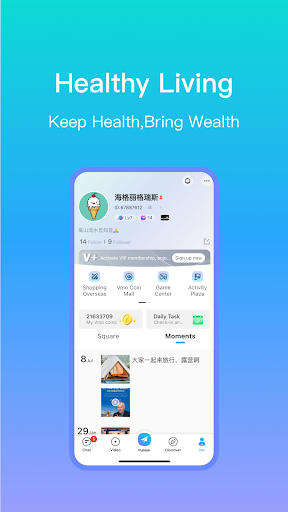
VMOMENT APP is a global healthy living social platform that integrates communication, health, entertainment, information, education, and social functions. Its main competitive advantage lies in its extensive global presence, spanning 224 countries and regions, and supporting 83 languages. It enables users to share updates, engage in real-time chat, participate in discussions on various topics in the square, and access a global meeting center, thus facilitating content distribution and helping users establish their own healthy lifestyle.
Download VMOMENT APP now and experience the excitement with global partners!
[Chat]
It provides functions such as adding, deleting, and searching for friends, as well as supporting friend grouping and tagging for better management. It supports various forms of instant communication, including text, emojis, voice messages, images, and videos.
[Square]
It presents various categories such as food, health, skincare, travel, business, and learning, allowing users to easily browse and post updates in the form of text, images, and videos. It also supports dynamic interactions such as liking, commenting, sharing and translation.
[Education]
It brings together premium courses from domestic and foreign professional lecturers, combining the latest health information, in-depth knowledge analysis, and real case studies to create a hub for health knowledge education.
[Meeting]
It offers a global free meeting feature, supporting up to 50,000 people to be online simultaneously, enabling users to connect with partners from all over the world.
[Shopping overseas]
It establishes a global cross-border e-commerce system, gathering selected products from around the world. Users can enjoy social interactions while easily purchasing high-quality products from different parts of the world, thus achieving a one-stop shopping experience for a healthy lifestyle.
更多

1. 下載逍遙安裝器並完成設置

2. 啟動逍遙後打開位於桌面上的谷歌商店

3. 在谷歌商店中搜尋VMOMENT
Install
4. 下載並安裝VMOMENT
5. 下載完成後點擊圖標來啟動

6. 透過逍遙享受在電腦上體驗VMOMENT
逍遙安卓是優秀的安卓模擬器,全球超過5000萬用戶的優先選擇。逍遙安卓以虛擬化技術為核心,為用户打造突破手機配備局限的應用平台!
大屏精細展示;無限待機,超越電池和流量限制
鍵鼠,手把操作全面支持,操作更精準
用逍遙多開同時運行多個遊戲、應用。
Use VMOMENT on PC by following steps: