X Icon Changer - Change Icons
更新日期
目前版本
4.5.0 (450)
提供者

想體驗X Icon Changer - Change Icons,可是手機熒幕太小,一載軟體就變燙,怎麼辦?透過逍遙模擬器,在電腦的大熒幕上暢快體驗!用鍵鼠操作更精準流暢,逍遙模擬器滿足您的所有期待。在電腦上下載安裝X Icon Changer - Change Icons,不用擔心電池當掉,想體驗多久就多久,順暢跑一天~全新的逍遙模擬器9,絕對是您體驗X Icon Changer - Change Icons電腦版的最佳選擇。完美的按鍵映射系統讓X Icon Changer - Change Icons如PC軟體般順手;強大的多開功能可同時執行多個任務;獨家虛擬化技術更能徹底釋放電腦效能,保障長時間穩定運作。我們致力於不讓設備限制您的體驗,助您輕鬆高效,暢快無比!
更多
透過逍遙模擬器,在電腦上下載X Icon Changer - Change Icons,享受大熒幕的暢快體驗。 X Icon Changer is a totally free and useful app which can help you change & customize icons and names for any apps.
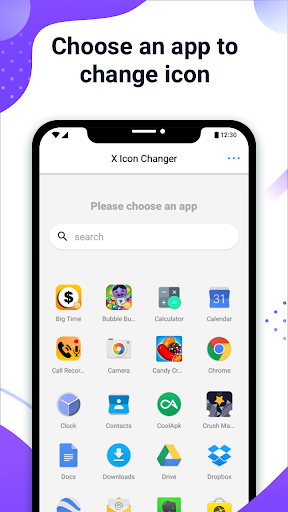
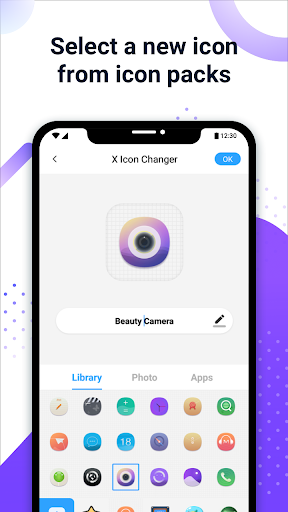
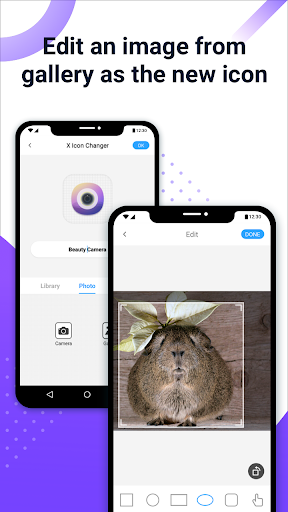
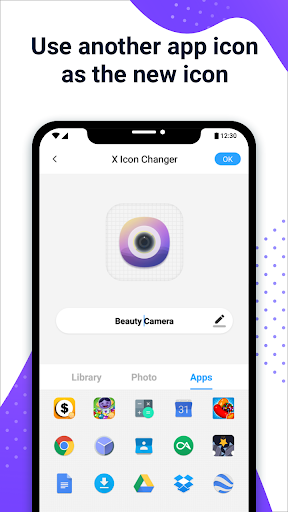
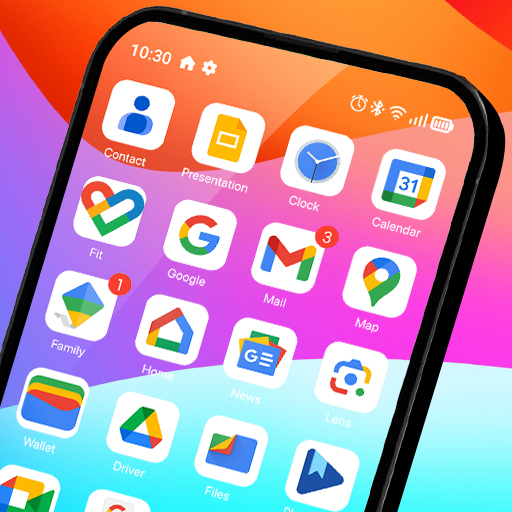
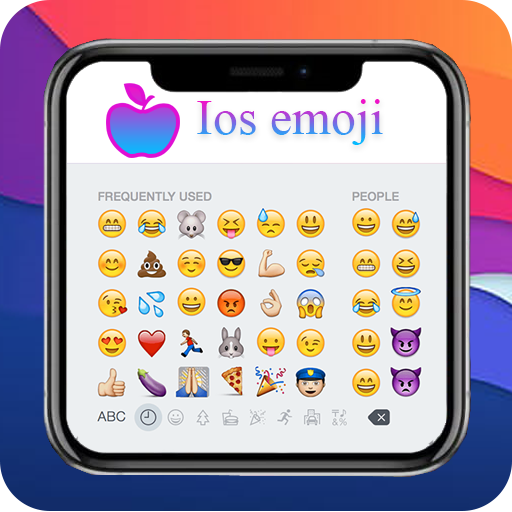
X Icon Changer is a totally free and useful app which can help you change & customize icons and names for any apps. The new icons can be chosen from gallery, other app icons and lots of personalized icon packs. Our app will create a shortcut to the new icon on your home screen. This is the easiest way to decorate your android phone.
☆ HOW TO USE ☆
1. Enter X Icon Changer.
2. Choose an app.
3. Select a new icon from the built-in icon packs, your gallery, other app icons or personalized third-party icon packs.
4. Edit a new name (can be null) for the app.
5. Go to the home screen / desktop to see the new shortcut icon.
6. Add a GIF to play an interesting GIF animation when the new app icon launches.
☆ ABOUT THE WATERMARK ☆
On Android 8.0 and above, the system will automatically add a watermark to the shortcut icon. We provide a way for you to perfectly change app icons without any watermarks using widget technology:
1. Go to the home screen / desktop, long press a blank space and then click “Widgets” in the pop-up menu.
2. Find “X Icon Changer” on the widget page, long press it and drag it to your desktop.
3. The X Icon Changer widget will open automatically. After that, you can change your app icons without any watermarks.
There are lots of selected personalized icon packs built into X Icon Changer. The app and those icon packs are all free to get. Just download X Icon Changer now to decorate your android phone.
更多

1. 下載逍遙安裝器並完成設置

2. 啟動逍遙後打開位於桌面上的谷歌商店

3. 在谷歌商店中搜尋X Icon Changer - Change Icons
Install
4. 下載並安裝X Icon Changer - Change Icons
5. 下載完成後點擊圖標來啟動

6. 透過逍遙享受在電腦上體驗X Icon Changer - Change Icons
逍遙安卓是優秀的安卓模擬器,全球超過5000萬用戶的優先選擇。逍遙安卓以虛擬化技術為核心,為用户打造突破手機配備局限的應用平台!
大屏精細展示;無限待機,超越電池和流量限制
鍵鼠,手把操作全面支持,操作更精準
用逍遙多開同時運行多個遊戲、應用。
Use X Icon Changer - Change Icons on PC by following steps: