Đang tải về MEmu...
Nếu việc tải về không tự bắt đầu, click here
Tải Chamet - Live Video Chat & Meet & Party Rooms trên PC
-
![Chamet - Live Video Chat & Meet & Party Rooms PC]()
1. Tải trình cài đặt MEmu và hoàn tất cài đặt
-
![Chamet - Live Video Chat & Meet & Party Rooms PC]()
2. Khởi động MEmu, sau đó mở Google Play trên trang chủ
-
![Chamet - Live Video Chat & Meet & Party Rooms PC]()
3. Tìm kiếm Chamet - Live Video Chat & Meet & Party Rooms trong Google Play
-
 Install
4. Tải và Cài Đặt Chamet - Live Video Chat & Meet & Party Rooms
-
5. Khi cài đặt hoàn tất, nhấp vào biểu tượng để bắt đầu
-
![Chamet - Live Video Chat & Meet & Party Rooms PC]()
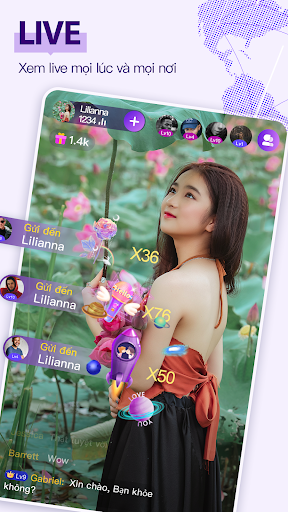
6. Trải nghiệm Chamet - Live Video Chat & Meet & Party Rooms trên PC của bạn bằng MEmu