در حال دانلود MEmu...
اگر دانلود شروع نشد،اینجا کلیک کنید
چطور Google Authenticator را بر روی رایانه شخصی دانلود کنم
-
![Google Authenticator PC]()
1. نصب کننده Memu را دانلود کرده و راه اندازی را تمام کنید
-
![Google Authenticator PC]()
2. Memu را اجرا کنید و سپس گوگل پلی را بر روی دستکتاپ باز کنید
-
![Google Authenticator PC]()
3. Google Authenticator را بر روی گوگل پلی جستجو کنید
-
 Install
4. Google Authenticator را دانلود و نصب کنید
-
5. پس از اتمام نصب روی آیکون کلیک کنید تا اجرا شود
-
![Google Authenticator PC]()
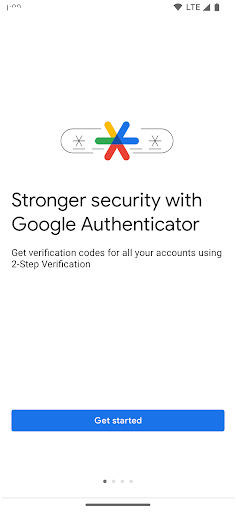
6. با استفاده از MEmu، Google Authenticator را روی کامپیوتر خود تجربه کنید.
















موضوعات داغ