Scaricando MEmu...
Se non inizia ancora a scaricare, clicca qui
Come scaricare Cut the Rope su PC
-
![Cut the Rope PC]()
1. Scarica il programma di installazione di MEmu e completa l'installazione
-
![Cut the Rope PC]()
2. Avvia il Memu e apri il Google Play sulla homepage
-
![Cut the Rope PC]()
3. Cerca Cut the Rope in Google Play
-
 Install
4. Scarica e installa Cut the Rope
-
5. Al termine dell'installazione, fai clic sull'icona per avviar
-
![Cut the Rope PC]()
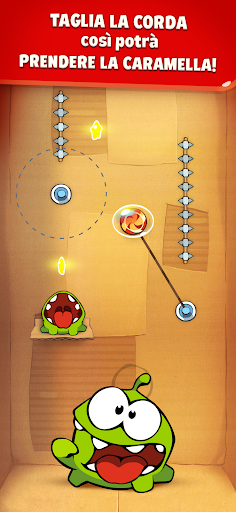
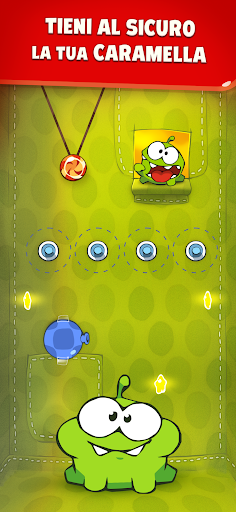
6. Divertiti giocando a Cut the Rope su PC con MEmu