Can you escape the 100 room 8
Aggiornata
Versione corrente
33
Offerta da

Vista tutta la passione dimostrata nel giocare a Can you escape the 100 room 8, le tue mani non dovrebbero essere limitate al minuscolo schermo di un telefono. Gioca come un professionista e ottieni il pieno controllo del gioco con tastiera e mouse. MEmu ti offre tutto ciò che ti aspetti. Scarica e gioca a Can you escape the 100 room 8 su PC. Gioca quanto vuoi, niente più limitazioni di batteria, dati mobili e chiamate inquietanti. Il nuovissimo MEmu 9 è la scelta migliore per giocare a Can you escape the 100 room 8 su PC. Realizzato sulla base della nostra esperienza, lo squisito sistema di mappatura dei tasti preimpostati rende Can you escape the 100 room 8 un vero e proprio gioco per PC. MEmu è un gestore multi-instanza che permette di giocare con 2 o più account sullo stesso dispositivo. E la cosa più importante, il nostro esclusivo motore di emulazione può liberare tutto il potenziale del tuo PC, rendendo tutto fluido.
Mostra altro
Scarica Can you escape the 100 room 8 su PC con MEmu Android Emulator. Divertiti giocando sul grande schermo. Classic Escape Game "Can you Escape the 100 room VIII" is coming .
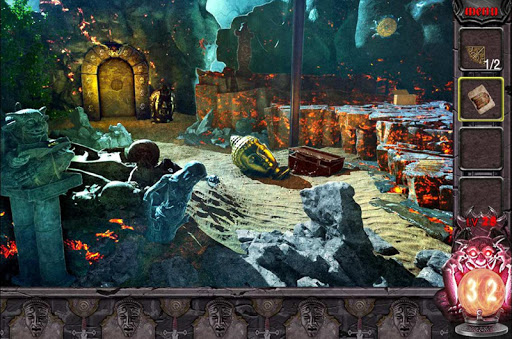
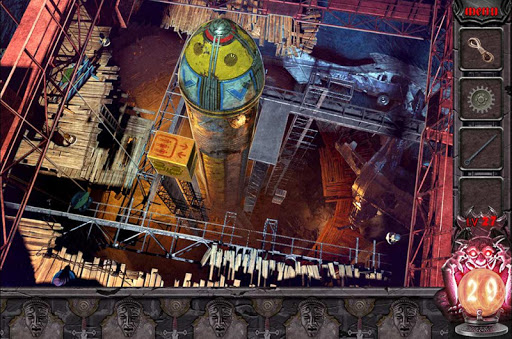
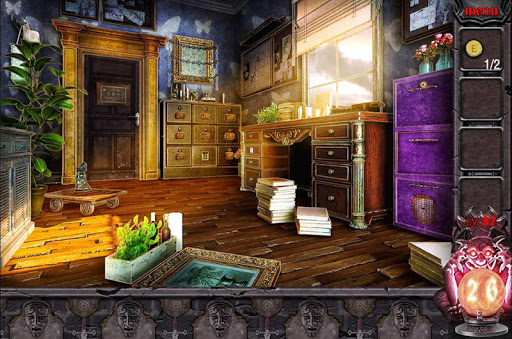
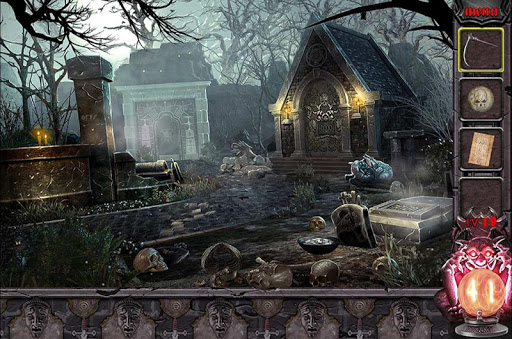
Classic Escape Game "Can you Escape the 100 room VIII" is coming ...
It is a classic puzzle game , If you like the challenge must not miss it!
The new 50 room escape, Let you can't stop, start your brain cells, your observations, your judgment, your calculations, trying to escape ...
Humane tips, the key moment will be pleasantly surprised,Make you successful escape.
If you love puzzle games, you will not miss such a wonderful challenge.
50 rooms, 50 challenge, waiting for you to escape!!!
Mostra altro

1. Scarica il programma di installazione di MEmu e completa l'installazione

2. Avvia il Memu e apri il Google Play sulla homepage

3. Cerca Can you escape the 100 room 8 in Google Play
Install
4. Scarica e installa Can you escape the 100 room 8
5. Al termine dell'installazione, fai clic sull'icona per avviar

6. Divertiti giocando a Can you escape the 100 room 8 su PC con MEmu
MEmu App Player è il miglior emulatore Android gratuito, utilizzato da 50 milioni di persone per ottenere un'esperienza di gioco Android superba. La tecnilogia di virtualizzazione MEmu ti permette di giocare a migliaia di giochi Android con semplicità sul tuo computer, anche i giochi con la grafica più esigente.
Schermo più grande con una grafica migliore; Lunga durata, senza limitazione di batteria o dati mobili.
Supporto completo per mappa di tastiera per un controllo preciso di tastiera e mouse o gamepad.
Multipli account di gioco o attività su un singolo PC contemporaneamente con il gestore di multi istanza.
Play Can you escape the 100 room 8 on PC by following steps: