GoChess™
Aggiornata
Versione corrente
2024.4.10
Offerta da

Vista tutta la passione dimostrata nel giocare a GoChess™, le tue mani non dovrebbero essere limitate al minuscolo schermo di un telefono. Gioca come un professionista e ottieni il pieno controllo del gioco con tastiera e mouse. MEmu ti offre tutto ciò che ti aspetti. Scarica e gioca a GoChess™ su PC. Gioca quanto vuoi, niente più limitazioni di batteria, dati mobili e chiamate inquietanti. Il nuovissimo MEmu 9 è la scelta migliore per giocare a GoChess™ su PC. Realizzato sulla base della nostra esperienza, lo squisito sistema di mappatura dei tasti preimpostati rende GoChess™ un vero e proprio gioco per PC. MEmu è un gestore multi-instanza che permette di giocare con 2 o più account sullo stesso dispositivo. E la cosa più importante, il nostro esclusivo motore di emulazione può liberare tutto il potenziale del tuo PC, rendendo tutto fluido.
Mostra altro
Scarica GoChess™ su PC con MEmu Android Emulator. Divertiti giocando sul grande schermo. Welcome to GoChess.
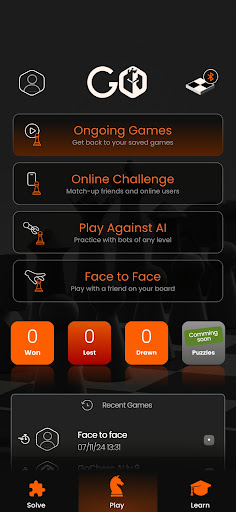
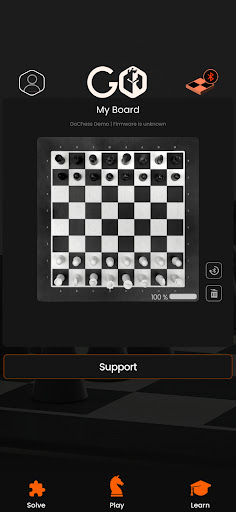
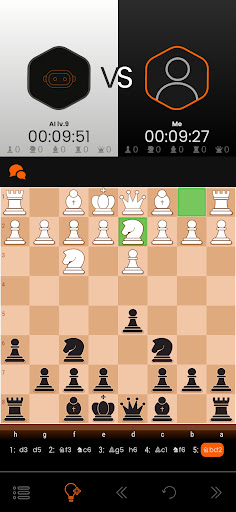
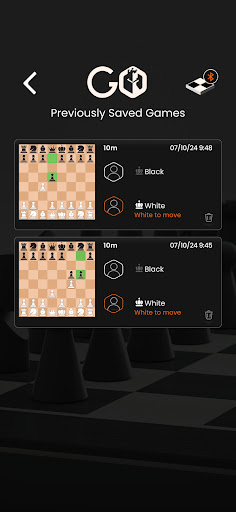
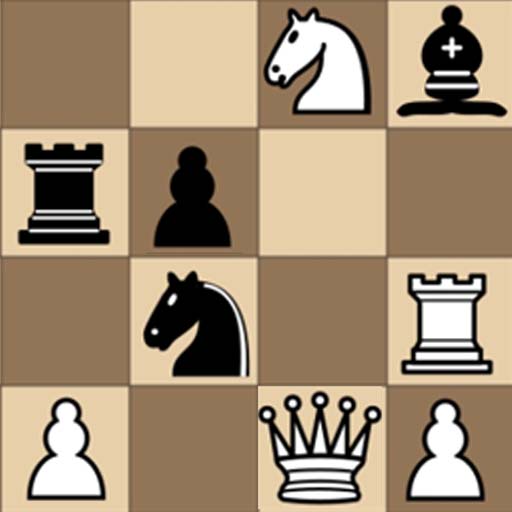
Welcome to GoChess. Your “hands-on” chess board with innovative design, cutting-edge technology, and an unmatched level of realistic gameplay. With GoChess distance is no longer a barrier to playing your favorite game of chess! Play with Anyone. Anywhere. Anytime. Whether it’s face-to-face, online (using Chess.com or Lichess), or with AI.
Advanced Lighting System -
GoChess is the ultimate tool for both beginners and pros alike. With its innovative light system, GoChess provides real-time suggestions, potential moves, and scores, allowing amateurs to learn faster and play competitively with the level of companionship they desire. For pros, it’s perfect to advance their strategic game and outwit their opponents.
Smart and Connected -
Play on a real chess board, while connecting and playing with millions of players online via GoChess App. With its built-in magnetic sensors and connectivity to track and remember moves, GoChess makes it possible to play with anyone near or far, preserving the true experience of authentic chess.
Connect. Play. Improve. Compete -
Designed by chess masters, chess lovers, and aspiring players, our GoChess app runs intuitively and is super user-friendly. Sync your real-life board to the exclusive app to manage all the features of GoChess. Connect popular chess platforms such as Chess.com and Lichess. App remembers the play state for seamless resumption and offers real-time analysis to enhance your game.
Mostra altro

1. Scarica il programma di installazione di MEmu e completa l'installazione

2. Avvia il Memu e apri il Google Play sulla homepage

3. Cerca GoChess™ in Google Play
Install
4. Scarica e installa GoChess™
5. Al termine dell'installazione, fai clic sull'icona per avviar

6. Divertiti giocando a GoChess™ su PC con MEmu
MEmu App Player è il miglior emulatore Android gratuito, utilizzato da 50 milioni di persone per ottenere un'esperienza di gioco Android superba. La tecnilogia di virtualizzazione MEmu ti permette di giocare a migliaia di giochi Android con semplicità sul tuo computer, anche i giochi con la grafica più esigente.
Schermo più grande con una grafica migliore; Lunga durata, senza limitazione di batteria o dati mobili.
Supporto completo per mappa di tastiera per un controllo preciso di tastiera e mouse o gamepad.
Multipli account di gioco o attività su un singolo PC contemporaneamente con il gestore di multi istanza.
Play GoChess™ on PC by following steps: