My Plane Simulator 3D
Aggiornata
Versione corrente
Offerta da

Vista tutta la passione dimostrata nel giocare a My Plane Simulator 3D, le tue mani non dovrebbero essere limitate al minuscolo schermo di un telefono. Gioca come un professionista e ottieni il pieno controllo del gioco con tastiera e mouse. MEmu ti offre tutto ciò che ti aspetti. Scarica e gioca a My Plane Simulator 3D su PC. Gioca quanto vuoi, niente più limitazioni di batteria, dati mobili e chiamate inquietanti. Il nuovissimo MEmu 9 è la scelta migliore per giocare a My Plane Simulator 3D su PC. Realizzato sulla base della nostra esperienza, lo squisito sistema di mappatura dei tasti preimpostati rende My Plane Simulator 3D un vero e proprio gioco per PC. MEmu è un gestore multi-instanza che permette di giocare con 2 o più account sullo stesso dispositivo. E la cosa più importante, il nostro esclusivo motore di emulazione può liberare tutto il potenziale del tuo PC, rendendo tutto fluido.
Mostra altro
Scarica My Plane Simulator 3D su PC con MEmu Android Emulator. Divertiti giocando sul grande schermo. Fly, land, repeat – Your pilot adventure starts now!
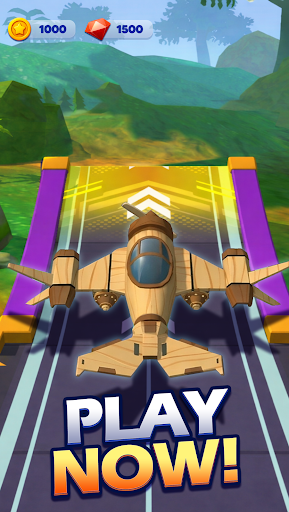
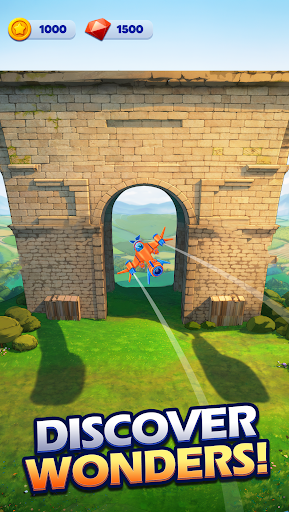
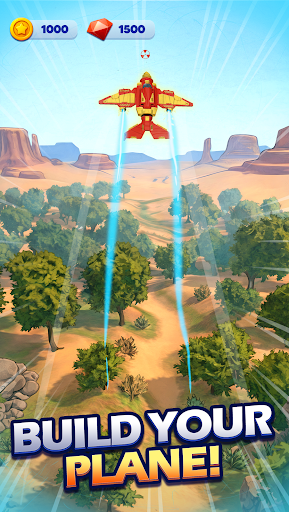
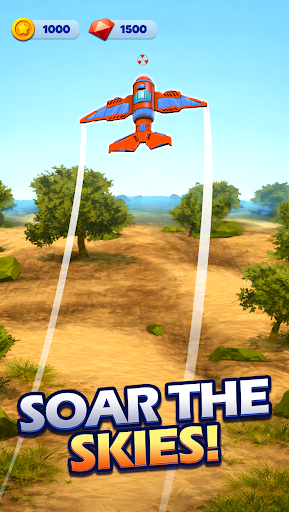
Fly, land, repeat – Your pilot adventure starts now!
Take off into the world of My Plane Simulator, where your flying dreams become reality. Master the cockpit, soar through breathtaking environments, and prove yourself as the ultimate pilot in this virtual airplane flying simulation game.Whether you're landing in turbulence or cruising at 30,000 feet, every moment is an epic flight experience.
Adventorous Flight Controls
Feel the thrill of flying with intuitive controls designed for both new pilots and seasoned pros. Every takeoff, landing, and mid-air maneuver is smooth and immersive.
Dynamic Skies & Missions
Fly through stunning virtual locations—from stormy skies to clear sunsets. Complete a range of missions that test your landing precision, altitude management, and flight path accuracy.
Customize Your Aircraft
Unlock and upgrade a fleet of detailed airplanes. Paint, modify, and equip your plane for both performance and flair.
Learn to Fly Like a Pro
Sharpen your pilot skills virtually as you progress. Start with basic flights and move on to complex routes and landing challenges.
Endless Replayability
With multiple aircraft, diverse environments, and daily challenges, no two flights feel the same. It's the perfect mix of simulation, strategy, and sky-high adventure.
Key Features:
Realistic flight mechanics with smooth physics
Multiple aircraft to unlock, fly, and upgrade
Day/night cycle and weather variations
Easy-to-learn, hard-to-master gameplay
Daily missions, pilot ranks, and achievements
Whether you're in it for the challenge, the relaxation, or the thrill of aviation, My Plane Simulator is your ticket to the skies.
Download now and start your epic flight journey today!
Mostra altro

1. Scarica il programma di installazione di MEmu e completa l'installazione

2. Avvia il Memu e apri il Google Play sulla homepage

3. Cerca My Plane Simulator 3D in Google Play
Install
4. Scarica e installa My Plane Simulator 3D
5. Al termine dell'installazione, fai clic sull'icona per avviar

6. Divertiti giocando a My Plane Simulator 3D su PC con MEmu
MEmu App Player è il miglior emulatore Android gratuito, utilizzato da 50 milioni di persone per ottenere un'esperienza di gioco Android superba. La tecnilogia di virtualizzazione MEmu ti permette di giocare a migliaia di giochi Android con semplicità sul tuo computer, anche i giochi con la grafica più esigente.
Schermo più grande con una grafica migliore; Lunga durata, senza limitazione di batteria o dati mobili.
Supporto completo per mappa di tastiera per un controllo preciso di tastiera e mouse o gamepad.
Multipli account di gioco o attività su un singolo PC contemporaneamente con il gestore di multi istanza.
Play My Plane Simulator 3D on PC by following steps: