BinkBink:AI game maker&Play
Aggiornata
Versione corrente
1.0.571
Offerta da

Non devi più preoccuparti dei sovraccarichi durante l'utilizzo di BinkBink:AI game maker&Play sul tuo cellulare, liberati dal piccolo schermo e goditi dell'App su uno schermo molto più grande. D'ora in poi, sperimenta la tua App a schermo intero con tastiera e mouse. MEmu ti offre tutte le sorprendenti funzioni che ti aspettavi: installazione rapida e impostazione semplice, controlli intuitivi, niente più limitazioni di batteria, dati mobili e chiamate fastidiose. Il MEmu 9 nuovo di zecca è la prima scelta per utilizzare BinkBink:AI game maker&Play sul tuo computer. Codificato con il nostro assorbimento, il gestore multi-istanza consente di aprire 2 o più account contemporaneamente. E soprattutto, il nostro esclusivo motore di emulazione può sbloccare il pieno potenziale del tuo PC, rendendo tutto liscio e piacevole.
Mostra altro
Goditi un'esperienza straordinaria con BinkBink:AI game maker&Play su PC con MEmu Play. È un potente emulatore Android gratuito che ti offre migliaia di app Android per la versione desktop. Divertiti a connetterti con gli amici e a perfezionare il tuo lavoro con maggiore efficienza! BinkBink - AI Game Maker.
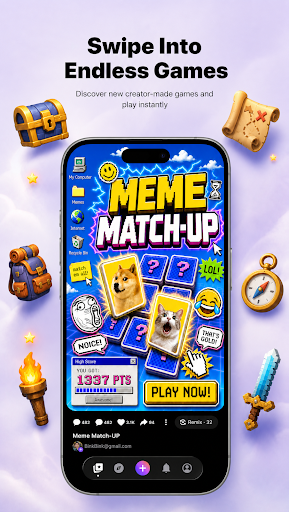
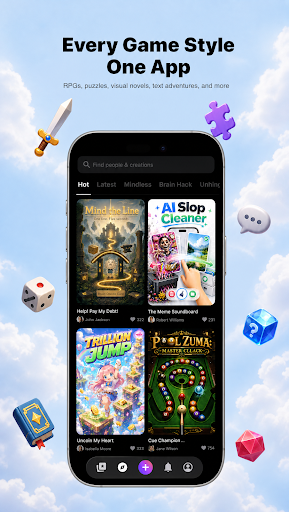
BinkBink - AI Game Maker. Turn any idea into a playable game.
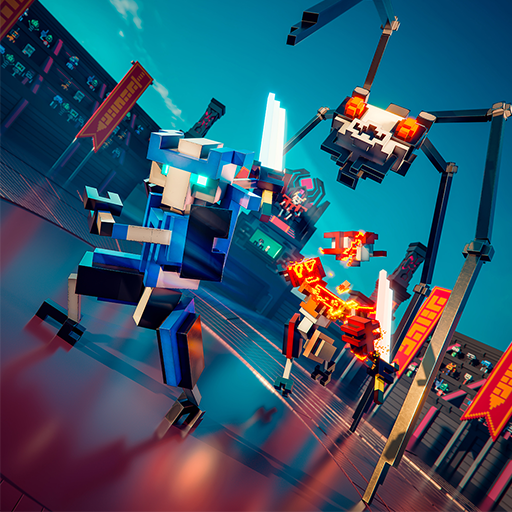
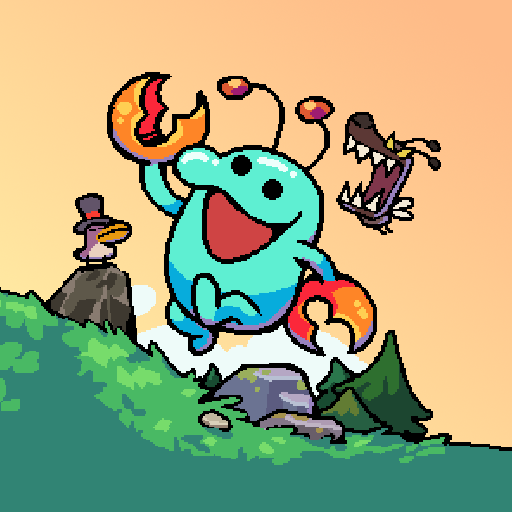
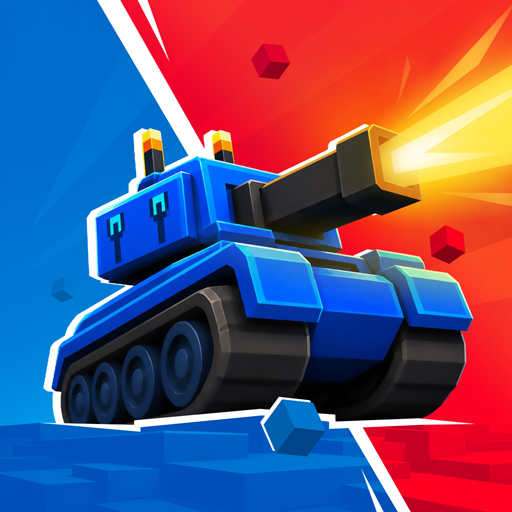
No code. No art skills. No development team. BinkBink is an AI game maker and AI game generator that builds a complete, playable casual game from one sentence. This is not a demo, a prototype, or a concept render. It is a finished game you can open, play, and share right away.
Everything here works from plain language. There is no no-code setup, no engine, and nothing to install before you start.
HOW IT WORKS
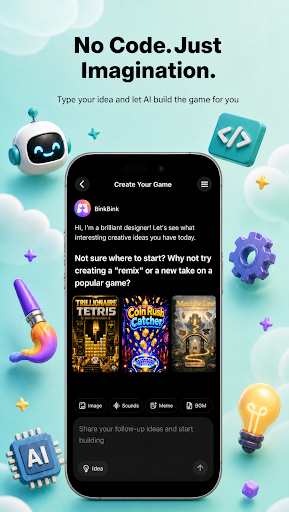
Type it. Describe the game you want in a single sentence, a text to game prompt with no forms, no setup, and no technical terms.
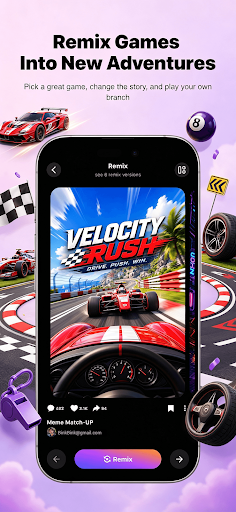
Watch it build. BinkBink generates the art, rules, levels, and audio, then assembles them into a working game in minutes.Play and remix. Open your game, play it, then change one thing and remix it into a new version. Keep the parts you like, replace the rest.
WHAT YOU CAN MAKE
- Merge games, match-3 boards, and puzzle levels
- Tower defense, survival, and endless runners
- Simulation games, shop builders, and restaurant management sims
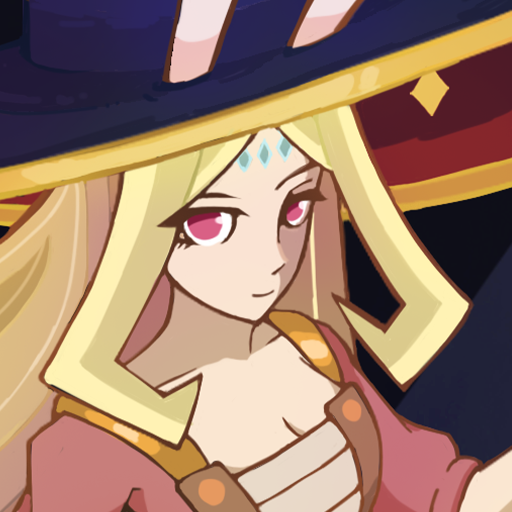
- Interactive story and visual novel style games with branching choices
- Sandbox play and indie game experiments you can remix
- Whatever else you describe, as long as it fits a casual play session
- Templates are one starting point out of many. The generator is the main way to build here, and it works from your description alone.
WHY PEOPLE KEEP PLAYING
- Fast to finish. Most games take under two minutes to play through, so you get to the fun part quickly.
- Worth replaying. Games are tuned for short repeat sessions, not one-and-done novelty.
- Easy to share. Send a link and your friends are playing in one tap. No install, no account, no waiting.
-Yours to keep. Every game you generate stays in your library and can be remixed as many times as you want.
BUILT FOR CREATORS
If you are an indie game developer or a first-time game creator, BinkBink removes the parts that slow you down. Skip the art pipeline, the level design, and the engine setup. Start from a playable build and spend your time on creating instead. Beginners get a finished game on the first try. Experienced creators get a fast first draft.
JOIN THE COMMUNITY
BinkBink is a place to share what you make, play what other people made, and remix anything that catches your eye. Every game you publish gives someone else a new starting point.
Start with one sentence. See what comes out.
The AI game maker and AI game generator behind BinkBink works from text to game prompts, turning a description into a game worth replaying.
Official website: https://www.binkbink.ai
Mostra altro

1. Scarica il programma di installazione di MEmu e completa l'installazione

2. Avvia il Memu e apri il Google Play sulla homepage

3. Cerca BinkBink:AI game maker&Play in Google Play
Install
4. Scarica e installa BinkBink:AI game maker&Play
5. Al termine dell'installazione, fai clic sull'icona per avviar

6. Divertiti giocando a BinkBink:AI game maker&Play su PC con MEmu
MEmu App Player è il miglior emulatore Android gratuito, utilizzato da 50 milioni di persone per ottenere un'esperienza di gioco Android superba. La tecnilogia di virtualizzazione MEmu ti permette di giocare a migliaia di giochi Android con semplicità sul tuo computer, anche i giochi con la grafica più esigente.
Schermo più grande con una grafica migliore; Lunga durata, senza limitazione di batteria o dati mobili.
Supporto completo per mappa di tastiera per un controllo preciso di tastiera e mouse o gamepad.
Multipli account di gioco o attività su un singolo PC contemporaneamente con il gestore di multi istanza.
Use BinkBink:AI game maker&Play on PC by following steps: