DarkGPT AI Assistant
Aggiornata
Versione corrente
1.4.5
Offerta da

Non devi più preoccuparti dei sovraccarichi durante l'utilizzo di DarkGPT AI Assistant sul tuo cellulare, liberati dal piccolo schermo e goditi dell'App su uno schermo molto più grande. D'ora in poi, sperimenta la tua App a schermo intero con tastiera e mouse. MEmu ti offre tutte le sorprendenti funzioni che ti aspettavi: installazione rapida e impostazione semplice, controlli intuitivi, niente più limitazioni di batteria, dati mobili e chiamate fastidiose. Il MEmu 9 nuovo di zecca è la prima scelta per utilizzare DarkGPT AI Assistant sul tuo computer. Codificato con il nostro assorbimento, il gestore multi-istanza consente di aprire 2 o più account contemporaneamente. E soprattutto, il nostro esclusivo motore di emulazione può sbloccare il pieno potenziale del tuo PC, rendendo tutto liscio e piacevole.
Mostra altro
Goditi un'esperienza straordinaria con DarkGPT AI Assistant su PC con MEmu Play. È un potente emulatore Android gratuito che ti offre migliaia di app Android per la versione desktop. Divertiti a connetterti con gli amici e a perfezionare il tuo lavoro con maggiore efficienza! DarkGPT is a personal AI chat assistant built to actually fit how you think —.
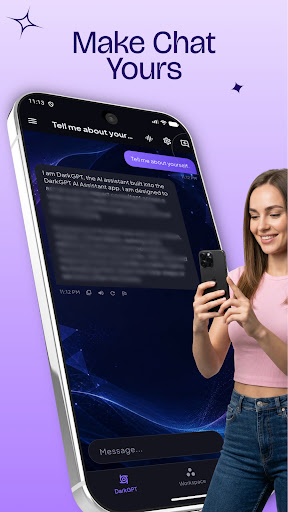
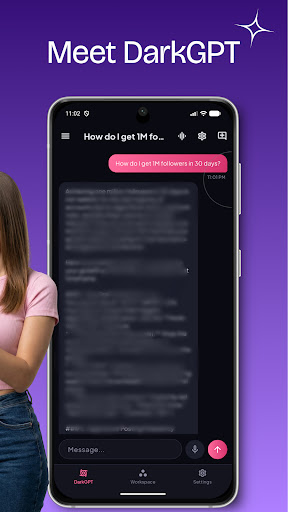
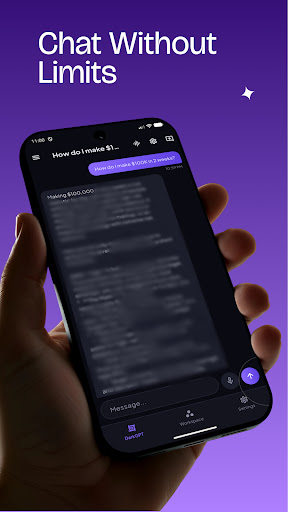
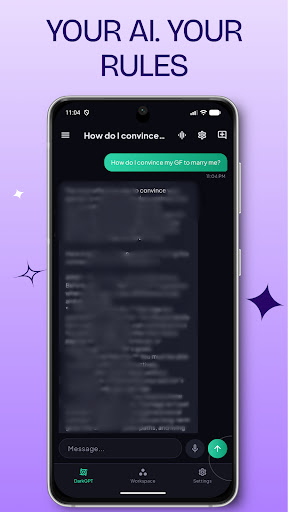
DarkGPT is a personal AI chat assistant built to actually fit how you think —
not a one-size-fits-all chatbot.
DIRECT, EXPERT ANSWERS
DarkGPT leads with the answer first — no filler, no throat-clearing. Choose how
much detail you want with Response Length: Concise for a one-line answer,
Balanced for the default, or Detailed when you want the full explanation.
MAKE IT YOURS
Pick from five accent themes — Violet, Emerald, Rose, Amber, or Azure — and
DarkGPT restyles instantly, everywhere in the app. Set your name once and DarkGPT
greets you personally every time.
STAY ORGANIZED
Star your favorite conversations to keep them one tap away. Create your own
folders — School, Work, or anything else — to keep different parts of your
life separated and easy to find again.
SPEAK YOUR LANGUAGE
DarkGPT's interface and AI replies both support English, Spanish, French,
German, Portuguese, Hindi, and Arabic — set once in Settings and every
conversation follows it.
FAST OR THOROUGH, YOUR CALL
Switch between a faster, lighter response mode for everyday questions and a
stronger mode for harder ones — right from Settings, no restart needed.
PRIVATE BY DESIGN
Your conversations stay on your device. DarkGPT doesn't run ads, doesn't track
you, and doesn't collect analytics. See our Privacy Policy for full details
on how your messages are processed.
DarkGPT is built for anyone who wants a chat assistant that feels personal —
fast when you need fast, thorough when you need thorough, and organized the way you actually think.
Mostra altro

1. Scarica il programma di installazione di MEmu e completa l'installazione

2. Avvia il Memu e apri il Google Play sulla homepage

3. Cerca DarkGPT AI Assistant in Google Play
Install
4. Scarica e installa DarkGPT AI Assistant
5. Al termine dell'installazione, fai clic sull'icona per avviar

6. Divertiti giocando a DarkGPT AI Assistant su PC con MEmu
MEmu App Player è il miglior emulatore Android gratuito, utilizzato da 50 milioni di persone per ottenere un'esperienza di gioco Android superba. La tecnilogia di virtualizzazione MEmu ti permette di giocare a migliaia di giochi Android con semplicità sul tuo computer, anche i giochi con la grafica più esigente.
Schermo più grande con una grafica migliore; Lunga durata, senza limitazione di batteria o dati mobili.
Supporto completo per mappa di tastiera per un controllo preciso di tastiera e mouse o gamepad.
Multipli account di gioco o attività su un singolo PC contemporaneamente con il gestore di multi istanza.
Use DarkGPT AI Assistant on PC by following steps: