PDF Reader
Aggiornata
Versione corrente
6.0.2
Offerta da

Non devi più preoccuparti dei sovraccarichi durante l'utilizzo di PDF Reader sul tuo cellulare, liberati dal piccolo schermo e goditi dell'App su uno schermo molto più grande. D'ora in poi, sperimenta la tua App a schermo intero con tastiera e mouse. MEmu ti offre tutte le sorprendenti funzioni che ti aspettavi: installazione rapida e impostazione semplice, controlli intuitivi, niente più limitazioni di batteria, dati mobili e chiamate fastidiose. Il MEmu 9 nuovo di zecca è la prima scelta per utilizzare PDF Reader sul tuo computer. Codificato con il nostro assorbimento, il gestore multi-istanza consente di aprire 2 o più account contemporaneamente. E soprattutto, il nostro esclusivo motore di emulazione può sbloccare il pieno potenziale del tuo PC, rendendo tutto liscio e piacevole.
Mostra altro
Goditi un'esperienza straordinaria con PDF Reader su PC con MEmu Play. È un potente emulatore Android gratuito che ti offre migliaia di app Android per la versione desktop. Divertiti a connetterti con gli amici e a perfezionare il tuo lavoro con maggiore efficienza! Are you in search of a robust and user-friendly PDF reader?
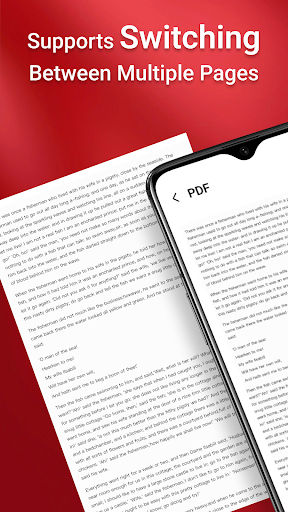
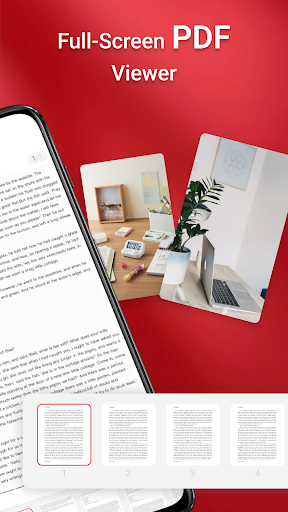
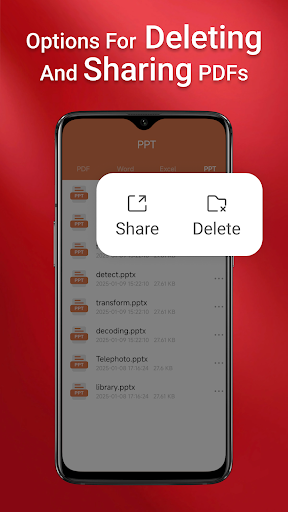
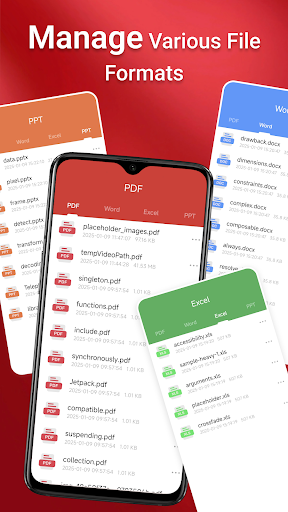
Are you in search of a robust and user-friendly PDF reader? Look no further than our app, "PDF Reader"! This comprehensive application allows you to effortlessly view, manage, and share all your PDF files while on the move.
Our app features a sleek and intuitive interface, making it simple to navigate and locate the PDFs you need.
Key Features of the "PDF Reader":
1. One-Click PDF Reading
2. Access All PDF Files on Your Device
3. Integrated Support for Various Document Types: Doc, PDF, PPT, Excel
4. Quick Page Navigation for Easy Reading
But that’s not all—our PDF reader also enables seamless sharing of your PDFs with others. Download now to enjoy the convenience and flexibility of having your PDFs at your fingertips, wherever you go!
Note:
On Android 11 and later, the app requires MANAGE_EXTERNAL_STORAGE permission to access and display your files. This permission is only used for essential file-related operations.
The app requires the MANAGE_EXTERNAL_STORAGE permission because Android’s limited access alternatives (such as SAF or MediaStore) do not support:
Performing operations across folders without user interaction
Accessing and editing files in SD card or non-standard locations
Managing documents in the background or offline reliably
Without this permission, key features like file preview, multi-file merging, and persistent access to stored documents may not function as intended.
Mostra altro

1. Scarica il programma di installazione di MEmu e completa l'installazione

2. Avvia il Memu e apri il Google Play sulla homepage

3. Cerca PDF Reader in Google Play
Install
4. Scarica e installa PDF Reader
5. Al termine dell'installazione, fai clic sull'icona per avviar

6. Divertiti giocando a PDF Reader su PC con MEmu
MEmu App Player è il miglior emulatore Android gratuito, utilizzato da 50 milioni di persone per ottenere un'esperienza di gioco Android superba. La tecnilogia di virtualizzazione MEmu ti permette di giocare a migliaia di giochi Android con semplicità sul tuo computer, anche i giochi con la grafica più esigente.
Schermo più grande con una grafica migliore; Lunga durata, senza limitazione di batteria o dati mobili.
Supporto completo per mappa di tastiera per un controllo preciso di tastiera e mouse o gamepad.
Multipli account di gioco o attività su un singolo PC contemporaneamente con il gestore di multi istanza.
Use PDF Reader on PC by following steps: