Kids Preschool Puzzles (Lite)
Dikemas kini
Versi Semasa
3.4.7
Ditawarkan Oleh

Dengan semangat anda untuk bermain Kids Preschool Puzzles (Lite), tangan anda tidak seharusnya terhad pada skrin kecil telefon anda. Main seperti profesional dan kendalikan sepenuhnya permainan anda dengan papan kekunci dan tetikus. MEmu menawarkan semua perkara yang anda harapkan. Muat turun dan mainkan Kids Preschool Puzzles (Lite) di PC. Main selagi anda mahu, tidak ada batasan bateri, data mudah alih dan panggilan yang mengganggu. MEmu 9 yang baru adalah pilihan terbaik untuk bermain Kids Preschool Puzzles (Lite) di PC. Disiapkan dengan kepakaran kami, sistem pemetaan kunci pratetap yang indah menjadikan Kids Preschool Puzzles (Lite) permainan PC sebenar. Dikodkan dengan penyerapan kami, pengurus multi-instance menjadikan bermain 2 atau lebih akaun pada peranti yang sama mungkin. Dan yang paling penting, enjin emulasi eksklusif kami dapat melepaskan potensi penuh PC anda, menjadikan semuanya lancar.Kami tidak hanya peduli bagaimana anda bermain, tetapi juga keseluruhan proses menikmati kebahagiaan permainan.
Tunjukkan Lagi
Download Kids Preschool Puzzles (Lite) on PC with MEmu Android Emulator. Enjoy playing on big screen. Kids learning games is all we do!
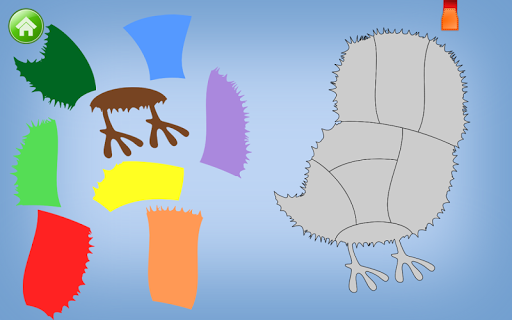
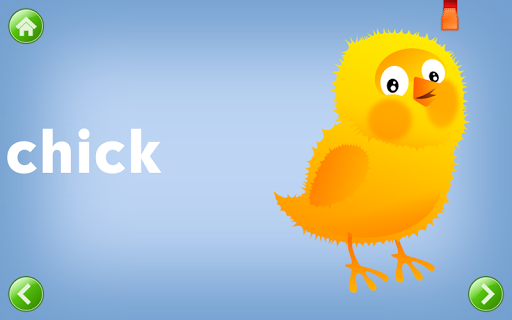
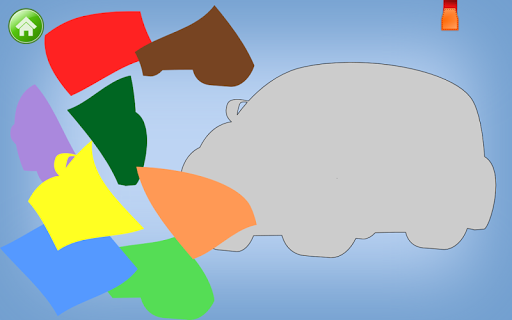
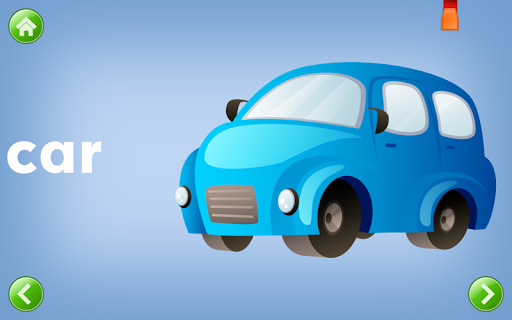
Kids learning games is all we do!
The most downloaded of all the kids educational apps on Google Play, Kids Preschool Puzzles Lite, contains two categories of puzzles to try out (Animals and Food), before you buy the full version (which contains Animals, Food, Transport, Sports, Professions, Geometric Figures, Numbers, Letters, and Assorted).
Your child will slide and snap the colorful puzzle pieces into place to reveal the delightful image.
Once kids complete the puzzle, the pleasant voice of a lady announcer congratulates the child on an excellent job and tells the child what the image depicts.
Children enjoy success time after time and receive positive reinforcement from the likable teacher. So they want to keep learning.
★★★ What will my children learn? ★★★
Like all Intellijoy games, the game focuses on a specific educational lesson, so children and their parents find the game really inviting and distraction-free. Kids Preschool Puzzles helps children build and practice cognitive skills, visual spatial skills, shape recognition, as well as tactile and fine motor skills.
★★★ What won't my children learn? ★★★
The game does not overload children and parents with too many audio and visual stimuli. Coping with stress and over-stimulation is therefore one skill that your kids won't be practicing during this game. Its clear focus makes the game a delight for children and a winning choice for parents.
Although it's perfect for preschoolers, who just love the game, many children of kindergarten age and in the early grades also enjoy snapping the puzzle pieces into place and learning the 100-plus images (in the full version) the puzzles represent.
✔ Our games are laser focused. For example, the numbers game doesn't teach letters, and the letters game doesn't teach math. We keep the games simple but magically inviting and nourishing.
✔ We strive to give children just the right balance between education and fun. So our games don't feature fun at the expense of education – or education at the expense of fun. We also know games that are too complicated don’t involve and delight kids.
Tunjukkan Lagi

1. Muat turun pemasang MEmu dan selesaikan persediaan

2. Mulakan MEnu kemudian buka Google Play di desktop

3. Cari Kids Preschool Puzzles (Lite) di Google Play
Install
4. Muat turun dan Pasang Kids Preschool Puzzles (Lite)
5. Apabila selesai pemasangan, menekan ikon itu untuk memulakan

6. Nikmati bermain Kids Preschool Puzzles (Lite) di komputer dengan MEmu
MEmu Play adalah emulator Android terbaik dan 100 juta orang sudah menikmati pengalaman permainan Androidnya yang luar biasa. Teknologi virtualisasi MEmu memberi kuasa kepada anda untuk bermain beribu-ribu permainan Android dengan lancar di komputar anda, malah yang paling intensif grafik.
Skrin lebih besar dengan grafik yang lebih baik; Tempoh yang panjang, tanpa had bateri atau data mudah alih.
Sokongan Keymapping penuh untuk kawalan tepat papan kekunci dan tetikus atau gamepad.
Pelbagai akaun permainan atau tugas pada satu PC sekaligus dengan pengurus pelbagai contoh.
Play Kids Preschool Puzzles (Lite) on PC by following steps: