
Live Me - Video Chat online
Dikemas kini
Versi Semasa
1.8.6
Ditawarkan Oleh

Berhentilah bimbang dengan bayaran berlebihan semasa menggunakan Live Me - Video Chat online di telefon bimbit anda, bebaskan diri anda dari layar kecil dan nikmati penggunaan aplikasi pada paparan yang jauh lebih besar. Mulai sekarang, dapatkan pengalaman skrin penuh aplikasi anda dengan papan kekunci dan tetikus. MEmu Play semua ciri mengejutkan yang anda harapkan: pemasangan cepat dan penyediaan mudah, kawalan intuitif, tidak ada batasan bateri, data mudah alih, dan panggilan yang mengganggu. MEmu 9 yang baru adalah pilihan terbaik untuk menggunakan Live Me - Video Chat online di komputer anda. Dikodkan dengan penyerapan kami, pengurus multi-instance menjadikan pembukaan 2 atau lebih akaun pada masa yang sama mungkin. Dan yang paling penting, mesin emulasi eksklusif kami dapat melepaskan potensi penuh PC anda, menjadikan semuanya lancar dan menyeronokkan.
Tunjukkan Lagi
Download Live Me - Video Chat online on PC with MEmu Android Emulator. Enjoy playing on big screen. Live Me is a vibrant live video chat app designed to facilitate engaging and meaningful online social interactions.

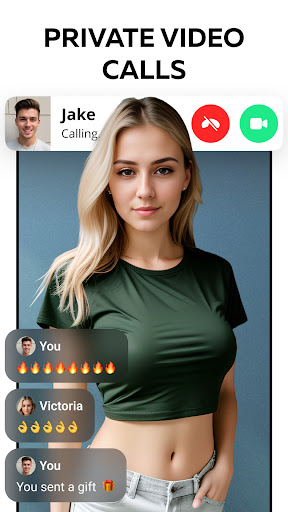

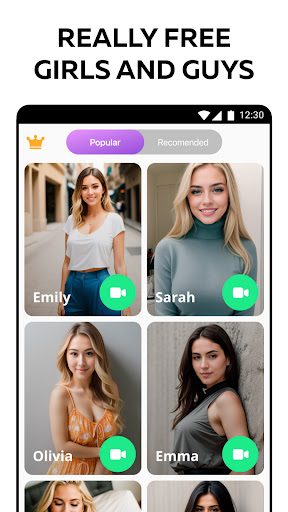
Live Me is a vibrant live video chat app designed to facilitate engaging and meaningful online social interactions. It's equipped with features like Video Calling, Video Matching, and Text Chat, enabling users to choose their preferred mode of communication and connection.
Explore Our Features:
Instant Live Video Match: Set your match preferences by region and type of people you want to meet. Swipe and quickly match with someone. You can add users you've matched with as friends for direct messaging or 1:1 Video Calls.
1-on-1 Video Calls: Directly call friends or other online users for personal video chats. Enjoy sending gifts and experimenting with fun filters.
Real-Time Translation: Language differences won't be a barrier. Our real-time translation feature ensures smooth live chats and easy friendships across the globe.
Video Filters & Beauty Effects: Use our advanced video filters and cute stickers to enhance your video chats.
Unlimited Text Chat: Add users you meet on Live Me as friends and message them without limits. Keep conversations going when you're not able to connect via Video Calls.
Tunjukkan Lagi

1. Muat turun pemasang MEmu dan selesaikan persediaan

2. Mulakan MEnu kemudian buka Google Play di desktop

3. Cari Live Me - Video Chat online di Google Play
Install
4. Muat turun dan Pasang Live Me - Video Chat online
5. Apabila selesai pemasangan, menekan ikon itu untuk memulakan

6. Gunakan MENu untuk mengalami Live Me - Video Chat online pada komputer anda
MEmu Play ialah emulator Android terbaik, dengan lebih 100 juta pengguna mengalami pengalaman aplikasi Android yang unggul. Teknologi virtualisasi MEmu membolehkan anda menjalankan beribu-ribu aplikasi Android dengan lancar pada komputer anda, walaupun yang paling mencabar.
Skrin lebih besar dengan grafik yang lebih baik; Tempoh yang panjang, tanpa had bateri atau data mudah alih.
Sokongan Keymapping penuh untuk kawalan tepat papan kekunci dan tetikus atau gamepad.
Pelbagai akaun permainan atau tugas pada satu PC sekaligus dengan pengurus pelbagai contoh.
Use Live Me - Video Chat online on PC by following steps: