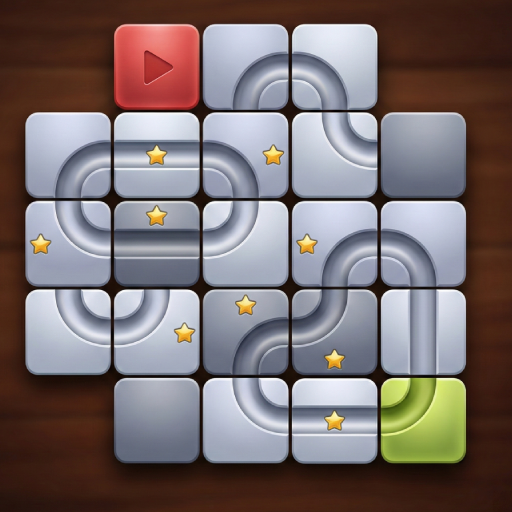
Sliding Rolling Ball Puzzle
更新日期
目前版本
4.0
提供者

愛玩Sliding Rolling Ball Puzzle的你,雙手不應該被束縛在智慧手機的小屏幕上。像職業選手一樣用鍵盤和滑鼠來全面控制你的遊戲吧。逍遙模擬器給你提供了你所有的期待。在電腦上下載、安裝Sliding Rolling Ball Puzzle並盡情遊玩。再也不用擔心剩餘電量、流量消耗和煩人的來電。全新的逍遙模擬器9是你在電腦上遊玩Sliding Rolling Ball Puzzle的最佳選擇!我们用心準備,完美的按鍵映射系統讓Sliding Rolling Ball Puzzle宛如電腦遊戲;我們,用嫻熟的技術編程,逍遙多開器讓所有遊戲開好開滿;獨一無二的虛擬化引擎釋放你電腦的全部潛力,一切都入絲般順滑。我們不僅在意你怎樣遊玩,更在意如何讓你享受遊玩的樂趣!
更多
透過逍遙模擬器,在電腦上下載Sliding Rolling Ball Puzzle,享受大熒幕的暢快體驗。 Sliding Rolling Ball Puzzle is a classic and relaxing brain puzzle game where your goal is to slide and arrange tiles to build a connected path for the ball to roll smoothly from the start point to the finish.

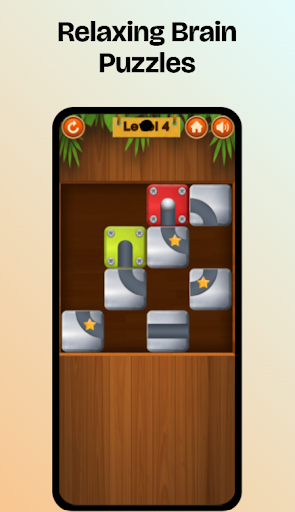
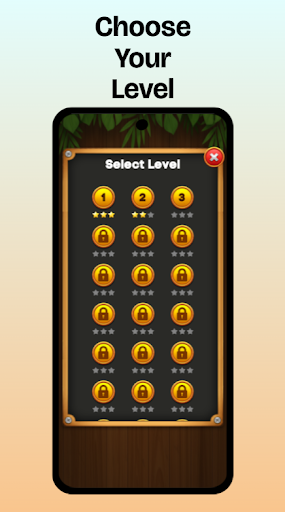
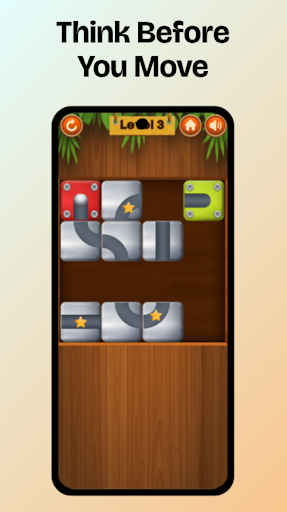
Sliding Rolling Ball Puzzle is a classic and relaxing brain puzzle game where your goal is to slide and arrange tiles to build a connected path for the ball to roll smoothly from the start point to the finish. Designed for puzzle lovers of all ages, this tile-based logic game sharpens your mind while offering a calm and satisfying gameplay experience.
Each puzzle challenges your spatial reasoning, logical thinking, and planning skills. Whether you want a short mental break or a deeper brain-training session, this sliding puzzle game fits perfectly into your daily routine. Play anytime, anywhere, with a fully offline experience and absolutely NO ads.
How to Play
更多

1. 下載逍遙安裝器並完成設置

2. 啟動逍遙後打開位於桌面上的谷歌商店

3. 在谷歌商店中搜尋Sliding Rolling Ball Puzzle
Install
4. 下載並安裝Sliding Rolling Ball Puzzle
5. 下載完成後點擊圖標來啟動

6. 透過逍遙享受在電腦上玩Sliding Rolling Ball Puzzle
逍遙安卓是優秀的安卓模擬器,全球超過5000萬用戶的優先選擇。逍遙安卓以虛擬化技術為核心,為用户打造突破手機配備局限的遊戲平台!
大屏精細展示;無限待機,超越電池和流量限制
鍵鼠,手把操作全面支持,操作更精準
用逍遙多開同時運行多個遊戲、應用。
Play Sliding Rolling Ball Puzzle on PC by following steps: