Artecture Draw, Sketch, Paint
更新日期
目前版本
5.2.0.4
提供者

想體驗Artecture Draw, Sketch, Paint,可是手機熒幕太小,一載軟體就變燙,怎麼辦?透過逍遙模擬器,在電腦的大熒幕上暢快體驗!用鍵鼠操作更精準流暢,逍遙模擬器滿足您的所有期待。在電腦上下載安裝Artecture Draw, Sketch, Paint,不用擔心電池當掉,想體驗多久就多久,順暢跑一天~全新的逍遙模擬器9,絕對是您體驗Artecture Draw, Sketch, Paint電腦版的最佳選擇。完美的按鍵映射系統讓Artecture Draw, Sketch, Paint如PC軟體般順手;強大的多開功能可同時執行多個任務;獨家虛擬化技術更能徹底釋放電腦效能,保障長時間穩定運作。我們致力於不讓設備限制您的體驗,助您輕鬆高效,暢快無比!
更多
透過逍遙模擬器,在電腦上下載Artecture Draw, Sketch, Paint,享受大熒幕的暢快體驗。 Artecture enables you to sketch, draw and paint like never before.
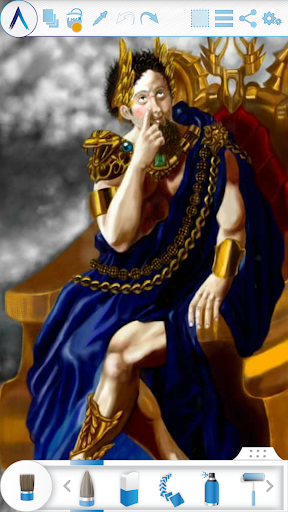
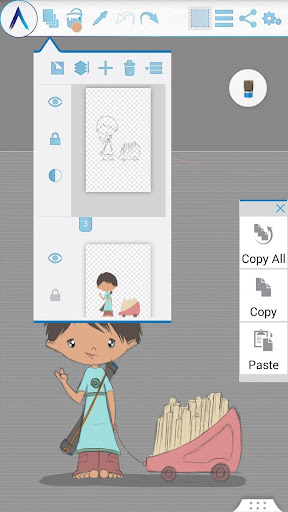
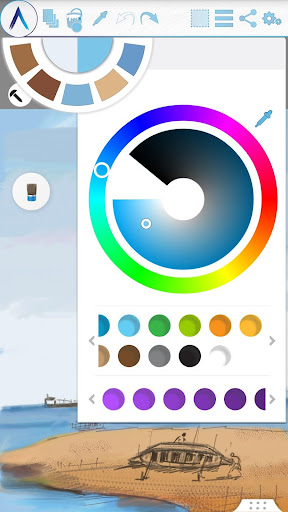
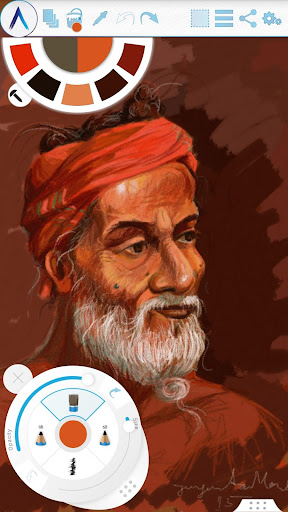
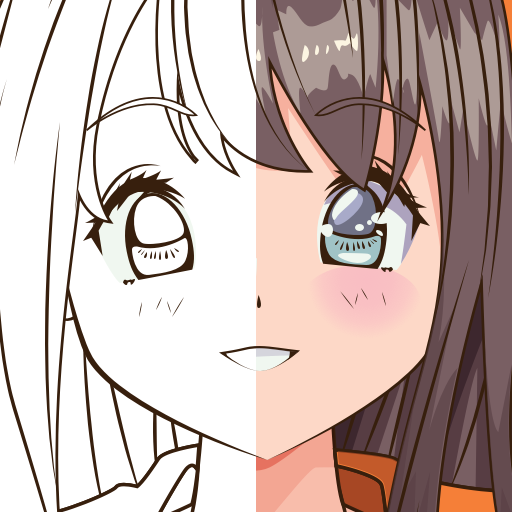
Artecture enables you to sketch, draw and paint like never before. If you love to draw, regardless you are an amateur or a pro, Artecture provides all the tools that you’d love. Enjoy over 30 unique high quality realistic tools. Tune them to match your own taste. You will love it. It’s made by art lovers for art lovers like you. It is simple, beautiful and fun, all together. You can do everything from taking notes to fast architectural sketches, cartoons, illustrations, water color and oil paintings. It feels so real. The best part: it’s all free. No ads.. no download request.
Get it and discover a natural and authentic experience of drawing, painting & sketching on canvas.
Join the Artecture artist community on facebook and learn and share more about it!
Facebook:
Page Name: Artecture Digital Art Community
Link: https://www.facebook.com/artecture.digiart
Main Features:
• All the drawing tools that you love to draw and paint with, including Pencil (for realistic sketches), Marker Pen, Oil Brush, Oil Blend brush, Oil real brush, Water Color, Airbrush, Palette Knife (with color mixing), Paint Roller, Paint Tube, Eraser, Flood Fill, Glitter Tube, Far brush, Gradient Brush, Fill Pattern for Every Tool and more.
• Multi-Layers with create, remove, lock, visibility, opacity, re-ordering, merge etc.
• Different Image effects on selected layer like Sepia, Inverse, Blur , Gray, Bright, Colorize etc.
• Symmetry: Vertical, Horizontal, Concentric with changeable center of symmetry.
• Tracing with automatic color pick, Template Coloring, Import/Export Image.
• Geometric Shape (Free, Line, Rectangle, Circle) drawing.
• Pen-Only mode (Palm rejection).
• Canvas rotation
• Multi-Touch shortcuts.
• Color Palette with favorite color defaults and color picker.
• Floating favorite Color and Tool Palette.
• Rectangular and Free hand selection.
• Copy, Paste Rotation and mirroring of selected area.
• Text Insertion (Insert, resize, rotate and mirror).
• Export artworks to standard image formats (.jpeg, .png, .bmp).
• Auto save of artworks.
• Open last drawing with tool preferences.
• Static background (Texture, Color, Image)
• Tool presets
Storage:
• By default, it saves artworks in “Artecture” folder on device storage, with .bme file format. Only Artecture Gallery can open/view this file format. However, you may export to .bmp image file format also. To reuse a .bmp file, you can simply insert it using the insert option.
• It gives option to change the storage location. Gallery can detect .bme artworks from all the changed locations on device storage.
Sharing:
• Upload artworks on Facebook & PenUp both from canvas and gallery.
• Share artworks via Bluetooth, WI-FI Direct.
• Mail, send or save artworks and exported images via MMS, email, shareit and other applications installed in the device.
Help & Support:
Quick reference guide covers the basics of the app.
Need help? Feel free to email us: srbd.dev@samsung.com
Specialty:
• This Digital painting tool is free of cost, but advanced in performance.
• You will not be bothered with any advertisement, because we made it ads free.
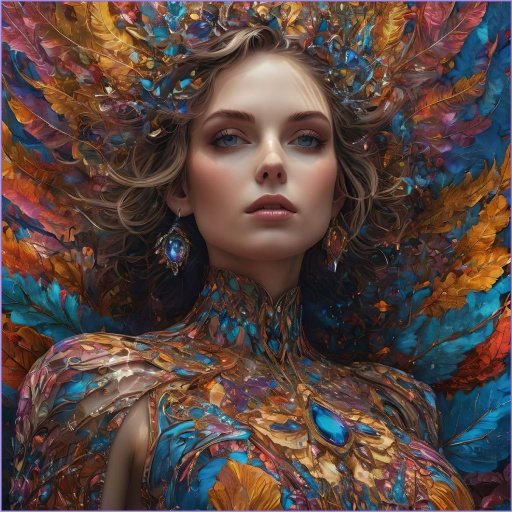
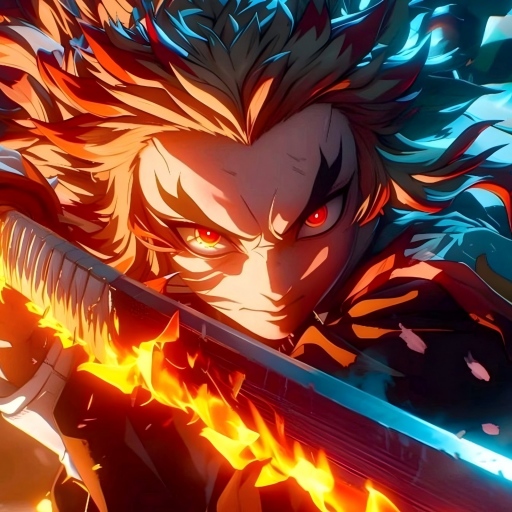
The Artecture screenshots are artworks of students and professors of Fine Art department, Dhaka University. We thank them for allowing us to share.
Special thanks to Mr. Gar Cia for allowing us to include his artwork as a screenshot.
Permissions:
The following permissions are required for the app service.
Required permissions
Storage: Used to save the drawing files
Optional permissions
None
更多

1. 下載逍遙安裝器並完成設置

2. 啟動逍遙後打開位於桌面上的谷歌商店

3. 在谷歌商店中搜尋Artecture Draw, Sketch, Paint
Install
4. 下載並安裝Artecture Draw, Sketch, Paint
5. 下載完成後點擊圖標來啟動

6. 透過逍遙享受在電腦上體驗Artecture Draw, Sketch, Paint
逍遙安卓是優秀的安卓模擬器,全球超過5000萬用戶的優先選擇。逍遙安卓以虛擬化技術為核心,為用户打造突破手機配備局限的應用平台!
大屏精細展示;無限待機,超越電池和流量限制
鍵鼠,手把操作全面支持,操作更精準
用逍遙多開同時運行多個遊戲、應用。
Use Artecture Draw, Sketch, Paint on PC by following steps: