
Journey Weather
更新日期
目前版本
1.2.5
提供者

想體驗Journey Weather,可是手機熒幕太小,一載軟體就變燙,怎麼辦?透過逍遙模擬器,在電腦的大熒幕上暢快體驗!用鍵鼠操作更精準流暢,逍遙模擬器滿足您的所有期待。在電腦上下載安裝Journey Weather,不用擔心電池當掉,想體驗多久就多久,順暢跑一天~全新的逍遙模擬器9,絕對是您體驗Journey Weather電腦版的最佳選擇。完美的按鍵映射系統讓Journey Weather如PC軟體般順手;強大的多開功能可同時執行多個任務;獨家虛擬化技術更能徹底釋放電腦效能,保障長時間穩定運作。我們致力於不讓設備限制您的體驗,助您輕鬆高效,暢快無比!
更多
使用逍遙模擬器在電腦上享受Journey Weather的卓越體驗。這是一款功能強大的免費安卓模擬器,為您提供數千款安卓應用程式的桌面版本。與好友互動,有效率完成工作,盡情享受! 七天天氣資訊:.
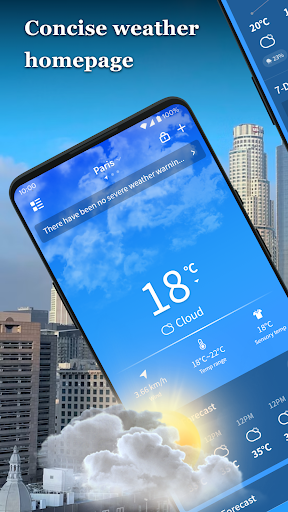
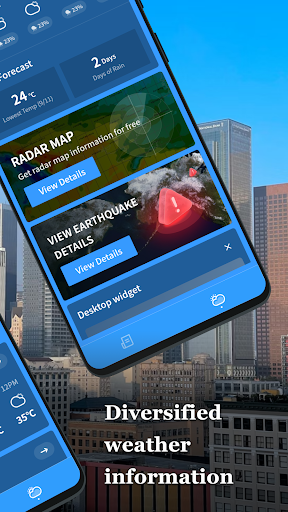

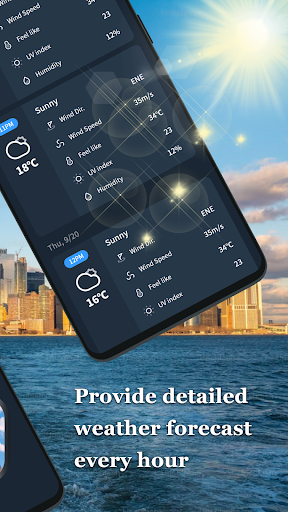
七天天氣資訊:
預測未來七天的天氣趨勢,輕鬆規劃您的行程。
精準天氣:
從未來一小時的短期精準預報到一週的天氣預報,我們可以幫助您提前做好準備。
增加收藏城市天氣:
查看您收藏城市的24小時天氣預報,了解當地空氣品質和紫外線強度。
在不同城市之間切換:
增加多個收藏地點,隨時了解不同城市的即時天氣。
天氣介面清晰易懂,讓您快速找到所需的天氣資訊。
更多

1. 下載逍遙安裝器並完成設置

2. 啟動逍遙後打開位於桌面上的谷歌商店

3. 在谷歌商店中搜尋Journey Weather
Install
4. 下載並安裝Journey Weather
5. 下載完成後點擊圖標來啟動

6. 透過逍遙享受在電腦上體驗Journey Weather
逍遙安卓是優秀的安卓模擬器,全球超過5000萬用戶的優先選擇。逍遙安卓以虛擬化技術為核心,為用户打造突破手機配備局限的應用平台!
大屏精細展示;無限待機,超越電池和流量限制
鍵鼠,手把操作全面支持,操作更精準
用逍遙多開同時運行多個遊戲、應用。
Use Journey Weather on PC by following steps: