Weather forecast
تازہ کاری
موجودہ ورژن
1.48
پیشکش بذریعہ

اپنے موبائل فون پر Weather forecast کا استعمال کرتے وقت زیادہ چارج ہونے کی فکر نہ کریں، خود کو چھوٹی اسکرین سے آزاد کریں اور ایپ کو زیادہ بڑے ڈسپلے پر استعمال کرنے کا لطف اٹھائیں۔ اس کے بعد سے کی بورڈ اور ماؤس کے ساتھ اپنے ایپ کا فل اسکرین کا تجربہ حاصل کریں۔ MEmu آپ کو وہ تمام حیران کن خصوصیات پیش کرتا ہے جن کی آپ کو توقع کرتے ہیں: فوری انسٹال اور آسان سیٹ اپ، وجدانی کنٹرول، مزید بیٹری، موبائل ڈیٹا کی کوئی حد نہیں اور اب مزید پریشان کن کالز نہیں۔ نئے برانڈ کا MEmu 9 آپ کے کمپیوٹر پر Weather forecast استعمال کرنے کے لیے بہترین اختیار ہے۔ MEmu کثیر نظیری منیجر بیک وقت 2 یا اس سے زیادہ اکاؤنٹس کھولنا ممکن بناتا ہے۔ اور سب اہم بات، ہمارا خصوصی ایمولیشن انجن آپ کے پی سی کی پوری طاقت ریلیز کرتے ہوئے ہر چیز ہموار اور قابل تفریح بناتا ہے۔
مزید دکھائیں
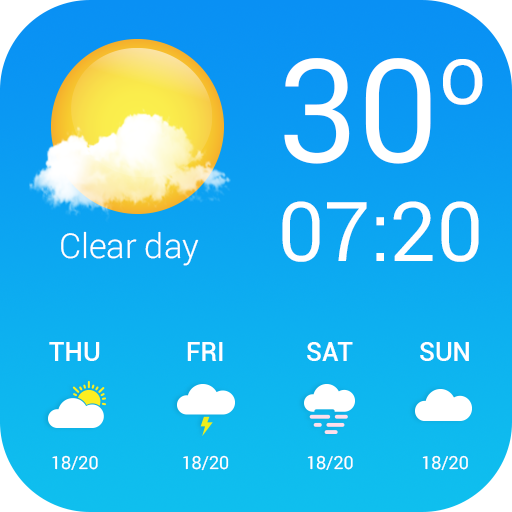
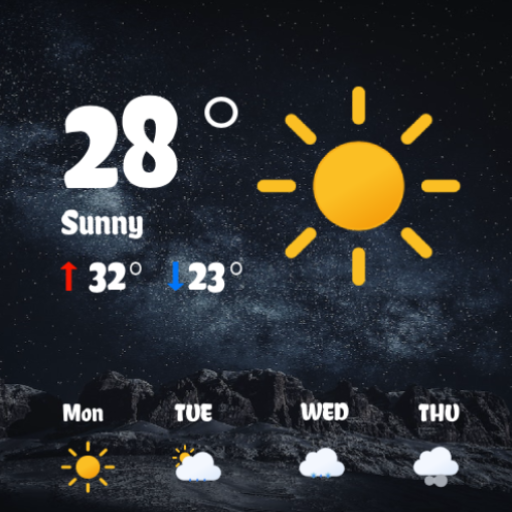
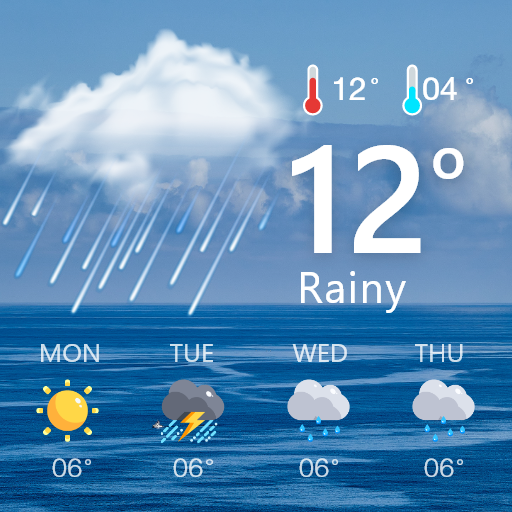
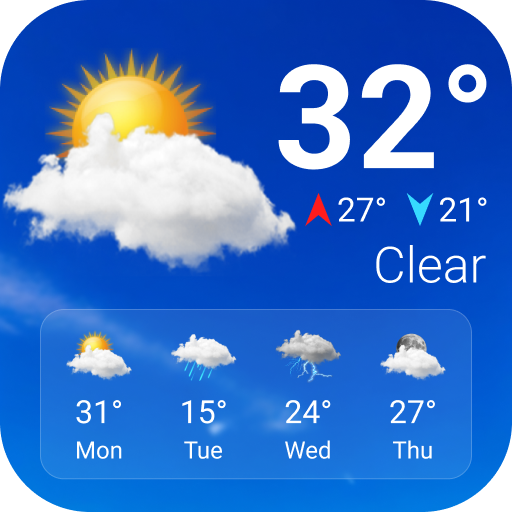
Download Weather forecast on PC with MEmu Android Emulator. Enjoy playing on big screen. This is great weather app for you with the main features are weather forecast (real-time, hourly, daily, 7 days), weather radar & weather widget.
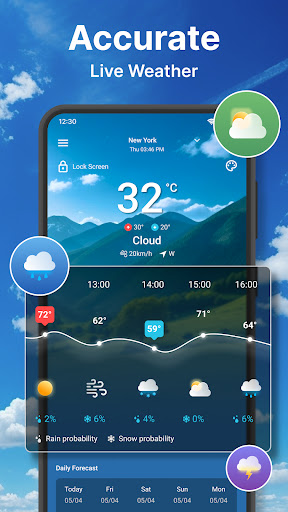
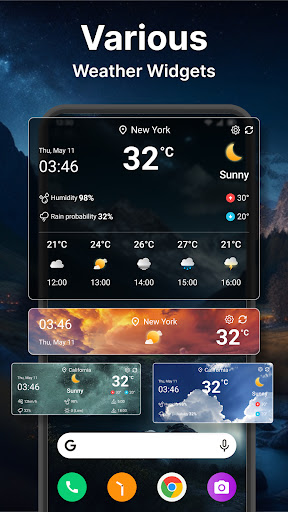
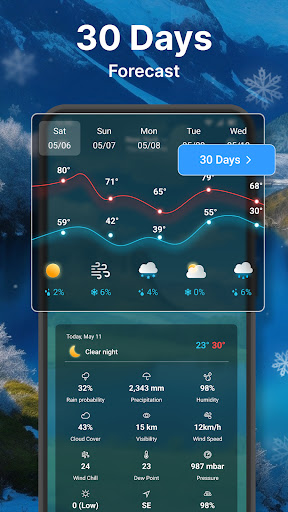
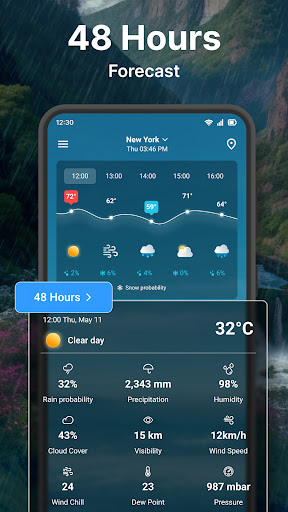
This is great weather app for you with the main features are weather forecast (real-time, hourly, daily, 7 days), weather radar & weather widget.
Features, description and how to use features in app:
1) The main & summary weather information
- Simple weather tab: Weather now, Hourly weather, Daily weather
- Wind direction & wind speed
- Date, time & clock along with weather info
- Min temperature, max temperature for the day
- Quick view of hourly weather, from current time to next 24h: This includes time, temperature chart, chance of rain (or chance of snow depend on the condition)
- Quick view of daily weather: from current day to next 7 days: This includes day of week, an other temperature chart, also chance of rain (or chance of snow)
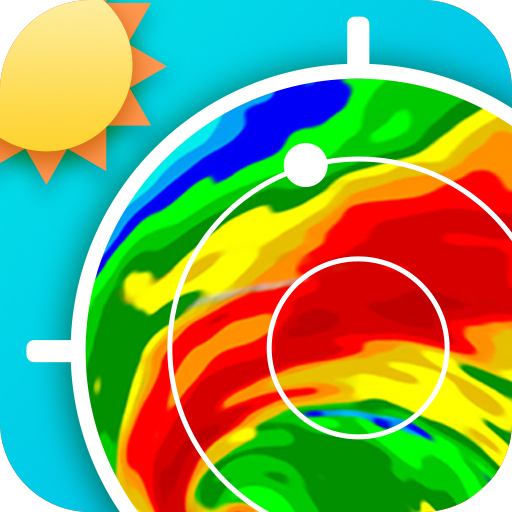
- Quick view of weather radar, click to open a full screen of radar map
- Detail weather information: Humidity, rain probability (chance of rain), precipitation, wind chill (real feel temperature), dew point, cloud cover, UV index (Ultraviolet index), pressure, sunrise, sunset, moon phases
2) Hourly weather forecast
App provides 24h weather forecast, in each hourly section we have: Humidity, rain probability (chance of rain, rain risk), precipitation, wind chill (real feel temperature), dew point, cloud cover, UV index (Ultraviolet index), pressure, sunrise, sunset, moon phases, wind speed, ozone level, wind direction
3) Daily weather forecast:
Like hourly weather forecast, we have all as hourly weather information but forecast for next 7 days.
4) Weather radar
You can open weather radar by click to map on main screen, or go to Settings, item Weather Radar
In weather radar, we have:
- Animated radar map, live radar map
- Select to see radar of temperature, wind, humidity, rain/snow, clouds & pressure
- Rain radar or wind radar can be useful for storm warning
- You can zoom in or zoom out the map of radar for better look.
- See location name clearly along with temperature
- Reset to current location by a click
5) Manage location
- You can add how many location you want, unlimited, also able to delete it
- Able to switch ON of OFF for current location
- Click “Add location” to search and add new location
- Search location features: Type the text you want to search, if no result found, you can click on search more from server.
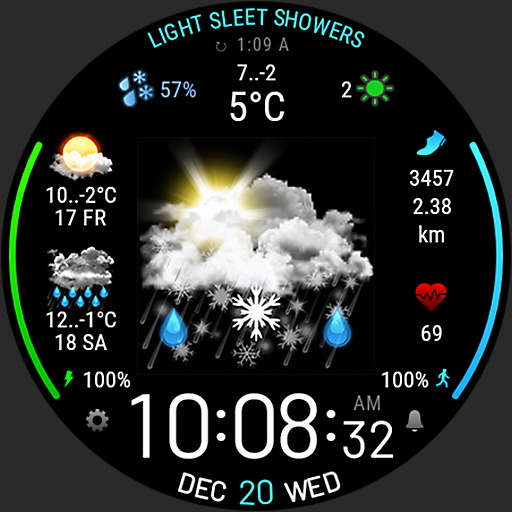
6) Weather widgets: See weather forecast on the home screen, we have a lot of weather widget with different widget size, option so set background with solid color or transparent, option to show/hide location name in widget, open alarm clock, calendar from the widget.
7) Unit settings: App support various unit
- Celsius and Fahrenheit for temperature
- Time format: 12h or 24h time format
- Date format: Lot of date format (12 format for you to chose), default with system date format
- Wind speed: kh/h, mph, m/s, knots, ft/s
- Pressure: mbar, hPa, inHg, mmHg
- Precipitation: mm, in
8) App settings:
- Lock screen: See weather information right in the lock screen of phone
- Notification: Give 3 weather notification a day (morning, noon & evening)
- Status bar: You can see weather temperature on the system bar without needing open app.
- Daily weather news: Auto show up the weather forecast information at every morning (after 5pm)
- Dark background: Keep your eye in rest if you want, when this enable, only one dark background showing for all weather condition
- Languages: Change to almost any languages while still keep your phone language no changed.
- Report problem: if you find any problem with app, feel free to report to us, we will work hard to fix it for you.
- Share the app to your friends to help anyone enjoy the app.
Thats all we have for you, thank you for reading, downloading and using the app. Enjoy!
مزید دکھائیں

1. MEmu انسٹالر ڈاؤن لوڈ کریں اور سیٹ اپ مکمل کریں

2. MEmu شروع کریں اسکے بعد ڈیسکٹاپ پر Google Play کھولیں

3. Google Play میں Weather forecast تلاش کریں
Install
4. Weather forecast ڈاؤن لوڈ کریں اور انسٹال کریں
5. انسٹال مکمل ہونے کے بعد سٹارٹ کرنے کے لیے آئیکن پر کلک کریں

6. MEmu کے ساتھ پی سی پر Weather forecast کھیلنے کا لطف لیں
MEmu پلے بہترین اینڈرائڈ ایمولیٹر ہے اور 100 ملین لوگ اس کے زبردست اینڈرائڈ گیمنگ تجربہ سے لطف اندوز ہو رہے ہیں۔ MEmu کی ورچولائزیشن ٹیکنالوجی آپ کو اپنے PC پر ہزاروں اینڈرائڈ گیمز یہاں تک کہ انتہائی گرافک والے گیمز باسہولت کھیلنے کی طاقت دیتی ہے۔
بہتر گرافکس کے ساتھ بڑی اسکرین؛ طویل دورانیہ، بیٹری یا لامحدود موبائل ڈیٹا کے بغیر۔
کی بورڈ اور ماؤس یا گیم پیڈ کے عین مطابق کنٹرول کے لیے کی میپنگ کا پورا سپورٹ۔
کثیر مثالی منیجر کے ساتھ بیک وقت ایک پی سی پر متعدد گیم اکاؤنٹس یا ٹاسکس۔
پی سی پر درج ذیل مراحل پر عمل کرتے ہوئے پر Weather forecast استعمال کریں: u003c/p>