开始下载逍遥模拟器...
如果下载没有开始,请点击这里
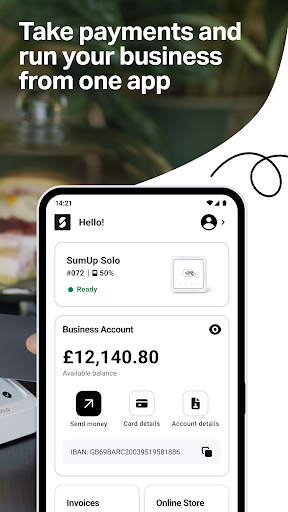
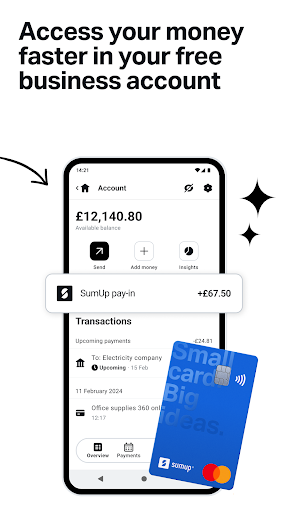
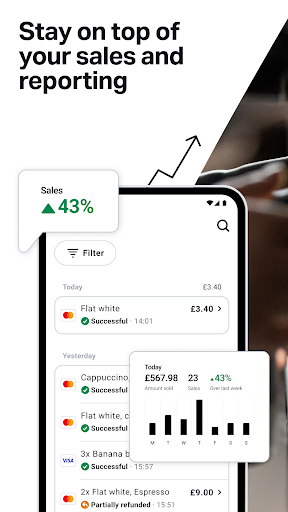
在电脑上下载SumUp: Payments and POS
-
![SumUp: Payments and POS电脑版]()
1. 下载逍遥安装器并完成设置
-
![SumUp: Payments and POS电脑版]()
2. 启动逍遥后打开位于桌面上的谷歌商店
-
![SumUp: Payments and POS电脑版]()
3. 在谷歌商店中搜索SumUp: Payments and POS
-
 Install
4. 下载并安装SumUp: Payments and POS
-
5. 下载完成后点击图标来启动
-
![SumUp: Payments and POS电脑版]()
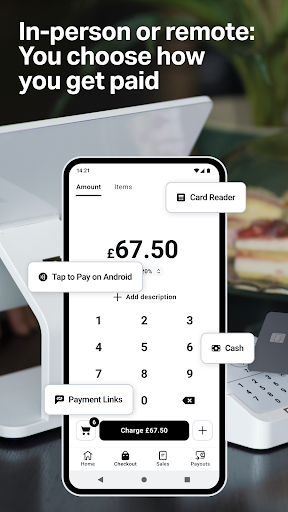
6. 通过逍遥在电脑上享受SumUp: Payments and POS











热门话题