Clash Battle Simulator
更新日期
当前版本
1.30
提供者

爱玩Clash Battle Simulator的你,双手不应该被束缚在手机的小屏幕上。像职业选手一样用键盘和滑鼠来全面控制你的游戏吧。在电脑上下载、安装Clash Battle Simulator并尽情游玩。再也不用担心剩余电量、流量消耗和烦人的来电。全新的逍遥模拟器8是你在电脑上游玩Clash Battle Simulator的好选择!我们用心准备,完美的按键映射系统让Clash Battle Simulator宛如电脑游戏;
更多
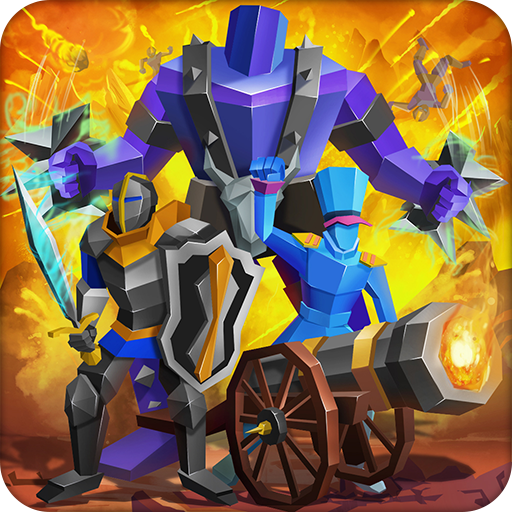
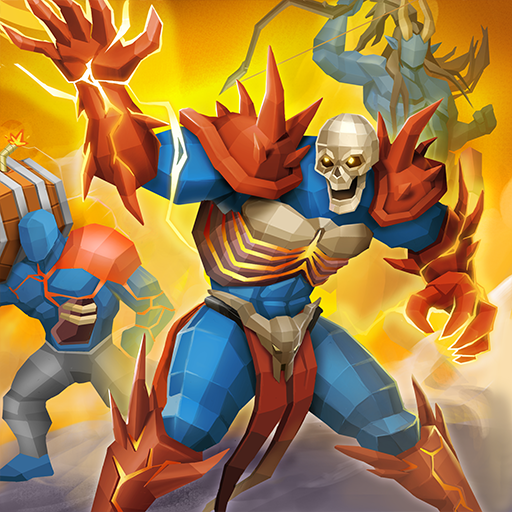
透过逍遥模拟器,在电脑上下载Clash Battle Simulator,享受大荧屏的畅快体验。 选择神话生物和植物来制定你的策略!
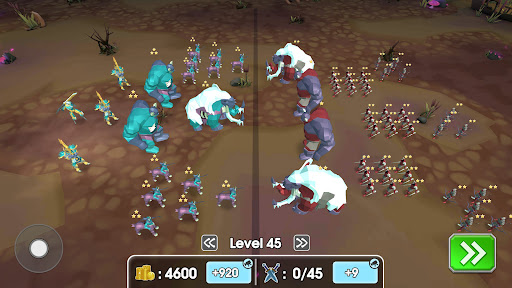
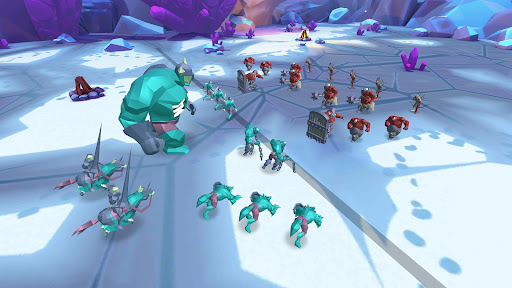
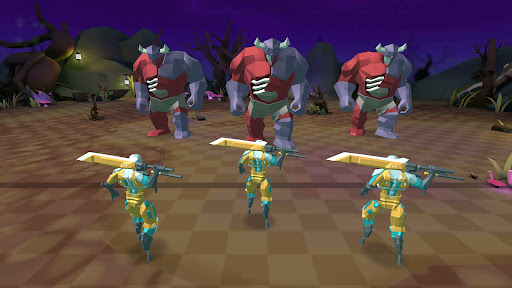
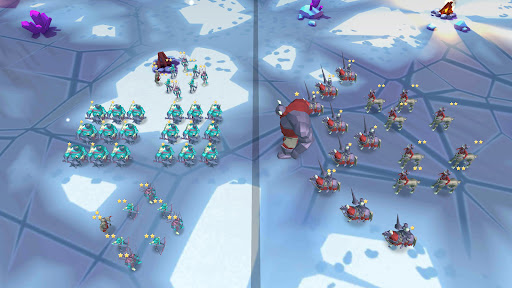
选择神话生物和植物来制定你的策略!
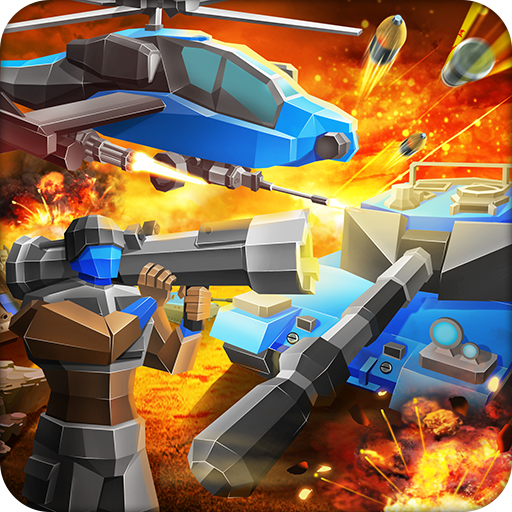
直接控制任意部队,体验战斗的乐趣,亲自战斗!
闯关或创建自定义比赛!
全面升级你的军队,体验布娃娃特效,并在多人模式中称霸!增强的视觉效果和精致的战争玩法,体验极致的战斗模拟!
特色:
- 控制生物!选择任意生物,亲自战斗!
- 更佳的视觉效果!
- 先进的人工智能,带来最精准的战斗模拟!
- 全面改进的生物,让战斗模拟比以往更精彩!
- 更丰富的音效和音乐种类!
Rappid Studios:
隐私政策:https://www.rappidstudios.com/index.php/privacy-policy
服务条款:https://www.rappidstudios.com/index.php/terms-of-use
更多

1. 下载逍遥安装器并完成设置

2. 启动逍遥后打开位于桌面上的谷歌商店

3. 在谷歌商店中搜索Clash Battle Simulator
Install
4. 下载并安装Clash Battle Simulator
5. 下载完成后点击图标来启动

6. 通过逍遥在电脑上享受Clash Battle Simulator
逍遥安卓是优秀的安卓模拟器,全球超过5000万用户的优先选择。逍遥安卓以虚拟化技术为核心,为用户打造突破手机配置局限的游戏平台!
大屏精细展示;无限待机,超越电池和流量限制
键鼠、手把操作全面支持,操作更精准
用逍遥多开同时运行多个游戏、应用。
Play Clash Battle Simulator on PC by following steps: