Jewel Relics Island: Match-3电脑版

Jewel Relics Island: Match-3电脑版下载

Jewel Relics Island: Match-3电脑版

Jewel Relics Island: Match-3

  • 更新日期

  • 当前版本

  • 提供者

    Jewel Relics Island: Match-3电脑版

Jewel Relics Island: Match-3电脑版简介

爱玩Jewel Relics Island: Match-3的你,双手不应该被束缚在手机的小屏幕上。像职业选手一样用键盘和滑鼠来全面控制你的游戏吧。在电脑上下载、安装Jewel Relics Island: Match-3并尽情游玩。再也不用担心剩余电量、流量消耗和烦人的来电。全新的逍遥模拟器8是你在电脑上游玩Jewel Relics Island: Match-3的好选择!我们用心准备,完美的按键映射系统让Jewel Relics Island: Match-3宛如电脑游戏;

更多

Jewel Relics Island: Match-3电脑版截图&视频

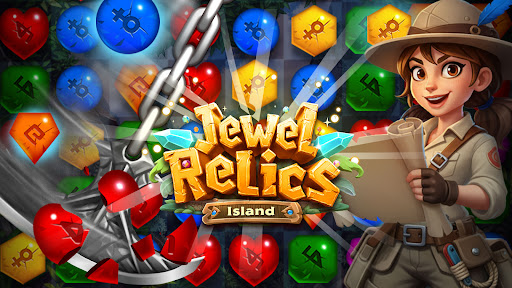
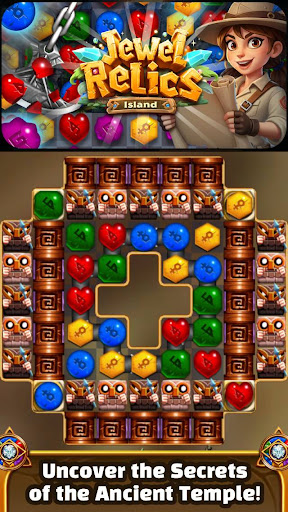
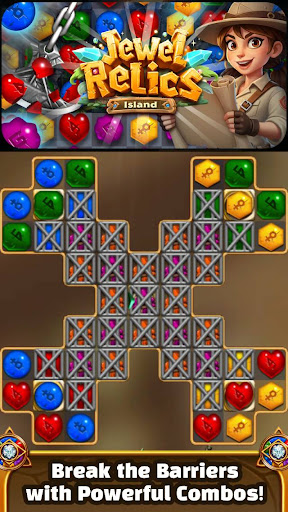
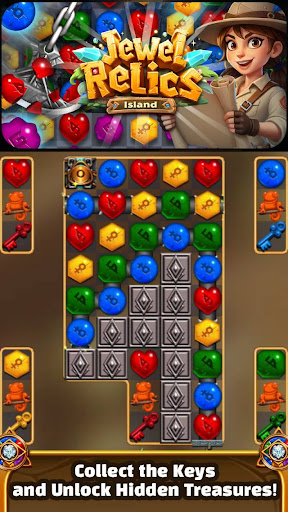
透过逍遥模拟器,在电脑上下载Jewel Relics Island: Match-3,享受大荧屏的畅快体验。 【宝石遗迹岛】.

游戏信息

【宝石遗迹岛】

探索古代文明的神秘遗迹!

解开谜题,揭开秘密,寻找隐藏其中的失落宝藏。

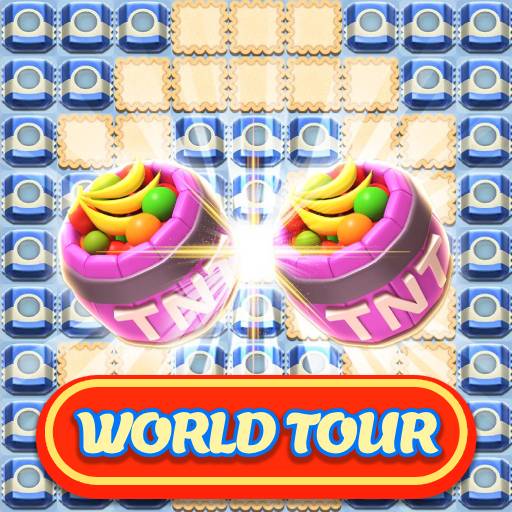
享受精美的画面、引人入胜的任务,以及超过 5000 个关卡带来的纯粹三消乐趣!

玩法介绍

- 交换并匹配 3 个或更多相同颜色的宝石。

- 匹配 4 个或更多宝石即可制造威力强大的炸弹,并产生独特的效果。

游戏特色

- 超过 5000 个关卡,持续更新

- 多种炸弹效果和奖励道具

- 无能量或生命值限制,想玩多久就玩多久

- 无需网络连接即可离线畅玩

- 简单易上手的操作,搭配炫目的画面

- 轻量级应用,流畅运行

如有任何疑问,请联系 help@lunosoft.com。

我们的客服代表将尽快回复您。

更多

在电脑上下载Jewel Relics Island: Match-3

  • Jewel Relics Island: Match-3电脑版

    1. 下载逍遥安装器并完成设置

  • Jewel Relics Island: Match-3电脑版

    2. 启动逍遥后打开位于桌面上的谷歌商店

  • Jewel Relics Island: Match-3电脑版

    3. 在谷歌商店中搜索Jewel Relics Island: Match-3

  • Jewel Relics Island: Match-3电脑版 Install

    4. 下载并安装Jewel Relics Island: Match-3

  • Jewel Relics Island: Match-3电脑版

    5. 下载完成后点击图标来启动

  • Jewel Relics Island: Match-3电脑版
    Jewel Relics Island: Match-3电脑版 Jewel Relics Island: Match-3电脑版

    6. 通过逍遥在电脑上享受Jewel Relics Island: Match-3

为什么用逍遥体验Jewel Relics Island: Match-3

逍遥安卓是优秀的安卓模拟器,全球超过5000万用户的优先选择。逍遥安卓以虚拟化技术为核心,为用户打造突破手机配置局限的游戏平台!

  • 大屏精细展示;无限待机,超越电池和流量限制

  • 键鼠、手把操作全面支持,操作更精准

  • 用逍遥多开同时运行多个游戏、应用。

准备好游玩了吗?

热门话题

Jewel Relics Island: Match-3 - FAQs

  • How to play Jewel Relics Island: Match-3 on PC?

    Play Jewel Relics Island: Match-3 on PC by following steps:

    • Download MEmu, then install and launch it
    • Login to Google Play Store, install the game
    • Enjoy playing the game on PC with MEmu
  • What are the minimum system requirements to run Jewel Relics Island: Match-3 on PC?
    • Intel or AMD Processor
    • Microsoft Windows 7 and above
    • 2GB of memory
    • 5GB of free disk space
    • Hardware Virtualization Technology