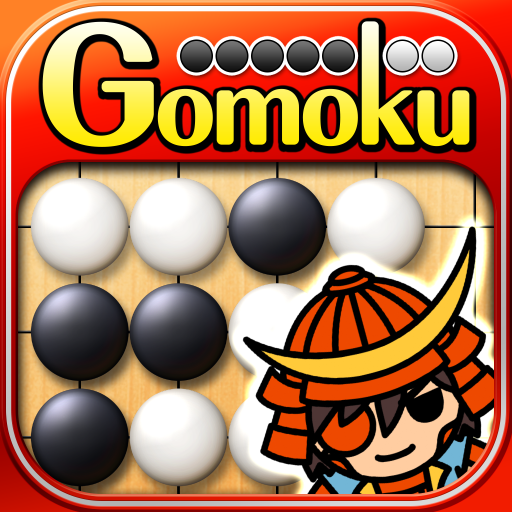
The Gomoku (Renju and Gomoku)
更新日期
当前版本
2.1.1
提供者

爱玩The Gomoku (Renju and Gomoku)的你,双手不应该被束缚在手机的小屏幕上。像职业选手一样用键盘和滑鼠来全面控制你的游戏吧。在电脑上下载、安装The Gomoku (Renju and Gomoku)并尽情游玩。再也不用担心剩余电量、流量消耗和烦人的来电。全新的逍遥模拟器8是你在电脑上游玩The Gomoku (Renju and Gomoku)的好选择!我们用心准备,完美的按键映射系统让The Gomoku (Renju and Gomoku)宛如电脑游戏;
更多
透过逍遥模拟器,在电脑上下载The Gomoku (Renju and Gomoku),享受大荧屏的畅快体验。 五子棋是一款完全免费的五子棋和连珠游戏,共有15个级别,适合从新手到高手的各种玩家!
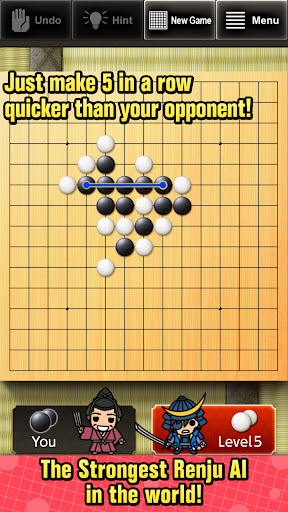
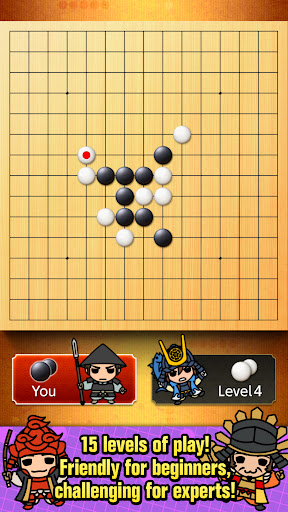
五子棋是一款完全免费的五子棋和连珠游戏,共有15个级别,适合从新手到高手的各种玩家!
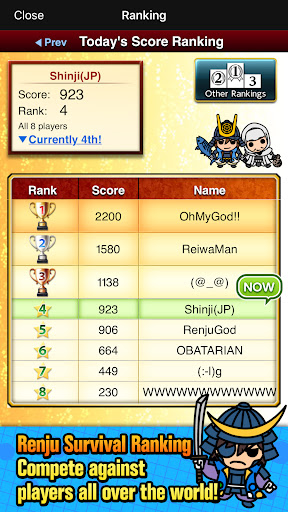
与来自世界各地的连珠玩家比拼分数排名。
什么是五子棋?
五子棋是一种日本棋盘游戏,由两人对弈,也被称为“五子连珠”、“五子棋”或“井字棋”。规则很简单,只要率先将五颗棋子连成一条线即可。
什么是连珠?
连珠是五子棋的一种,但对黑方有一些规则限制。黑方不能走3x3、4x4以及六颗或更多棋子连成一条线的棋子。
■ 15个难度级别
我们提供了15个难度级别,最高的15级难度与世界上最优秀的人类棋手相当。较低的级别非常适合初学者,因此您可以通过击败AI来享受游戏的乐趣并学习游戏。
■两种规则设置可供选择
我们提供了两种规则设置:五子棋和连珠。
■连珠生存战
与AI连续对弈,击败AI获得高分。您可以与来自世界各地的连珠玩家一较高下。
■人机对战
使用此功能,您可以提升自己的棋艺,并与好友对弈。
■三种友好的输入方式
您可以选择三种输入方式(缩放、光标和触摸)。
■功能
-人机对战、人机对战(共享设备)
-撤销棋步
-15个电脑级别
-保存您的历史记录
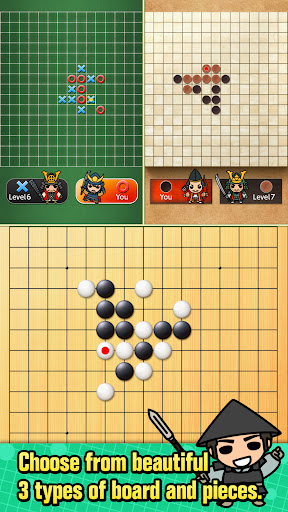
-3种不同类型的棋盘和棋子
-高亮显示最后一步棋
-自动和手动回放对局
-提示您的回合(振动)
更多

1. 下载逍遥安装器并完成设置

2. 启动逍遥后打开位于桌面上的谷歌商店

3. 在谷歌商店中搜索The Gomoku (Renju and Gomoku)
Install
4. 下载并安装The Gomoku (Renju and Gomoku)
5. 下载完成后点击图标来启动

6. 通过逍遥在电脑上享受The Gomoku (Renju and Gomoku)
逍遥安卓是优秀的安卓模拟器,全球超过5000万用户的优先选择。逍遥安卓以虚拟化技术为核心,为用户打造突破手机配置局限的游戏平台!
大屏精细展示;无限待机,超越电池和流量限制
键鼠、手把操作全面支持,操作更精准
用逍遥多开同时运行多个游戏、应用。
Play The Gomoku (Renju and Gomoku) on PC by following steps:




![リアル麻雀 雀龍門M [麻雀ゲーム]电脑版](https://dl.memuplay.com/new_market/img/jp.co.ncjapan.janryumon.icon.2025-06-14-13-53-44.png)