Titan Shoot: 3D gun action电脑版

Titan Shoot: 3D gun action电脑版下载

Titan Shoot: 3D gun action电脑版

Titan Shoot: 3D gun action

  • 更新日期

  • 当前版本

    036

  • 提供者

    Titan Shoot: 3D gun action电脑版

Titan Shoot: 3D gun action电脑版简介

爱玩Titan Shoot: 3D gun action的你,双手不应该被束缚在手机的小屏幕上。像职业选手一样用键盘和滑鼠来全面控制你的游戏吧。在电脑上下载、安装Titan Shoot: 3D gun action并尽情游玩。再也不用担心剩余电量、流量消耗和烦人的来电。全新的逍遥模拟器8是你在电脑上游玩Titan Shoot: 3D gun action的好选择!我们用心准备,完美的按键映射系统让Titan Shoot: 3D gun action宛如电脑游戏;

更多

Titan Shoot: 3D gun action电脑版截图&视频

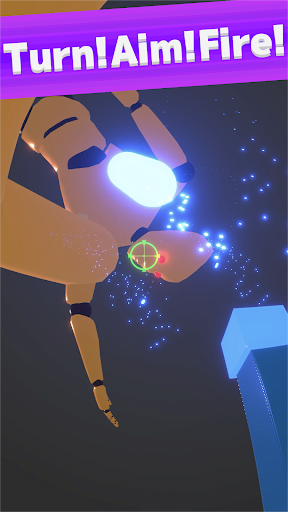
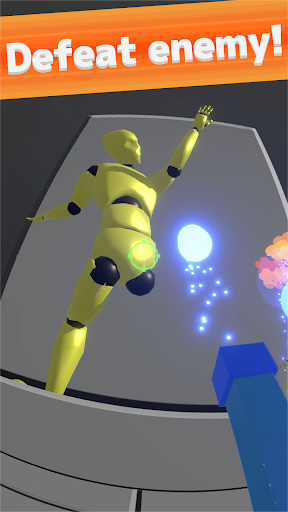
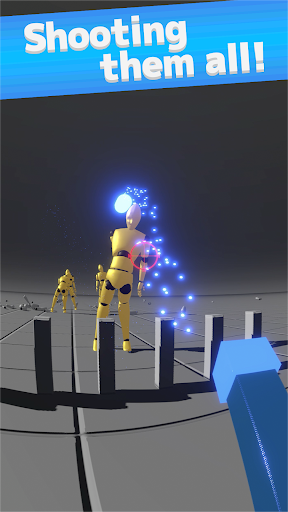
透过逍遥模拟器,在电脑上下载Titan Shoot: 3D gun action,享受大荧屏的畅快体验。 3D动作射击游戏!
游戏信息

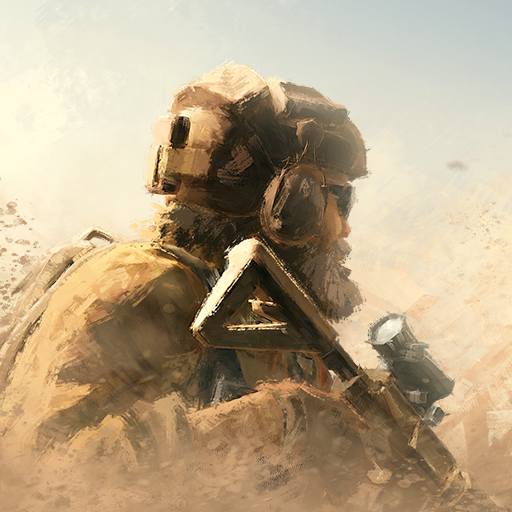
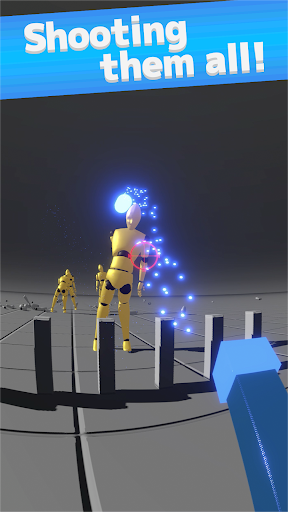
3D动作射击游戏!

巨人正朝你逼近。
消灭它,击落它!

小心后方!
敌人正从四面八方进攻。
滑动屏幕移动视角,仔细观察周围。
击落附近的敌人是防御的关键!

更多

在电脑上下载Titan Shoot: 3D gun action

  • Titan Shoot: 3D gun action电脑版

    1. 下载逍遥安装器并完成设置

  • Titan Shoot: 3D gun action电脑版

    2. 启动逍遥后打开位于桌面上的谷歌商店

  • Titan Shoot: 3D gun action电脑版

    3. 在谷歌商店中搜索Titan Shoot: 3D gun action

  • Titan Shoot: 3D gun action电脑版 Install

    4. 下载并安装Titan Shoot: 3D gun action

  • Titan Shoot: 3D gun action电脑版

    5. 下载完成后点击图标来启动

  • Titan Shoot: 3D gun action电脑版
    Titan Shoot: 3D gun action电脑版 Titan Shoot: 3D gun action电脑版

    6. 通过逍遥在电脑上享受Titan Shoot: 3D gun action

为什么用逍遥体验Titan Shoot: 3D gun action

逍遥安卓是优秀的安卓模拟器,全球超过5000万用户的优先选择。逍遥安卓以虚拟化技术为核心,为用户打造突破手机配置局限的游戏平台!

  • 大屏精细展示;无限待机,超越电池和流量限制

  • 键鼠、手把操作全面支持,操作更精准

  • 用逍遥多开同时运行多个游戏、应用。

准备好游玩了吗?

热门话题

Titan Shoot: 3D gun action - FAQs

  • How to play Titan Shoot: 3D gun action on PC?

    Play Titan Shoot: 3D gun action on PC by following steps:

    • Download MEmu, then install and launch it
    • Login to Google Play Store, install the game
    • Enjoy playing the game on PC with MEmu
  • What are the minimum system requirements to run Titan Shoot: 3D gun action on PC?
    • Intel or AMD Processor
    • Microsoft Windows 7 and above
    • 2GB of memory
    • 5GB of free disk space
    • Hardware Virtualization Technology
lyzs
lyzs