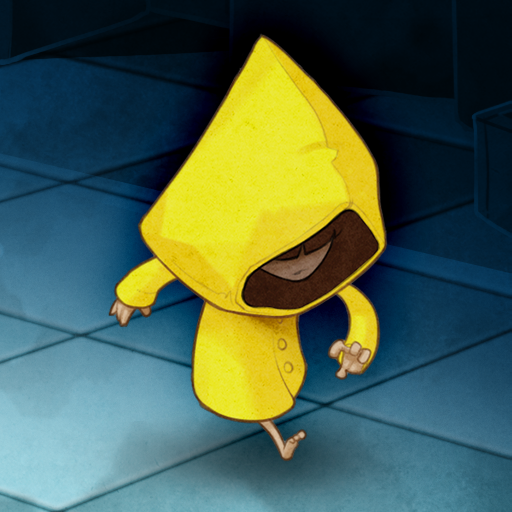
Very Little Nightmares
更新日期
当前版本
1.2.4
提供者

爱玩Very Little Nightmares的你,双手不应该被束缚在手机的小屏幕上。像职业选手一样用键盘和滑鼠来全面控制你的游戏吧。在电脑上下载、安装Very Little Nightmares并尽情游玩。再也不用担心剩余电量、流量消耗和烦人的来电。全新的逍遥模拟器8是你在电脑上游玩Very Little Nightmares的好选择!我们用心准备,完美的按键映射系统让Very Little Nightmares宛如电脑游戏;
更多
透过逍遥模拟器,在电脑上下载Very Little Nightmares,享受大荧屏的畅快体验。 进入《小小噩梦》的世界,这是一款融合了可爱与恐怖元素的解谜冒险游戏。
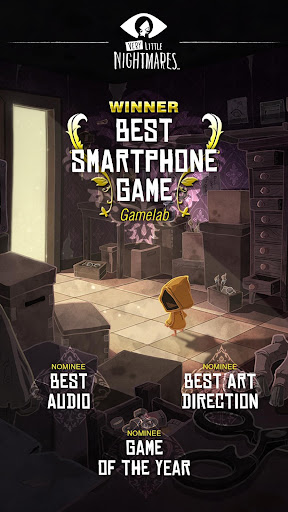
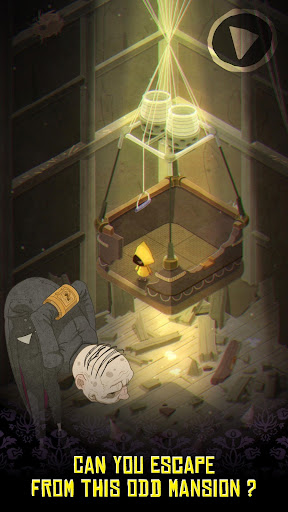
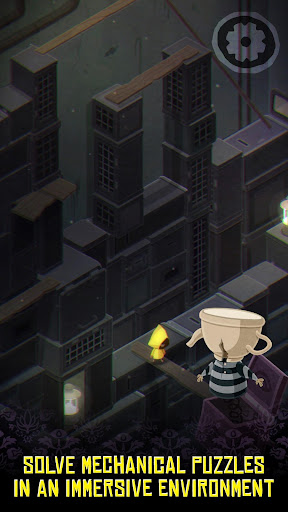
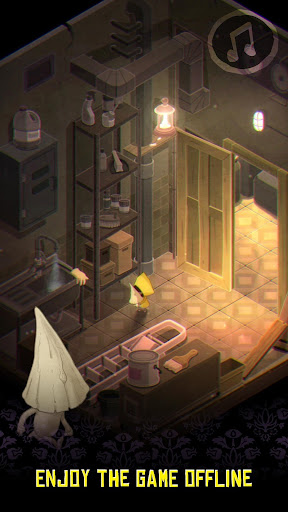
进入《小小噩梦》的世界,这是一款融合了可爱与恐怖元素的解谜冒险游戏。
帮助穿黄雨衣的女孩在充满敌意的房子里生存下来,并找到让她逃脱的方法。
当她在一座陌生的豪宅中醒来时,你必须引导她穿过每一个房间。落入这里,这是多么残酷的命运啊,一切都想让她死。
她的生命掌握在你的手中,躲避敌人,解开扣人心弦的谜题,最终揭开这座奇异房子的秘密。
=====
探索
“巢穴”,一个充满致命陷阱的巨大迷宫。
破解
挑战性的谜题阻挡你的去路。运用你的智慧和你掌握的一切资源。
生存
可怕的敌人会不惜一切代价抓住你。
探索
这部原创前传故事讲述了《小小梦魇》中的黑暗世界。
保持联系,揭开这个世界的神秘面纱:
Facebook:https://www.facebook.com/LittleNightmaresEU/
Twitter:https://twitter.com/LittleNights
Instagram:https://www.instagram.com/little__nightmares/
您正在购买数字商品许可。完整条款和条件,请参阅下方的许可协议。
⭐ 支持:遇到问题?请访问 http://bnent.eu/msupportvln 告诉我们
⭐ 隐私政策:http://bnent.eu/mprivacy
⭐ 使用条款:http://bnent.eu/mterms
更多

1. 下载逍遥安装器并完成设置

2. 启动逍遥后打开位于桌面上的谷歌商店

3. 在谷歌商店中搜索Very Little Nightmares
Install
4. 下载并安装Very Little Nightmares
5. 下载完成后点击图标来启动

6. 通过逍遥在电脑上享受Very Little Nightmares
逍遥安卓是优秀的安卓模拟器,全球超过5000万用户的优先选择。逍遥安卓以虚拟化技术为核心,为用户打造突破手机配置局限的游戏平台!
大屏精细展示;无限待机,超越电池和流量限制
键鼠、手把操作全面支持,操作更精准
用逍遥多开同时运行多个游戏、应用。
Play Very Little Nightmares on PC by following steps: