AI Mirror: Screen Mirroring TV
更新日期
当前版本
1.0.0
提供者

想体验AI Mirror: Screen Mirroring TV,可是手机屏幕太小,用一会就变烫,怎么办?使用逍遥模拟器,在电脑的大屏幕上畅快体验!在电脑上下载安装AI Mirror: Screen Mirroring TV,不用担心电量问题,想体验多久就多久,顺畅用一天~全新的逍遥模拟器9,绝对是您体验AI Mirror: Screen Mirroring TV电脑版的好选择。完美的按键映射系统让AI Mirror: Screen Mirroring TV如PC端般运行;强大的多开功能可同时使用多个应用;独家虚拟化技术更能彻底发挥电脑效能,保障长时间稳定运作。我们致力于不让设备限制您的体验,用起来轻松高效,畅快无比!
更多
使用逍遙模擬器在電腦上享受AI Mirror: Screen Mirroring TV的卓越體驗。這是一款功能強大的免費安卓模擬器,為您提供數千款安卓應用程式的桌面版本。與好友互動,有效率完成工作,盡情享受! Cast to TV.
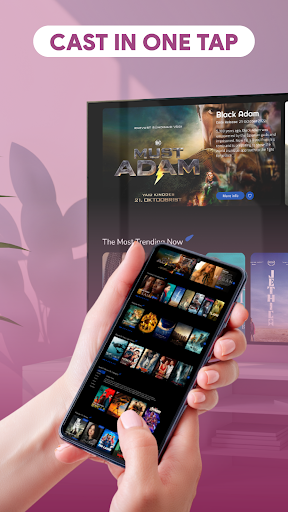
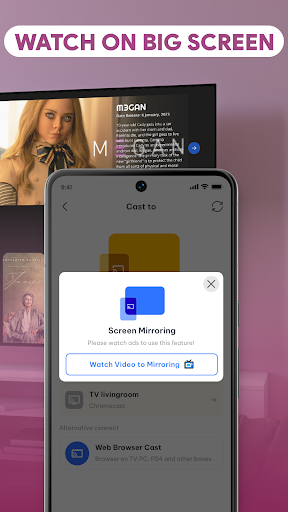
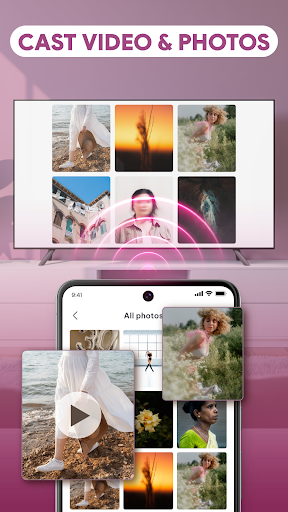
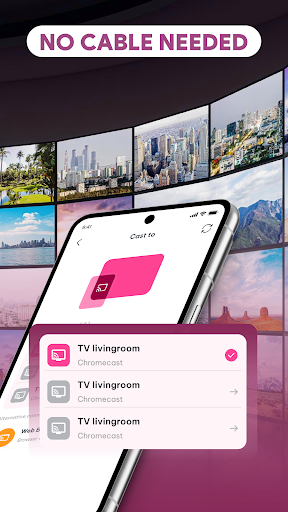
Cast to TV. Enjoy everything on the big screen!
Enjoy powerful cast to TV and smooth screen mirroring that instantly brings your phone content to a larger display with AI Mirror: Screen Mirroring TV. Whether you want to watch videos, share photos, or present something important, everything looks better on your TV.
With just a tap, you can start screen casting and experience seamless performance without delays.
Quick connection, no cable needed
Forget about wires and complicated setup. This tv mirroring app uses stable wifi display technology to let you screen share or connect your phone to TV in seconds. From screen mirroring to casting, everything works wirelessly and effortlessly.
No technical steps. No confusion. Just connect and start enjoying.
Watch videos and stream content with ease
Turn your device into a complete entertainment hub. With built-in video cast features, you can stream your favorite videos and media directly to your smart TV.
Whether you're playing local files or personal content, the mirror cast app ensures smooth playback and high-quality viewing. Enjoy reliable media casting every time.
Smart remote control, right on your phone
No need to look for your remote anymore. This mirror screen app includes a simple yet universal tv remote with an intuitive interface. Adjust volume, navigate menus, pause videos, and control playback directly from your phone.
Flexible casting for everyday use
From phone mirror and cast phone to advanced media cast, the app supports multiple ways to share your content. Easily display photos, stream videos, or use apps while mirroring your screen.
With optimized screen casting and stable performance, your experience remains smooth across different devices and situations.
Fast, stable, and built for modern smart TVs
Designed to work with most modern smart TV systems, the mirror app ensures quick connections, minimal lag, and consistent performance. Whether you are using cast to TV or screen mirroring, everything runs smoothly and reliably.
Enjoy high-quality streaming, responsive controls, and a hassle-free experience every time.
From screen share and mirror screen to video cast and remote control, this app gives you everything you need in one place. Simple to use, fast to connect, and powerful enough for daily use.
Download AI Mirror: Screen Mirroring TV now and start your cast to TV experience with easy screen mirroring, smooth media cast, and effortless mirror to TV anytime.
更多

1. 下载逍遥安装器并完成设置

2. 启动逍遥后打开位于桌面上的谷歌商店

3. 在谷歌商店中搜索AI Mirror: Screen Mirroring TV
Install
4. 下载并安装AI Mirror: Screen Mirroring TV
5. 下载完成后点击图标来启动

6. 通过逍遥在电脑上享受AI Mirror: Screen Mirroring TV
逍遥安卓是优秀的安卓模拟器,全球超过5000万用户的优先选择。逍遥安卓以虚拟化技术为核心,为用户打造突破手机配置局限的游戏平台!
大屏精细展示;无限待机,超越电池和流量限制
键鼠、手把操作全面支持,操作更精准
用逍遥多开同时运行多个游戏、应用。
Use AI Mirror: Screen Mirroring TV on PC by following steps: