
Business Insider
更新日期
当前版本
15.9.0
提供者

想体验Business Insider,可是手机屏幕太小,用一会就变烫,怎么办?使用逍遥模拟器,在电脑的大屏幕上畅快体验!在电脑上下载安装Business Insider,不用担心电量问题,想体验多久就多久,顺畅用一天~全新的逍遥模拟器9,绝对是您体验Business Insider电脑版的好选择。完美的按键映射系统让Business Insider如PC端般运行;强大的多开功能可同时使用多个应用;独家虚拟化技术更能彻底发挥电脑效能,保障长时间稳定运作。我们致力于不让设备限制您的体验,用起来轻松高效,畅快无比!
更多
透过逍遥模拟器,在电脑上下载Business Insider,享受大荧屏的畅快体验。 The Business Insider app provides you with a fast and convenient way to read business news on the go.
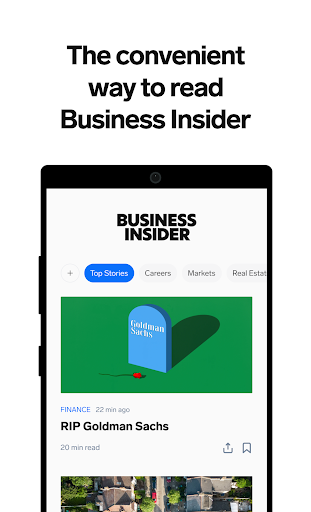

The Business Insider app provides you with a fast and convenient way to read business news on the go.
Stay up-to-date with the latest news, sharp analyses and insightful commentaries from around the world and across a variety of topics like tech, finance, real estate, and more.
Key Features:
+ Receive breaking news alerts and follow developing stories
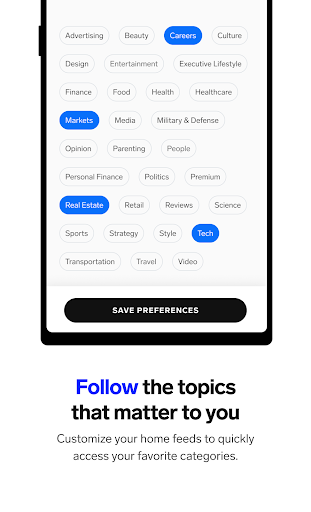
+ Follow the topics that matter to you with Shortcuts and access your favorite categories faster
+ Search through Insider's extensive news archives
+ Get full coverage on the latest and trending topics with our new, curated Discover feed
+ Save interesting articles for later reading
+ Share articles directly to your email or favorite supported social media apps (Facebook, Twitter, Pocket, Pinterest, WhatsApp, etc.)
+ Use summary mode to skim the key details of every article without leaving your home feed
This is a subscriber-exclusive feature.
We are always working to improve the overall app experience and welcome your feedback.
Feedback about the app: mobile@insider.com
Contact Insider subscriptions: subscriptions@insider.com
Contact our editors: feedback@insider.com
Thank you for reading!
Business Insider Subscription Agreement:
You are agreeing to purchase a subscription that includes access to articles and e-newsletter. Once purchase is complete, payment will be charged to your iTunes account upon confirmation of your subscription selection at the below prices (subject to change at a future time):
- Monthly subscription - $11.99/month
- Quarterly subscription - $27.99/Quarter
- Annual subscription - $99.99/year
* For non-US app stores, the equivalent currency charges will apply.
All subscriptions are set to renew automatically unless auto-renew is turned off at least 24 hours prior to the next billing date.Subscriptions may be managed by the user and auto-renewal may be turned off by going to the user's Account Settings after purchase.
Terms of Sale: https://www.insider-inc.com/terms-of-sale
UPDATED PRIVACY POLICY:
We have updated our Privacy Policy to reflect global privacy standards. We encourage you to read the updated policy in full. By continuing to this app after April 13th, 2023, you agree to these updated terms. Privacy Policy is available at https://www.insider-inc.com/privacy-policy.
Additional Subscription Information:
• Account will be charged for renewal within 24 hours prior to the end of the current period, and identify the cost of the renewal.
• Subscriptions may be managed by the user and auto-renewal may be turned off by going to the user's Account Settings after purchase.
• No cancellation of the current subscription is allowed during the active subscription period.
• Any unused portion of a free trial period, if offered, will be forfeited when the user purchases a subscription to that publication, where applicable.
Terms of Service - https://www.insider-inc.com/terms/
更多

1. 下载逍遥安装器并完成设置

2. 启动逍遥后打开位于桌面上的谷歌商店

3. 在谷歌商店中搜索Business Insider
Install
4. 下载并安装Business Insider
5. 下载完成后点击图标来启动

6. 通过逍遥在电脑上享受Business Insider
逍遥安卓是优秀的安卓模拟器,全球超过5000万用户的优先选择。逍遥安卓以虚拟化技术为核心,为用户打造突破手机配置局限的游戏平台!
大屏精细展示;无限待机,超越电池和流量限制
键鼠、手把操作全面支持,操作更精准
用逍遥多开同时运行多个游戏、应用。
Use Business Insider on PC by following steps: