POPS - Your Comic Destination
更新日期
当前版本
提供者

想体验POPS - Your Comic Destination,可是手机屏幕太小,用一会就变烫,怎么办?使用逍遥模拟器,在电脑的大屏幕上畅快体验!在电脑上下载安装POPS - Your Comic Destination,不用担心电量问题,想体验多久就多久,顺畅用一天~全新的逍遥模拟器9,绝对是您体验POPS - Your Comic Destination电脑版的好选择。完美的按键映射系统让POPS - Your Comic Destination如PC端般运行;强大的多开功能可同时使用多个应用;独家虚拟化技术更能彻底发挥电脑效能,保障长时间稳定运作。我们致力于不让设备限制您的体验,用起来轻松高效,畅快无比!
更多
透过逍遥模拟器,在电脑上下载POPS - Your Comic Destination,享受大荧屏的畅快体验。 POPS 是您的首选应用程序,拥有来自越南、韩国、中国顶级艺术家的庞大漫画库,以及 POPS 漫画工作室制作的独家原创 IP。
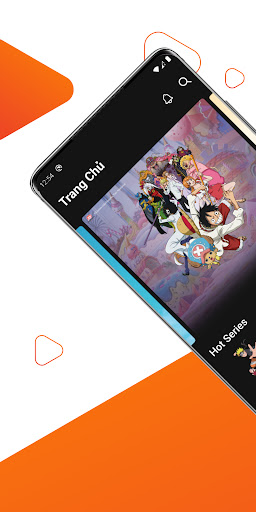
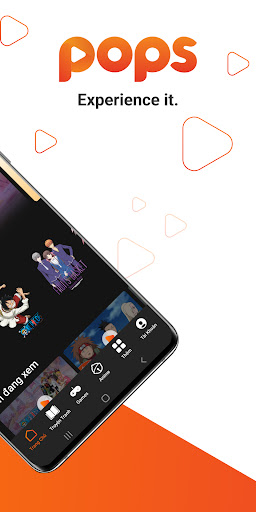
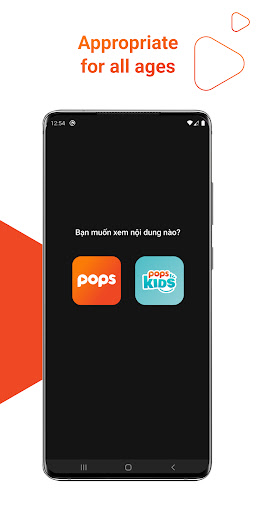
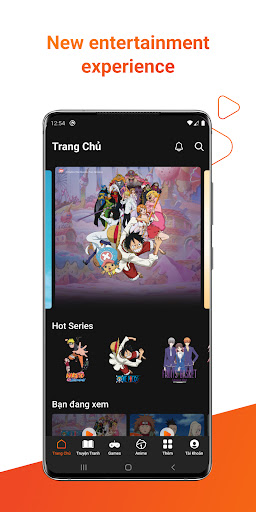
POPS 是您的首选应用程序,拥有来自越南、韩国、中国顶级艺术家的庞大漫画库,以及 POPS 漫画工作室制作的独家原创 IP。
*** 内容可用性可能因您所在的国家或地区而异。
POPS 通过易于使用的搜索工具和先进的推荐引擎,为您提供免费访问大量漫画的机会。只需在手机上登录您的 POPS 帐户,即可在桌面或智能电视等其他平台上即时访问:
探索多样化的漫画库:深入探索超过 220 种不同类型的著名漫画的想象力世界。享受顶级艺术家的独家原创作品和热门系列。
个性化体验:通过在智能手机、台式机和智能电视设备之间自动同步的智能功能创建个性化的用户体验。
跨设备无缝访问:一次登录,即可在多个设备上欣赏您喜爱的漫画,确保随时随地的无缝阅读体验。
无数据享受:得益于与越南各地移动运营商的独家合作伙伴关系,无需数据费用(3G/4G)即可享受漫画。
如有疑问或询问,请联系我们。
电子邮件:popsapp-support@popsww.com
热线电话:+84 (28) 62921652
网站:https://pops.vn
更多

1. 下载逍遥安装器并完成设置

2. 启动逍遥后打开位于桌面上的谷歌商店

3. 在谷歌商店中搜索POPS - Your Comic Destination
Install
4. 下载并安装POPS - Your Comic Destination
5. 下载完成后点击图标来启动

6. 通过逍遥在电脑上享受POPS - Your Comic Destination
逍遥安卓是优秀的安卓模拟器,全球超过5000万用户的优先选择。逍遥安卓以虚拟化技术为核心,为用户打造突破手机配置局限的游戏平台!
大屏精细展示;无限待机,超越电池和流量限制
键鼠、手把操作全面支持,操作更精准
用逍遥多开同时运行多个游戏、应用。
Use POPS - Your Comic Destination on PC by following steps: