A9 Mini Camera App
تم التحديث
الإصدار الحالي
3.0
تقديم

لا داعي للقلق بشأن الشحن الزائد عند استخدام A9 Mini Camera App على هاتفك. تحرر من قيود الشاشة الصغيرة واستمتع به على شاشة أكبر باستخدام لوحة المفاتيح والفأرة. يوفر MEmu جميع الميزات الرائعة التي تتوقعها: تثبيت سريع، إعداد سهل، أدوات تحكم بديهية، ودون قيود على عمر البطارية، أو استخدام البيانات، أو المكالمات الواردة. يُعد MEmu 9 الجديد الخيار الأمثل لتجربة A9 Mini Camera App على جهاز الكمبيوتر. بفضل تقنية التشفير الفريدة، يتيح لك مدير الحسابات المتعددة تشغيل حسابين أو أكثر في وقت واحد. والأهم من ذلك، أن محرك المحاكاة الفريد يستغل أداء جهاز الكمبيوتر بالكامل، مما يُحسّن تجربة التطبيق ويجعل كل شيء سلسًا للغاية.
أظهر المزيد
استمتع بتجربة رائعة لاستخدام A9 Mini Camera App على جهاز الكمبيوتر مع MEmu Play. إنه محاكي أندرويد قوي ومجاني يوفر لك آلاف تطبيقات أندرويد لإصدار سطح المكتب. استمتع بالتواصل مع أصدقائك وحسّن عملك بكفاءة أعلى! Looking for an easy way to understand your A9 Mini Camera App?
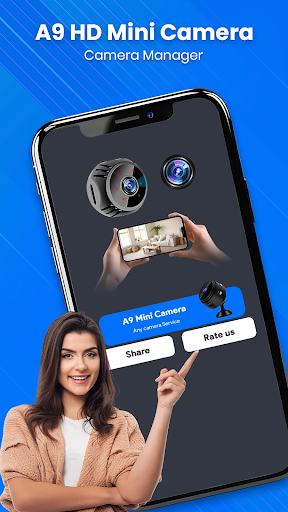
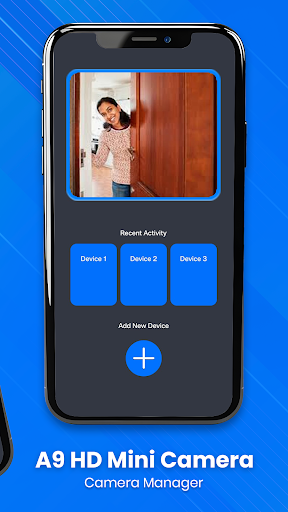
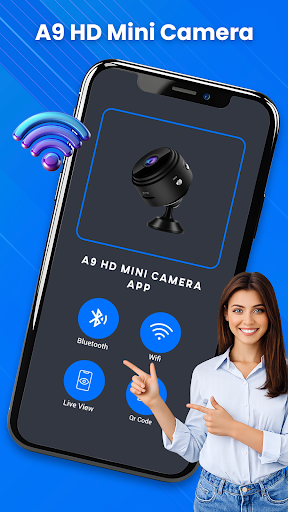
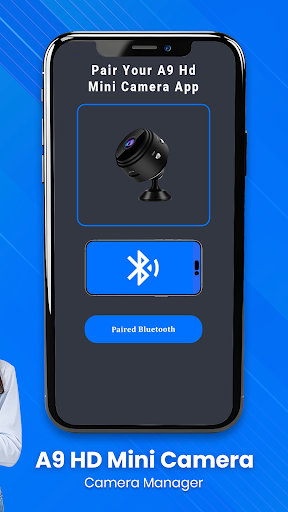
Looking for an easy way to understand your A9 Mini Camera App? This guide provides helpful information for setting up and using your A9 Mini WiFi Camera, connecting it to WiFi, understanding its features, and troubleshooting common connection problems.
Whether you have an A9 Mini Camera, A9 WiFi Camera, or A9 Mini Camera V720, this guide helps you find the information you need in one convenient place.
What You Can Learn
• A9 Mini Camera setup and connection instructions
• A9 Mini WiFi Camera setup guide
• How to connect the camera to WiFi
• A9 Mini Camera user manual and feature information
• A9 Mini Camera V720 information
• WiFi connection and configuration tips
• Live monitoring and camera feature guidance
• Common connection and setup troubleshooting
• Helpful tips for using your mini WiFi camera
Easy A9 Mini Camera Setup
Follow simple, beginner-friendly instructions to understand your camera and get started. The guide explains the basic setup process and provides useful information about connecting and using an A9 Mini WiFi Camera.
A9 Mini WiFi Camera Guide
Learn about WiFi connectivity, camera settings, monitoring features, and other useful functions. Whether you are setting up your camera for the first time or trying to solve a connection issue, the information is organized for quick and easy access.
Supports Popular A9 Camera Variants
This guide provides information related to:
• A9 Mini Camera
• A9 Mini WiFi Camera
• A9 WiFi Camera
• A9 Mini Camera V720
• A9 Camera App setup and connection
⭐ Simple & Beginner Friendly
The app is designed with a simple interface so you can quickly find setup instructions, camera information, and troubleshooting guidance without complicated technical steps.
Important Disclaimer: This is an independent informational and educational guide. It is not an official A9 Mini Camera application and is not affiliated with, endorsed by, or connected to any camera manufacturer or brand.
Download the A9 Mini Camera App guide and learn how to set up, connect, and use your A9 Mini WiFi Camera with helpful instructions and troubleshooting information.
أظهر المزيد

1. قم بتنزيل برنامج MEmu واكمال تثبيته

2. قم بتشغيل برنامج MEmu وفتح Google Play على الصفحة الرئيسية

3. ابح A9 Mini Camera App في Google Play
Install
4. تنزيل وتثبيت A9 Mini Camera App
5. انقر على الرمز للتشغيل بعد اكتمال التثبيت

6. استخدم MEmu لتجربة A9 Mini Camera App على جهاز الكمبيوتر الخاص بك.
تطبيق MEmuهو افضل محاكى اندرويد مجانى وبالفعل 50 مليون شخص يستمتعون حاليا بتجربه اللعب عليه. تمكّنك تقنية MEmu الافتراضية من تشغيل آلاف ألعاب Android بسلاسة على الكمبيوتر الشخصي ، حتى أكثرها استخدامًا للرسومات.
شاشة أكبر وجرافيك افضل ووقت أطول بدون حدود البطارية وباقة التليفون
لوحة مفاتيح كاملة تدعم تحكم كامل عن طريق لوحة المفاتيح و الفأره وجيم باد
عدة العاب وحسابات ومهمات علي جهاز الكمبيوتر في وقت معين عن طريق Memu متعدد النوافذ
Use A9 Mini Camera App on PC by following steps: