Guide for PUBG : GFX Tool for PUBG
تم التحديث
الإصدار الحالي
1.0.12
تقديم

لا داعي للقلق بشأن الشحن الزائد عند استخدام Guide for PUBG : GFX Tool for PUBG على هاتفك. تحرر من قيود الشاشة الصغيرة واستمتع به على شاشة أكبر باستخدام لوحة المفاتيح والفأرة. يوفر MEmu جميع الميزات الرائعة التي تتوقعها: تثبيت سريع، إعداد سهل، أدوات تحكم بديهية، ودون قيود على عمر البطارية، أو استخدام البيانات، أو المكالمات الواردة. يُعد MEmu 9 الجديد الخيار الأمثل لتجربة Guide for PUBG : GFX Tool for PUBG على جهاز الكمبيوتر. بفضل تقنية التشفير الفريدة، يتيح لك مدير الحسابات المتعددة تشغيل حسابين أو أكثر في وقت واحد. والأهم من ذلك، أن محرك المحاكاة الفريد يستغل أداء جهاز الكمبيوتر بالكامل، مما يُحسّن تجربة التطبيق ويجعل كل شيء سلسًا للغاية.
أظهر المزيد
قم بتنزيل Guide for PUBG : GFX Tool for PUBG على الكمبيوتر بإستخدام جهاز مقلد أندروز MEmu.استمتع بمتعة اللعب على الشاشة الكبيرة. This is the best GFX TOOL.
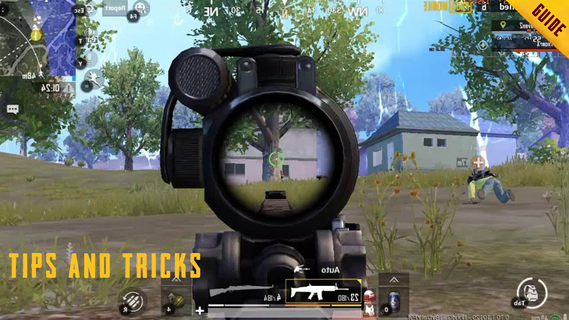
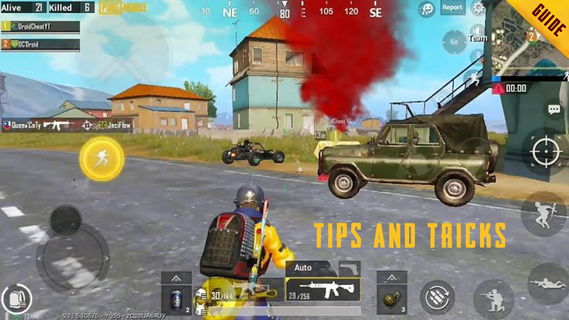
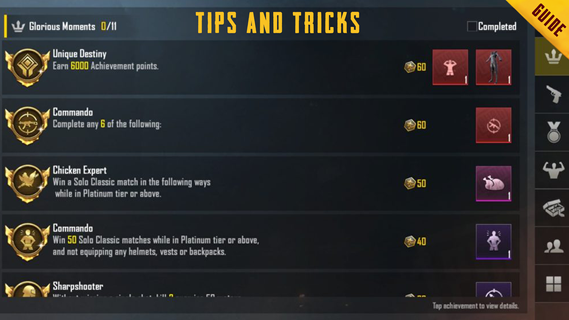
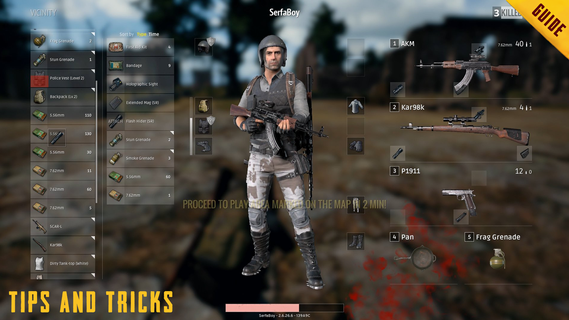
This is the best GFX TOOL. Gfx Tool is able to change the Graphic settings in the most comprehensive way. Application features are: * 1080 Resolution: Change the resolution of the game. * HDR Game Graphic: Unlock the HDR graphics on low end devices. * Extreme FPS: Unlock the Extreme FPS level. * Styles: Change graphics style setting. * Shadows: Select best shadow level or Disable. * Shadow Distance: Select shadow distance level. * Moving Shadows: Enable or Disable shadows of players and cars. * 4xMSAA: Enable and disable Anti Aliasing. * MSAA Level: Select the MSAA Level. * Light Effects: Disable for better performance. * GPU Optimization: Enable to reduce useless effects. * Sound Quality: Enable to fix low volume issues. How to Use: * Open GFX Tool. * Select Installed Game Version. * Select Options based on your phone RAM and Graphics Support. * Click on Apply Settings and then Run Game. That's It. Voila !! GO AND COME 1ST WITH SMOOTH GRAPHICS WITHOUT ANY LAG Note : This is an unofficial guide for PUBG Mobile. This product is not affiliated, endorsed or sponsored by the original copyright owner. All game names, images, characters, logos and other details are not created by us but by their respective owners. - All trademarked names and images are only used as references and we do not intend to violate or take ownership of these names and images.. - If we are in breach of copyright, please let us know and any request to remove one of the Images/Logos will be honored. For that contact us through Email : resumemakereditor@gmail.com
أظهر المزيد

1. قم بتنزيل برنامج MEmu واكمال تثبيته

2. قم بتشغيل برنامج MEmu وفتح Google Play على الصفحة الرئيسية

3. ابح Guide for PUBG : GFX Tool for PUBG في Google Play
Install
4. تنزيل وتثبيت Guide for PUBG : GFX Tool for PUBG
5. انقر على الرمز للتشغيل بعد اكتمال التثبيت

6. استخدم MEmu لتجربة Guide for PUBG : GFX Tool for PUBG على جهاز الكمبيوتر الخاص بك.
تطبيق MEmuهو افضل محاكى اندرويد مجانى وبالفعل 50 مليون شخص يستمتعون حاليا بتجربه اللعب عليه. تمكّنك تقنية MEmu الافتراضية من تشغيل آلاف ألعاب Android بسلاسة على الكمبيوتر الشخصي ، حتى أكثرها استخدامًا للرسومات.
شاشة أكبر وجرافيك افضل ووقت أطول بدون حدود البطارية وباقة التليفون
لوحة مفاتيح كاملة تدعم تحكم كامل عن طريق لوحة المفاتيح و الفأره وجيم باد
عدة العاب وحسابات ومهمات علي جهاز الكمبيوتر في وقت معين عن طريق Memu متعدد النوافذ
Use Guide for PUBG : GFX Tool for PUBG on PC by following steps: