
OLOW LITE VPN - UNLIMITED FREE VPN PROXY
تم التحديث
الإصدار الحالي
1.3.3
تقديم

لا داعي للقلق بشأن الشحن الزائد عند استخدام OLOW LITE VPN - UNLIMITED FREE VPN PROXY على هاتفك. تحرر من قيود الشاشة الصغيرة واستمتع به على شاشة أكبر باستخدام لوحة المفاتيح والفأرة. يوفر MEmu جميع الميزات الرائعة التي تتوقعها: تثبيت سريع، إعداد سهل، أدوات تحكم بديهية، ودون قيود على عمر البطارية، أو استخدام البيانات، أو المكالمات الواردة. يُعد MEmu 9 الجديد الخيار الأمثل لتجربة OLOW LITE VPN - UNLIMITED FREE VPN PROXY على جهاز الكمبيوتر. بفضل تقنية التشفير الفريدة، يتيح لك مدير الحسابات المتعددة تشغيل حسابين أو أكثر في وقت واحد. والأهم من ذلك، أن محرك المحاكاة الفريد يستغل أداء جهاز الكمبيوتر بالكامل، مما يُحسّن تجربة التطبيق ويجعل كل شيء سلسًا للغاية.
أظهر المزيد
قم بتنزيل OLOW LITE VPN - UNLIMITED FREE VPN PROXY على الكمبيوتر بإستخدام جهاز مقلد أندروز MEmu.استمتع بمتعة اللعب على الشاشة الكبيرة. OLOW Lite VPN- A smart and secure VPN service available for free on android.
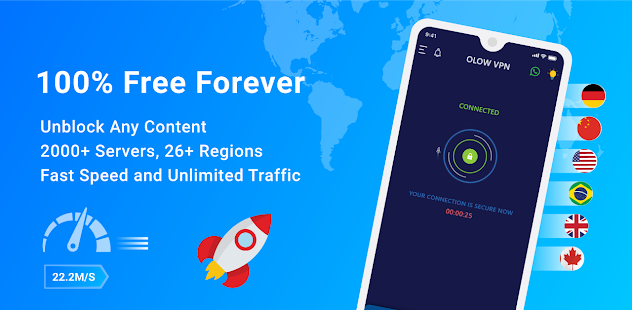
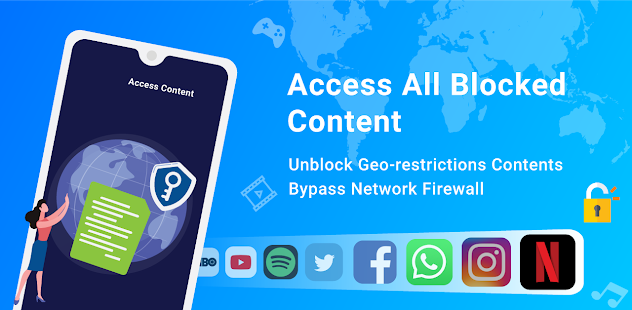

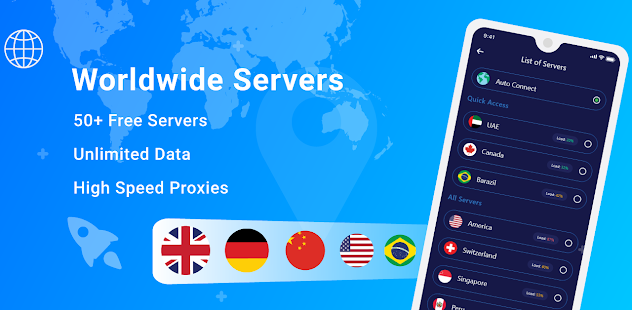
OLOW Lite VPN- A smart and secure VPN service available for free on android. It allows private internet access and connects you smartly over proxy server that helps browse applications without any geo-restrictions. It provides high usability and secure service along with speed and stability in the network connection. If you are looking to watch out your favourite shows, OLOW Lite VPN would facilitate you surf privately by hiding IP.
The OLOW Lite VPN offers following features without any compromising factor which makes it one the best available free VPN service to use:
✔ Surf the Web Anonymously:
A VPN (virtual private network) allows the user to connect to the web more securely and aids to prevent other people using the same network from seeing your activities. It is similar to surfing the internet through a steel tube, where the user's data is much difficult to see and collect.
✔ Free and Unlimited:
You don’t have to worry about bandwidth limit. OLOW Lite VPN is fully free and no limit and restriction on data usage over the WIFI, LTE, 3G, 4G and 5G.
✔ No registration required, No complicated set-up:
Just install and start browsing the website you love, no registration required, no clumsy configuration, simply install, choose a server, connect and go, it’s that simple to use.
✔ Network Booster for high-speed connection:
OLOW Lite VPN uses latest technology to make sure you enjoy fast-speed. The network booster prevents apps from using unnecessary data in the background to give you more browsing speed. With this fast VPN for free app, you'll enjoy really fast speed with iron-shield privacy
✔ WIFI Protector provides security for WIFI hotspot connected
OLOW Lite VPN Unlimited Free VPN for android will make your internet connection truly secure and you'll get things done without wreaking your nerve about information getting leaked.
✔ Protect yourself from cyber threats
This VPN app of 2020 will block any malicious website from accessing your phone, and it will keep your device safe from unintentionally joining any botnet predator force.
✔ Keeps your IP Hidden
Any app that wants to enter the elite list of great free VPN apps for android, there is one basic rule: properly hide the user's IP address. This fast VPN free android app called OLOW Lite VPN hides your real IP from everybody. No one will find out your identity or location.
✔ Secure your crucial data
With this secured VPN app, you will browse the web through an encrypted and highly-protective tunnel, which makes sure that you are unreachable for the cyber criminals.
✔ Support multiple languages
OLOW Lite VPN provides 14 different languages, you can change any language based on your location.
✔ Dark & light theme
App has both dark and light theme, you can choose which suits you.
أظهر المزيد

1. قم بتنزيل برنامج MEmu واكمال تثبيته

2. قم بتشغيل برنامج MEmu وفتح Google Play على الصفحة الرئيسية

3. ابح OLOW LITE VPN - UNLIMITED FREE VPN PROXY في Google Play
Install
4. تنزيل وتثبيت OLOW LITE VPN - UNLIMITED FREE VPN PROXY
5. انقر على الرمز للتشغيل بعد اكتمال التثبيت

6. استخدم MEmu لتجربة OLOW LITE VPN - UNLIMITED FREE VPN PROXY على جهاز الكمبيوتر الخاص بك.
تطبيق MEmuهو افضل محاكى اندرويد مجانى وبالفعل 50 مليون شخص يستمتعون حاليا بتجربه اللعب عليه. تمكّنك تقنية MEmu الافتراضية من تشغيل آلاف ألعاب Android بسلاسة على الكمبيوتر الشخصي ، حتى أكثرها استخدامًا للرسومات.
شاشة أكبر وجرافيك افضل ووقت أطول بدون حدود البطارية وباقة التليفون
لوحة مفاتيح كاملة تدعم تحكم كامل عن طريق لوحة المفاتيح و الفأره وجيم باد
عدة العاب وحسابات ومهمات علي جهاز الكمبيوتر في وقت معين عن طريق Memu متعدد النوافذ
Use OLOW LITE VPN - UNLIMITED FREE VPN PROXY on PC by following steps: