DepthFX Wallpaper
تم التحديث
الإصدار الحالي
DFX_W_5.0
تقديم

لا داعي للقلق بشأن الشحن الزائد عند استخدام DepthFX Wallpaper على هاتفك. تحرر من قيود الشاشة الصغيرة واستمتع به على شاشة أكبر باستخدام لوحة المفاتيح والفأرة. يوفر MEmu جميع الميزات الرائعة التي تتوقعها: تثبيت سريع، إعداد سهل، أدوات تحكم بديهية، ودون قيود على عمر البطارية، أو استخدام البيانات، أو المكالمات الواردة. يُعد MEmu 9 الجديد الخيار الأمثل لتجربة DepthFX Wallpaper على جهاز الكمبيوتر. بفضل تقنية التشفير الفريدة، يتيح لك مدير الحسابات المتعددة تشغيل حسابين أو أكثر في وقت واحد. والأهم من ذلك، أن محرك المحاكاة الفريد يستغل أداء جهاز الكمبيوتر بالكامل، مما يُحسّن تجربة التطبيق ويجعل كل شيء سلسًا للغاية.
أظهر المزيد
قم بتنزيل DepthFX Wallpaper على الكمبيوتر بإستخدام جهاز مقلد أندروز MEmu.استمتع بمتعة اللعب على الشاشة الكبيرة. Add the magic of iOS style, but better, dynamic depth effect wallpaper to your Samsung phone!
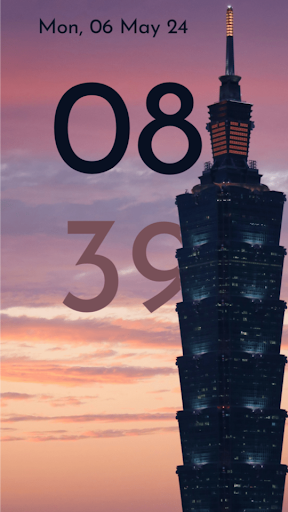
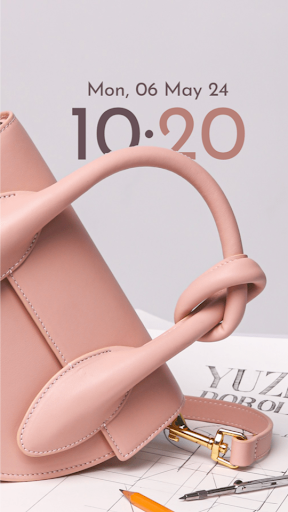
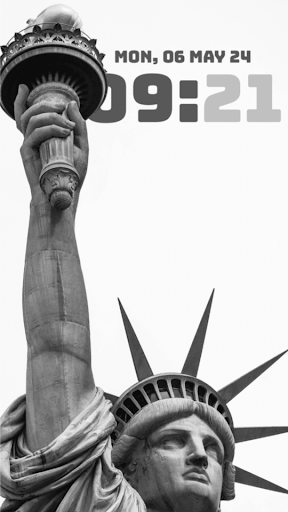
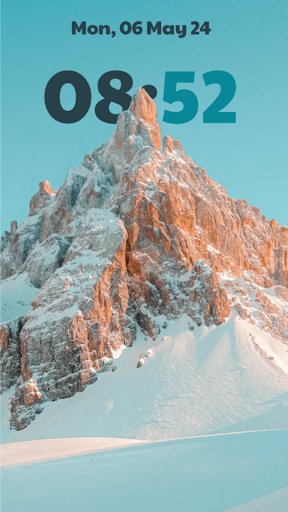
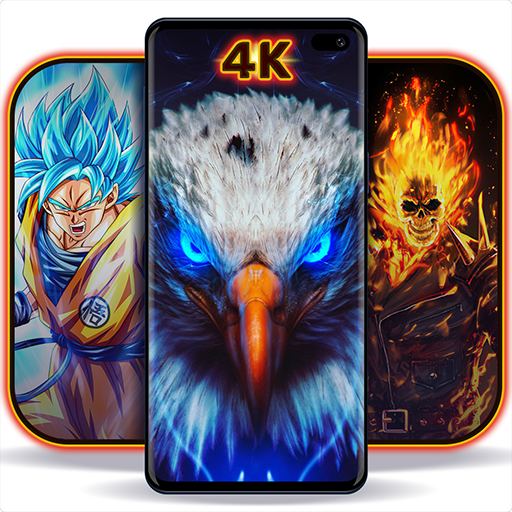
Add the magic of iOS style, but better, dynamic depth effect wallpaper to your Samsung phone! DepthFX Wallpaper adds a live clock, date to any of your chosen photo. For inspiration, the App has beautiful set of curated wallpaper that you can completely customize and experience the stunning depth and style of DepthFX.
Features:
* Choose any of your photos or select from the curated ones to set a wallpaper with depth effect added to the clock/date.
* Match the color of the clock/date with chosen photo, both the hour and minute texts can be individually colored.
* Change the font style of clock/date to match the depth of the wallpaper's style.
* Change the clock orientation between horizontal and vertical as appropriate to the chosen wallpaper.
* Wallpapers which have smokey/cloud elements, you can adjust the 'depth transparency' to have a even more stunning effect.
More features incoming, thanks for supporting this project!
NOTE: For the full effect, you might need to change your system's lockscreen/homescreen settings to remove the standard clock.
أظهر المزيد

1. قم بتنزيل برنامج MEmu واكمال تثبيته

2. قم بتشغيل برنامج MEmu وفتح Google Play على الصفحة الرئيسية

3. ابح DepthFX Wallpaper في Google Play
Install
4. تنزيل وتثبيت DepthFX Wallpaper
5. انقر على الرمز للتشغيل بعد اكتمال التثبيت

6. استخدم MEmu لتجربة DepthFX Wallpaper على جهاز الكمبيوتر الخاص بك.
تطبيق MEmuهو افضل محاكى اندرويد مجانى وبالفعل 50 مليون شخص يستمتعون حاليا بتجربه اللعب عليه. تمكّنك تقنية MEmu الافتراضية من تشغيل آلاف ألعاب Android بسلاسة على الكمبيوتر الشخصي ، حتى أكثرها استخدامًا للرسومات.
شاشة أكبر وجرافيك افضل ووقت أطول بدون حدود البطارية وباقة التليفون
لوحة مفاتيح كاملة تدعم تحكم كامل عن طريق لوحة المفاتيح و الفأره وجيم باد
عدة العاب وحسابات ومهمات علي جهاز الكمبيوتر في وقت معين عن طريق Memu متعدد النوافذ
Use DepthFX Wallpaper on PC by following steps: