
HyFun
تم التحديث
الإصدار الحالي
1.3.2.260811
تقديم

لا داعي للقلق بشأن الشحن الزائد عند استخدام HyFun على هاتفك. تحرر من قيود الشاشة الصغيرة واستمتع به على شاشة أكبر باستخدام لوحة المفاتيح والفأرة. يوفر MEmu جميع الميزات الرائعة التي تتوقعها: تثبيت سريع، إعداد سهل، أدوات تحكم بديهية، ودون قيود على عمر البطارية، أو استخدام البيانات، أو المكالمات الواردة. يُعد MEmu 9 الجديد الخيار الأمثل لتجربة HyFun على جهاز الكمبيوتر. بفضل تقنية التشفير الفريدة، يتيح لك مدير الحسابات المتعددة تشغيل حسابين أو أكثر في وقت واحد. والأهم من ذلك، أن محرك المحاكاة الفريد يستغل أداء جهاز الكمبيوتر بالكامل، مما يُحسّن تجربة التطبيق ويجعل كل شيء سلسًا للغاية.
أظهر المزيد
استمتع بتجربة رائعة لاستخدام HyFun على جهاز الكمبيوتر مع MEmu Play. إنه محاكي أندرويد قوي ومجاني يوفر لك آلاف تطبيقات أندرويد لإصدار سطح المكتب. استمتع بالتواصل مع أصدقائك وحسّن عملك بكفاءة أعلى! Discover HyFun: The Ultimate Cloud Gaming RevolutionTired of being tied to your PC for the best gaming experiences?
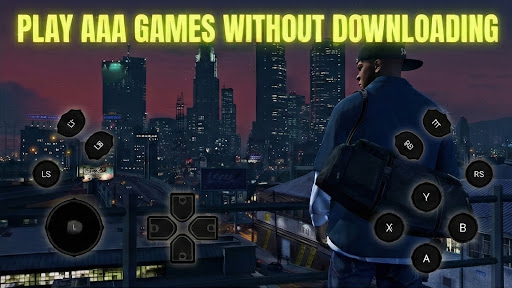
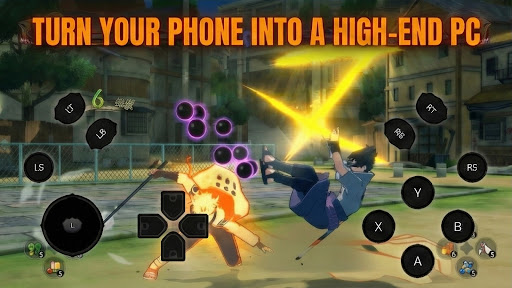
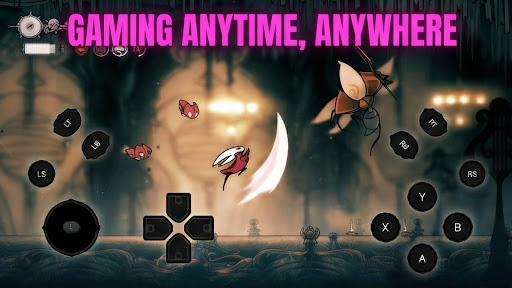
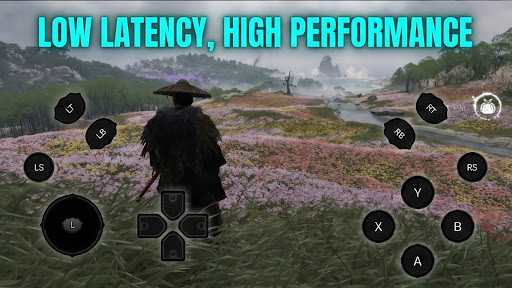
Discover HyFun: The Ultimate Cloud Gaming RevolutionTired of being tied to your PC for the best gaming experiences? With HyFun, your smartphone becomes a portal to a world of high-octane PC games! Stream blockbuster titles from AAA franchises to indie gems directly to your mobile device – no downloads, no installations, just instant fun.Why Choose HyFun?Seamless PC-to-Mobile Gaming: Access thousands of PC games optimized for touch controls or pair with a Bluetooth controller for console-like precision.
Ultra-Low Latency Streaming: Powered by cutting-edge cloud tech, enjoy buttery-smooth gameplay with minimal lag, even on 4G/5G networks.
Huge Game Library: From action-packed shooters like Cyberpunk 2077 to strategy epics and cozy adventures – browse, subscribe, and play your favorites on demand.
Cross-Device Sync: Pick up where you left off across phones, tablets, or even browsers. Your progress, achievements, and saves are always cloud-synced.
Easy Setup: Sign in, connect, and dive in. No hardware upgrades needed – just a stable internet connection.
Key Features:Intuitive Interface: Personalized recommendations, quick search, and one-tap launches make finding your next game effortless.
Multiplayer Magic: Join friends in real-time co-op sessions, no matter what device they're on.
Subscription Perks: Flexible plans starting with free trials, unlocking premium games, higher resolutions, and ad-free play.
Battery & Data Optimized: Smart streaming adjusts to your connection for longer sessions without draining your phone.
Whether you're commuting, chilling at home, or gaming on the go, HyFun turns any moment into playtime. Join millions of gamers who've ditched the desk for the thrill of mobile PC gaming!
أظهر المزيد

1. قم بتنزيل برنامج MEmu واكمال تثبيته

2. قم بتشغيل برنامج MEmu وفتح Google Play على الصفحة الرئيسية

3. ابح HyFun في Google Play
Install
4. تنزيل وتثبيت HyFun
5. انقر على الرمز للتشغيل بعد اكتمال التثبيت

6. استخدم MEmu لتجربة HyFun على جهاز الكمبيوتر الخاص بك.
تطبيق MEmuهو افضل محاكى اندرويد مجانى وبالفعل 50 مليون شخص يستمتعون حاليا بتجربه اللعب عليه. تمكّنك تقنية MEmu الافتراضية من تشغيل آلاف ألعاب Android بسلاسة على الكمبيوتر الشخصي ، حتى أكثرها استخدامًا للرسومات.
شاشة أكبر وجرافيك افضل ووقت أطول بدون حدود البطارية وباقة التليفون
لوحة مفاتيح كاملة تدعم تحكم كامل عن طريق لوحة المفاتيح و الفأره وجيم باد
عدة العاب وحسابات ومهمات علي جهاز الكمبيوتر في وقت معين عن طريق Memu متعدد النوافذ
Use HyFun on PC by following steps: