PDF Reader
تم التحديث
الإصدار الحالي
7.1.3
تقديم

لا داعي للقلق بشأن الشحن الزائد عند استخدام PDF Reader على هاتفك. تحرر من قيود الشاشة الصغيرة واستمتع به على شاشة أكبر باستخدام لوحة المفاتيح والفأرة. يوفر MEmu جميع الميزات الرائعة التي تتوقعها: تثبيت سريع، إعداد سهل، أدوات تحكم بديهية، ودون قيود على عمر البطارية، أو استخدام البيانات، أو المكالمات الواردة. يُعد MEmu 9 الجديد الخيار الأمثل لتجربة PDF Reader على جهاز الكمبيوتر. بفضل تقنية التشفير الفريدة، يتيح لك مدير الحسابات المتعددة تشغيل حسابين أو أكثر في وقت واحد. والأهم من ذلك، أن محرك المحاكاة الفريد يستغل أداء جهاز الكمبيوتر بالكامل، مما يُحسّن تجربة التطبيق ويجعل كل شيء سلسًا للغاية.
أظهر المزيد
قم بتنزيل PDF Reader على الكمبيوتر بإستخدام جهاز مقلد أندروز MEmu.استمتع بمتعة اللعب على الشاشة الكبيرة. PDF Reader is one of the best reading tools.
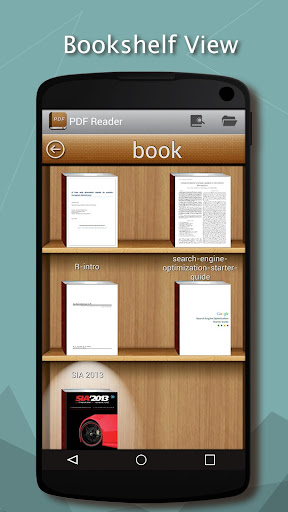
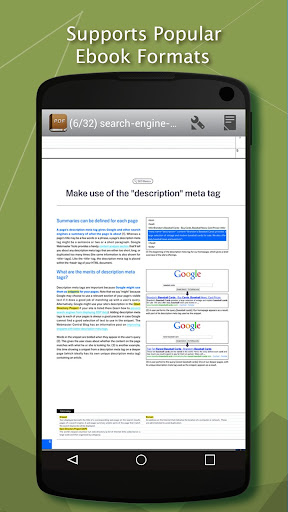
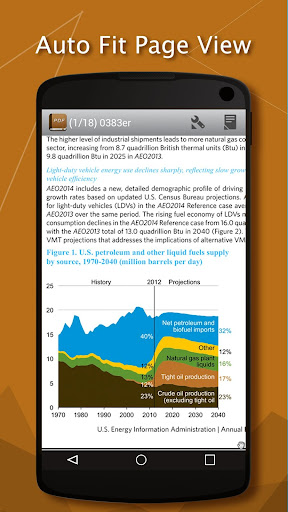
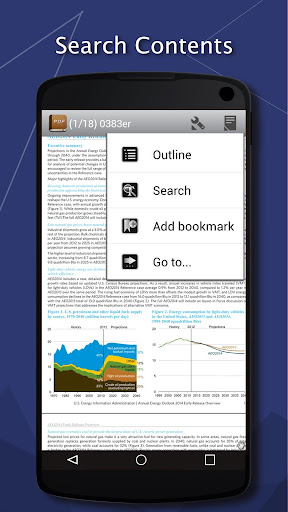
PDF Reader is one of the best reading tools. It can help you to easily manage, and open all the ebooks on your phone.
Supports ebook formats: PDF, DjVU, XPS (OpenXPS), FictionBook (fb2 and fb2.zip), Comics Book formats (cbr and cbz), plus - starting with version 2.0 - EPUB and RTF.
Key features:
* Pages or scroll view. Page flipping animation.
* Table of contents, bookmarks, text search.
* Bookmarks on text fragments (comments or corrections) - useful for proof reading.
* Export of bookmarks to text file.
* Built-in file browser, quick recent books access.
* Online catalogs (OPDS) support.
* LitRes online book store support.
* Text to Speech (TTS) support.
* Hyphenation dictionaries;
* Most complete FB2 format support: styles, tables, footnotes.
* Additional fonts support (place .ttf to /sdcard/fonts/)
* Support for Chinese, Japanese, Korean languages; autodetection of TXT file encoding (GBK, Shift_JIS, BIG5, EUC_KR).
* Day and night profiles (two sets of colors, background, backlight levels).
* Brightness adjustments by flick on left edge of screen.
* Background texture (stretched or tiled) or solid color.
* Paperbook-like page turning animation or "sliding page" animation.
* Dictionary support (ColorDict, GoldenDict, Fora Dictionary, Aard Dictionary).
* Customizable tap zone and key actions.
* Autoscroll (automatic page flipping) - start using menu/goto/autoscroll or assign action Autoscroll on key or tap zone; Change speed using volume keys or bottom-right and bottom-left tap zones; stop - tap any other tap zone or key.
* Can read books from zip archives.
* Automatic reformatting of .txt files (autodetect headings etc.)
* Styles can be customised in wide range using external CSS.
* Select text using double tap (optional).
Disclaimer:
This app is base on EbookDroid code, and licensed under the GNU General Public License.
EbookDroid code: http://code.google.com/p/ebookdroid/
GNU General Public License: http://www.gnu.org/licenses/
أظهر المزيد

1. قم بتنزيل برنامج MEmu واكمال تثبيته

2. قم بتشغيل برنامج MEmu وفتح Google Play على الصفحة الرئيسية

3. ابح PDF Reader في Google Play
Install
4. تنزيل وتثبيت PDF Reader
5. انقر على الرمز للتشغيل بعد اكتمال التثبيت

6. استخدم MEmu لتجربة PDF Reader على جهاز الكمبيوتر الخاص بك.
تطبيق MEmuهو افضل محاكى اندرويد مجانى وبالفعل 50 مليون شخص يستمتعون حاليا بتجربه اللعب عليه. تمكّنك تقنية MEmu الافتراضية من تشغيل آلاف ألعاب Android بسلاسة على الكمبيوتر الشخصي ، حتى أكثرها استخدامًا للرسومات.
شاشة أكبر وجرافيك افضل ووقت أطول بدون حدود البطارية وباقة التليفون
لوحة مفاتيح كاملة تدعم تحكم كامل عن طريق لوحة المفاتيح و الفأره وجيم باد
عدة العاب وحسابات ومهمات علي جهاز الكمبيوتر في وقت معين عن طريق Memu متعدد النوافذ
Use PDF Reader on PC by following steps: