Car Master: Racing and Battle
Aktualizováno
Aktuální verze
1732277282
Od vývojáře

With all your passion for playing Car Master: Racing and Battle, you hands are not supposed to be limited on a tiny screen of your phone. Play like a pro and get full control of your game with keyboard and mouse. MEmu offers you all the things that you are expecting. Download and play Car Master: Racing and Battle on PC. Play as long as you want, no more limitations of battery, mobile data and disturbing calls. The brand new MEmu 9 is the best choice of playing Car Master: Racing and Battle on PC. Prepared with our expertise, the exquisite preset keymapping system makes Car Master: Racing and Battle a real PC game. MEmu multi-instance manager makes playing 2 or more accounts on the same device possible. And the most important, our exclusive emulation engine can release full potential of your PC, make everything smooth.
Show more
Vychutnejte si vynikající zážitek z přehrávání Car Master: Racing and Battle na PC s MEMU App Player. Je to silný bezplatný emulátor pro Android, který vám umožní hrát tisíce her v systému Android. Car Master - fast & furious in realistic racing battles!
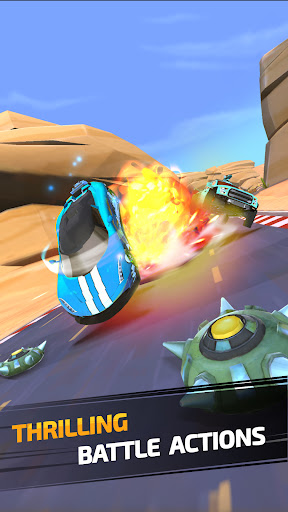
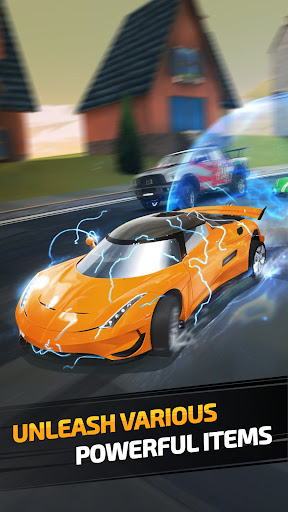
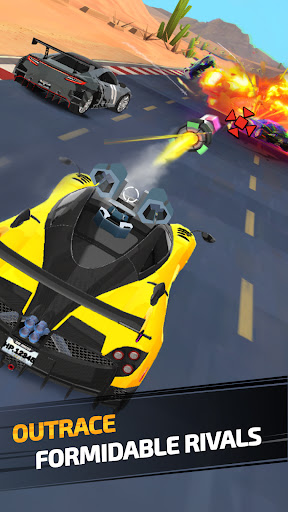
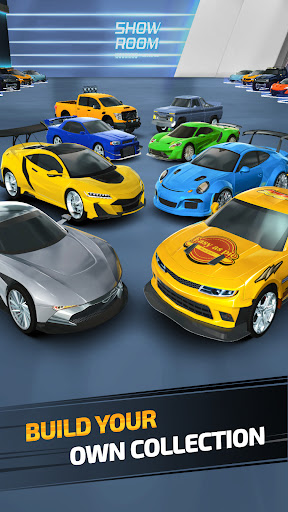
Car Master - fast & furious in realistic racing battles!
Get ready for the ultimate car racing battles! Dive into the top mobile racing game where every race is an experience for survival. Become the true Car Master in a world filled with intense PvP battles, high-speed chases, and heart-pounding action.
Show more

1. Stáhněte si instalační program MEmu a dokončete instalaci

2. Spusťte MEmu a poté otevřete Google Play na ploše

3. Vyhledejte Car Master: Racing and Battle v Google Play
Install
4. Stáhněte a nainstalujte Car Master: Racing and Battle
5. Po dokončení instalace klikněte na ikonu pro spuštění

6. Užijte si hraní Car Master: Racing and Battle na PC s MEmu
MEmu je zdarma a ten nejlepší Android emulátor. 50 milionů lidí si užívá jeho nejlepší herní zážitky. Technologie virtualizace MEmu ti dovolí plynule hrát Android hry na PC a to i ty nejnáročnější.
Větší obrazovka s lepší grafikou; Dlouhá výdrž bez omezení baterie nebo mobilních dat.
Plná podpora mapování kláves pro přesné ovládání klávesnice a myši nebo gamepadu.
Více herních účtů nebo úkolů na jednom počítači najednou s Multi-Instance Managerem.
Play Car Master: Racing and Battle on PC by following steps: