Divine Clash EU
Aktualizováno
Aktuální verze
Od vývojáře

With all your passion for playing Divine Clash EU, you hands are not supposed to be limited on a tiny screen of your phone. Play like a pro and get full control of your game with keyboard and mouse. MEmu offers you all the things that you are expecting. Download and play Divine Clash EU on PC. Play as long as you want, no more limitations of battery, mobile data and disturbing calls. The brand new MEmu 9 is the best choice of playing Divine Clash EU on PC. Prepared with our expertise, the exquisite preset keymapping system makes Divine Clash EU a real PC game. MEmu multi-instance manager makes playing 2 or more accounts on the same device possible. And the most important, our exclusive emulation engine can release full potential of your PC, make everything smooth.
Show more
Vychutnejte si vynikající zážitek z přehrávání Divine Clash EU na PC s MEMU App Player. Je to silný bezplatný emulátor pro Android, který vám umožní hrát tisíce her v systému Android. In a world where mythologies collide, chaos spreads across every realm.
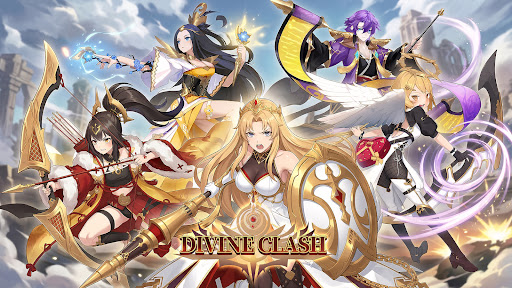
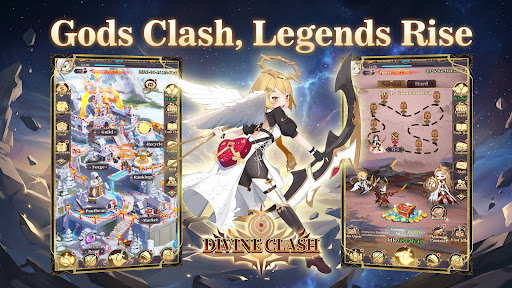
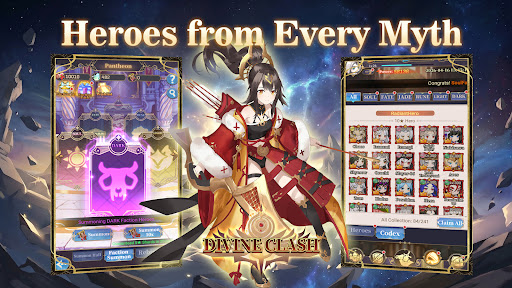
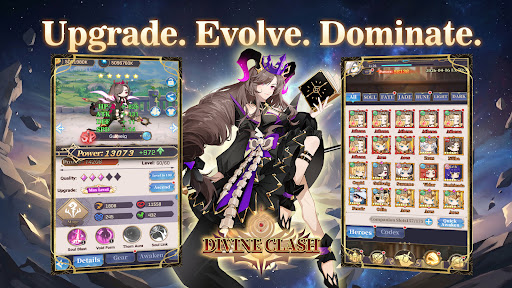
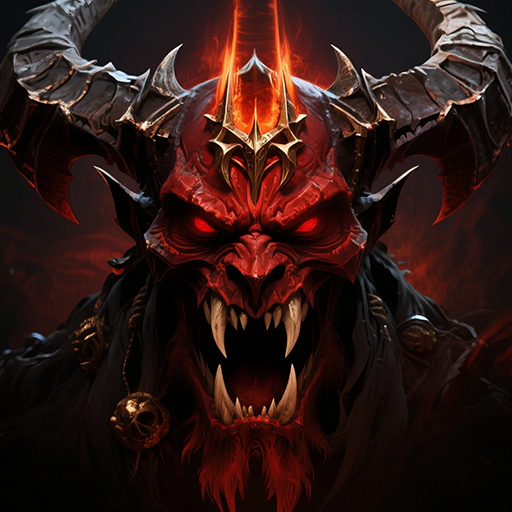
In a world where mythologies collide, chaos spreads across every realm.
From Greek and Norse legends to Eastern myths, powerful factions stand divided.
Now, it is your turn to unite them.
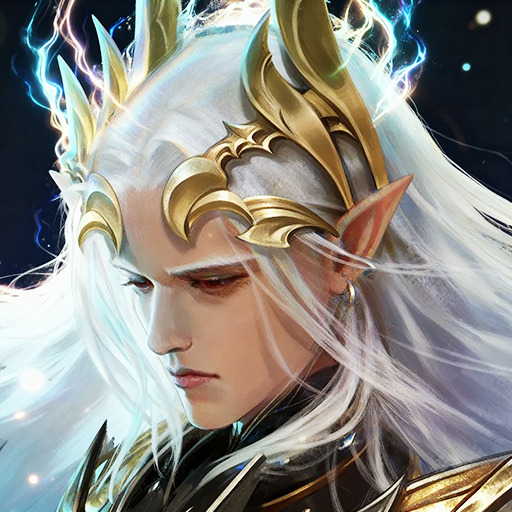
Summon legendary heroes, build your squad, and restore balance in this anime-style idle RPG.
-GAME FEATURE-
▸Heroes from Six Factions
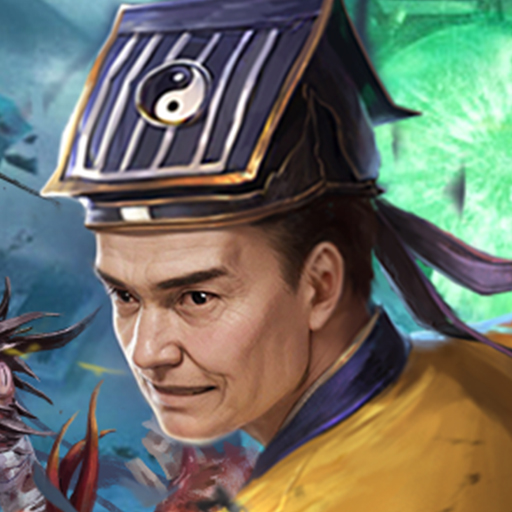
Recruit heroes from Japanese, Greek, Chinese, and Norse mythologies, along with Light and Dark factions. Each hero brings unique abilities and distinct combat roles.
▸Strategic 6v6 Battles
Form a team of six and take on fully automated turn-based battles. Combine classes, formations, and faction bonuses to gain the upper hand.
▸Idle Progression Made Easy
Advance even while offline. Collect resources, strengthen your team, and return to greater power with minimal effort.
▸Deep Upgrade Systems
Enhance your heroes through leveling, evolution, and gear. Build stronger teams and unlock new potential as you progress.
▸A World Full of Challenges
Take on boss battles, endless towers, trials, and adventure stages as you push back the forces threatening the realm.
▸PvE and PvP Modes
Compete in arena battles, guild wars, and other competitive modes, or explore a wide range of PvE content.
Unite the factions. Command your heroes.
Restore balance to a world on the brink—start your journey in Divine Clash today.
Show more

1. Stáhněte si instalační program MEmu a dokončete instalaci

2. Spusťte MEmu a poté otevřete Google Play na ploše

3. Vyhledejte Divine Clash EU v Google Play
Install
4. Stáhněte a nainstalujte Divine Clash EU
5. Po dokončení instalace klikněte na ikonu pro spuštění

6. Užijte si hraní Divine Clash EU na PC s MEmu
MEmu je zdarma a ten nejlepší Android emulátor. 50 milionů lidí si užívá jeho nejlepší herní zážitky. Technologie virtualizace MEmu ti dovolí plynule hrát Android hry na PC a to i ty nejnáročnější.
Větší obrazovka s lepší grafikou; Dlouhá výdrž bez omezení baterie nebo mobilních dat.
Plná podpora mapování kláves pro přesné ovládání klávesnice a myši nebo gamepadu.
Více herních účtů nebo úkolů na jednom počítači najednou s Multi-Instance Managerem.
Play Divine Clash EU on PC by following steps: