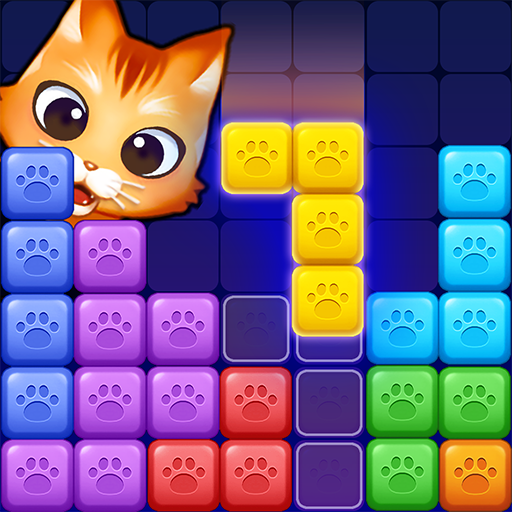
Meow Blast!
Aktualizováno
Aktuální verze
Od vývojáře

With all your passion for playing Meow Blast!, you hands are not supposed to be limited on a tiny screen of your phone. Play like a pro and get full control of your game with keyboard and mouse. MEmu offers you all the things that you are expecting. Download and play Meow Blast! on PC. Play as long as you want, no more limitations of battery, mobile data and disturbing calls. The brand new MEmu 9 is the best choice of playing Meow Blast! on PC. Prepared with our expertise, the exquisite preset keymapping system makes Meow Blast! a real PC game. MEmu multi-instance manager makes playing 2 or more accounts on the same device possible. And the most important, our exclusive emulation engine can release full potential of your PC, make everything smooth.
Show more
Vychutnejte si vynikající zážitek z přehrávání Meow Blast! na PC s MEMU App Player. Je to silný bezplatný emulátor pro Android, který vám umožní hrát tisíce her v systému Android. Which cat should go first?
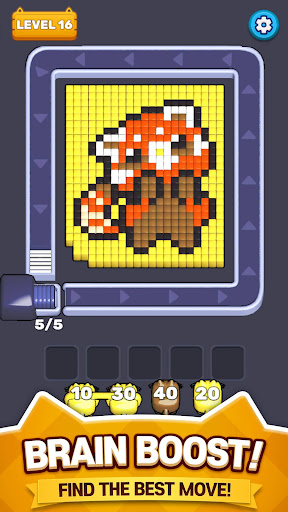
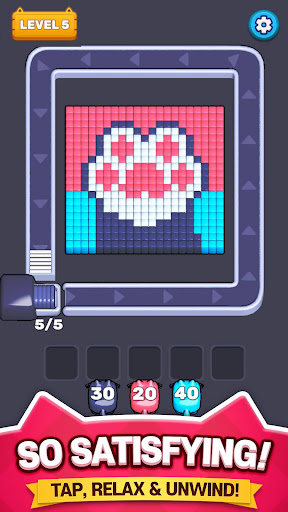
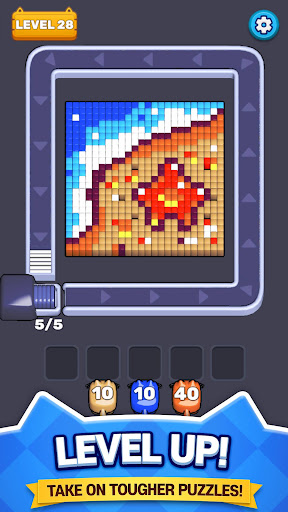
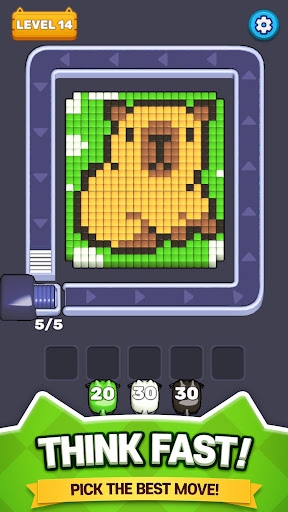
Which cat should go first?
Send your cats onto the conveyor and watch them blast blocks of the same color. Every cat has limited ammo, so choosing the right order is the key to clearing each puzzle!
CHECK THE AMMO
The number above each cat shows how many shots it can fire. Once its ammo is gone, the cat leaves the conveyor.
MANAGE THE WAITING SLOTS
Cats with ammo left move to one of five waiting slots. Tap them again when it is time to return—but be careful. If the slots fill up, your plan may fall apart!
PLAN EVERY MOVE
Match colors, manage space, and decide which cat should attack next. Simple controls meet satisfying strategy in Meow Blast!
• Easy one-tap controls
• Color-matching block puzzles
• Strategic ammo management
• Five limited waiting slots
• Satisfying blasts and colorful stages
Ready to choose your cats and clear every block? Play Meow Blast now!
Official website: https://superboxgo.com
Facebook: https://www.facebook.com/superbox01
Email: help@superboxgo.com
Privacy Policy : https://superboxgo.com/privacypolicy_en.php
Terms of Service : https://superboxgo.com/termsofservice_en.php
Show more

1. Stáhněte si instalační program MEmu a dokončete instalaci

2. Spusťte MEmu a poté otevřete Google Play na ploše

3. Vyhledejte Meow Blast! v Google Play
Install
4. Stáhněte a nainstalujte Meow Blast!
5. Po dokončení instalace klikněte na ikonu pro spuštění

6. Užijte si hraní Meow Blast! na PC s MEmu
MEmu je zdarma a ten nejlepší Android emulátor. 50 milionů lidí si užívá jeho nejlepší herní zážitky. Technologie virtualizace MEmu ti dovolí plynule hrát Android hry na PC a to i ty nejnáročnější.
Větší obrazovka s lepší grafikou; Dlouhá výdrž bez omezení baterie nebo mobilních dat.
Plná podpora mapování kláves pro přesné ovládání klávesnice a myši nebo gamepadu.
Více herních účtů nebo úkolů na jednom počítači najednou s Multi-Instance Managerem.
Play Meow Blast! on PC by following steps: