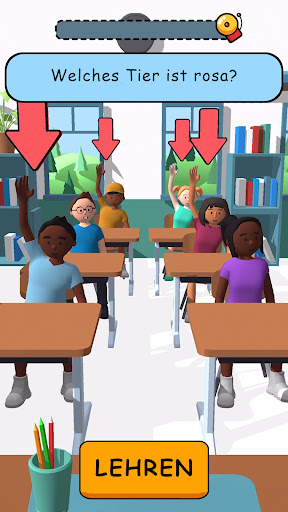
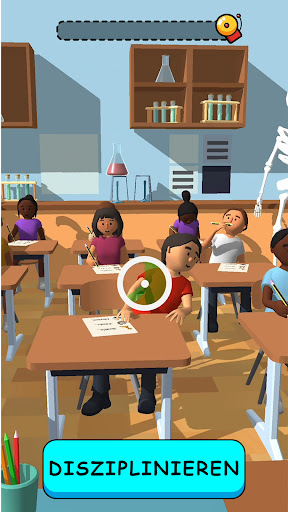
wird heruntergeladen MEmu...
Wenn der Download nicht startet, hier klicken
So installierst du Teacher Simulator auf dem PC
-
![Teacher Simulator PC]()
1. Laden das MEmu-Installationsprogramm herunter und beenden die Installation
-
![Teacher Simulator PC]()
2. MEmu starten und Google Play auf der Homepage öffnen
-
![Teacher Simulator PC]()
3. Suchen Teacher Simulator in Google Play
-
 Install
4. Herunterladen und Installieren Teacher Simulator
-
5. Klicken nach Abschluss der Installation auf das Symbol, um es zu starten
-
![Teacher Simulator PC]()
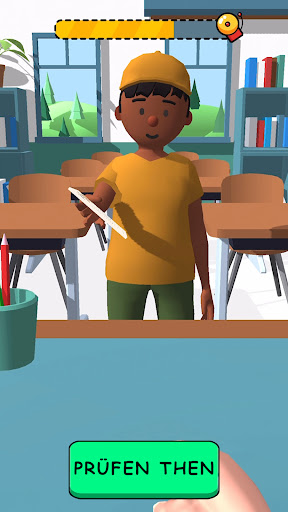
6. Viel Spaß beim Spielen von Teacher Simulator auf dem PC mit MEmu