Downloading MEmu...
If the download doesn't start, click here
1. Download MEmu installer and finish the setup
2. Start MEmu then open Google Play on the desktop
3. Search Call of Duty Mobile in Google Play
4. Download and Install Call of Duty Mobile
5. On install completion click the icon to start
6. Enjoy playing Call of Duty Mobile on PC with MEmu
Call of Duty: Mobile 7th Anniversary Update: Verdansk, Gulag, and Major Battle Royale Changes
Call of Duty: Mobile Season 7 "Terminated" Announced — T-800 and T-1000 Arrive
What's New in CODM Season 5 'Revenge' (2026): 'The Boys' Collaboration, Armored Royale Mode, and the BAL-27 Assault Rifle!
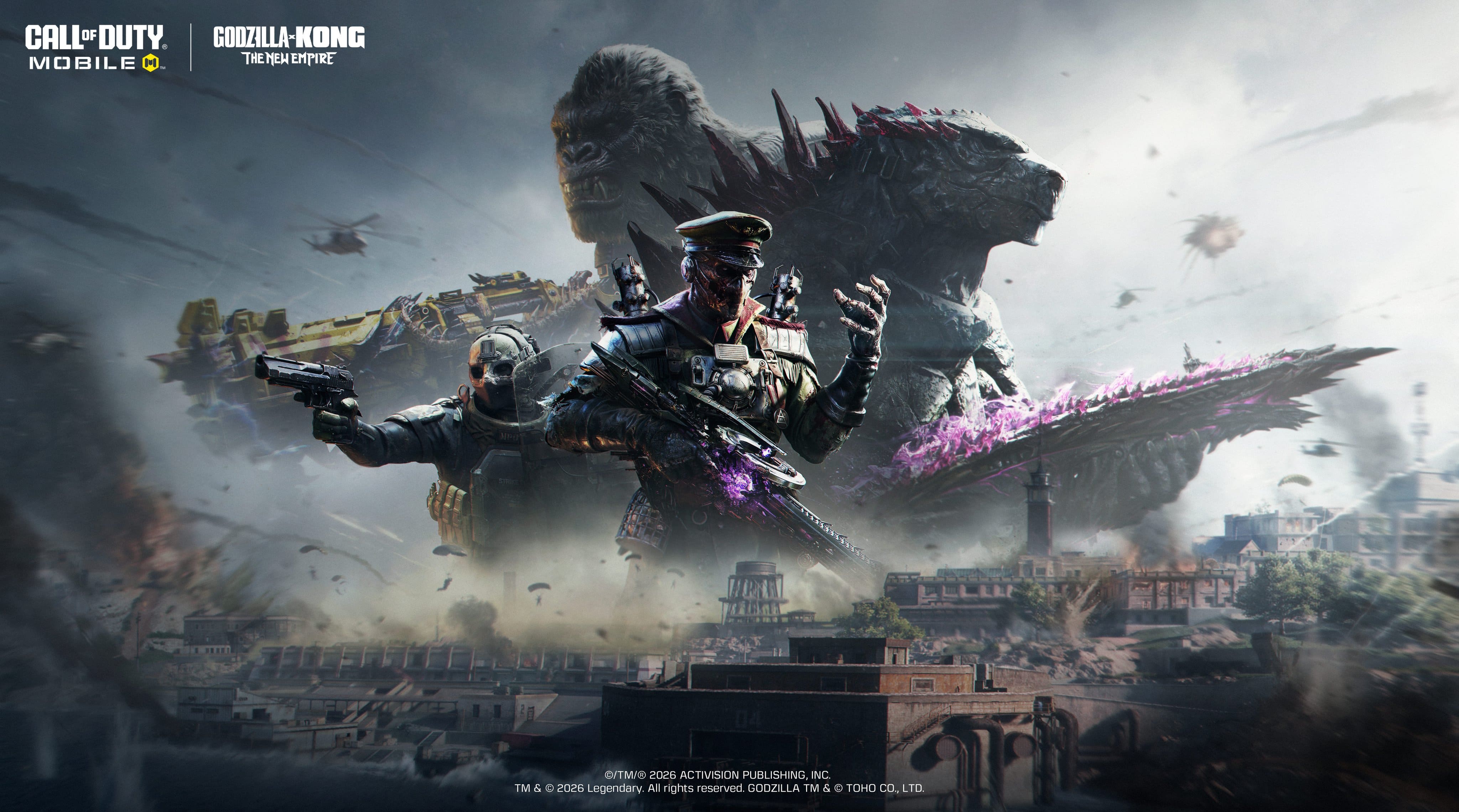
COD Mobile S4: Eternal Prison is Live! Rebirth Island returns alongside Mythic DP27 and the Godzilla x Kong event!
Introducing Call of Duty: Mobile Season 2 2026 — Lunar Charge
CODM 2026 Season 1 Leaks: Frozen Abyss Battle Pass & Mythic Drops
Free Fire OB55 Update: Everything New in the Latest Patch
Free Fire x Naruto Shippuden Chapter 1 Event Guide: Nine Tails, Hinata, Rewards, and More
Free Fire: How to Unlock Cristiano Ronaldo (Chrono)
Free Fire: How to Recover Your Account Quickly and Easily
Free Fire Best Characters Tier List 2026
Free Fire: The BEST Weapons for Every Situation
PUBG Mobile 4.7 Update: Ancient Beast Themed Mode Preview and New Features
PUBG Mobile October & November 2026 Leaks: New Events, Skins & Cosmetics
PUBG MOBILE 4.6 Update: Midnight Hunters Mode Arrives September 9
PUBG Mobile Phantasia Siren Gilt Set Release Date and Latest Updates
PUBG Mobile x Spider-Man: Brand New Day – Everything You Need to Know

PUBG Weapon Tier List 2026: Best Guns Ranked S to D Tier
Popular Games on PC
Top Apps on PC
Copyright © 2026 Microvirt. All Rights Reserved.|Terms of Use|Privacy Policy|About Us