Downloading MEmu...
If the download doesn't start, click here
1. Download MEmu installer and finish the setup
2. Start MEmu then open Google Play on the desktop
3. Search Devastate in Google Play
4. Download and Install Devastate
5. On install completion click the icon to start
6. Enjoy playing Devastate on PC with MEmu
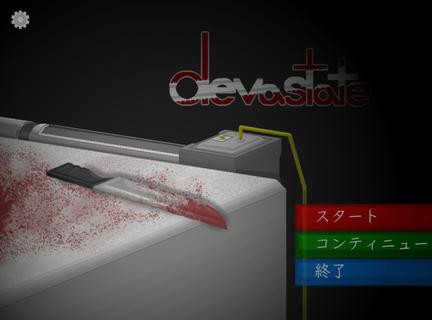
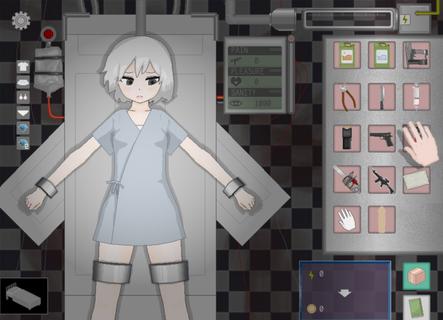
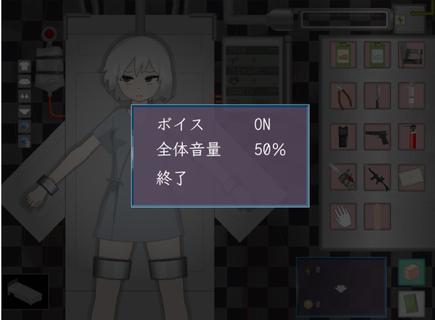
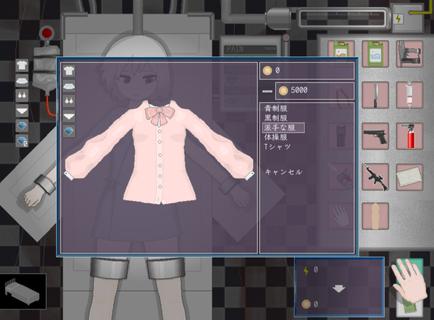
Download and Play Devastate on PC: The Ultimate Gaming Guide with MEmu Play

Garena Free Fire OB27 update on PC: Patch notes, release time, characters, weapons, and more
Free Fire PC OB23 Update Patch notes: AUG, Lucas, Penguin
PUBG Mobile x Spider-Man: Brand New Day – Everything You Need to Know

PUBG Weapon Tier List 2026: Best Guns Ranked S to D Tier
PUBG MOBILE x NARUTO SHIPPUDEN Collaboration: Release Date & Free Rewards
PUBG Mobile 4.3 Update brings Evolving Universe mode, collaboration, and 8th Anniversary celebrations
PUBG Mobile x King of Fighters Complete Guide & Rewards
PUBG Mobile 4.2 Update: What’s new and how to download
The Indie Cosmicube Returns to Among Us: Everything Crewmates Need to Know
Announcing: Among Us x Stardew Valley
Among Us introduces two new roles with its latest v17.0.0 update
Among Us is collaborating with Arcane, Riot Games’ League of Legends animated series
Among Us Update Teases New Roles
Among Us on PC next update to bring 15 player lobbies, new player colours, and more
Popular Games on PC
Top Apps on PC
Copyright © 2026 Microvirt. All Rights Reserved.|Terms of Use|Privacy Policy|About Us