Downloading MEmu...
If the download doesn't start, click here
1. Download MEmu installer and finish the setup
2. Start MEmu then open Google Play on the desktop
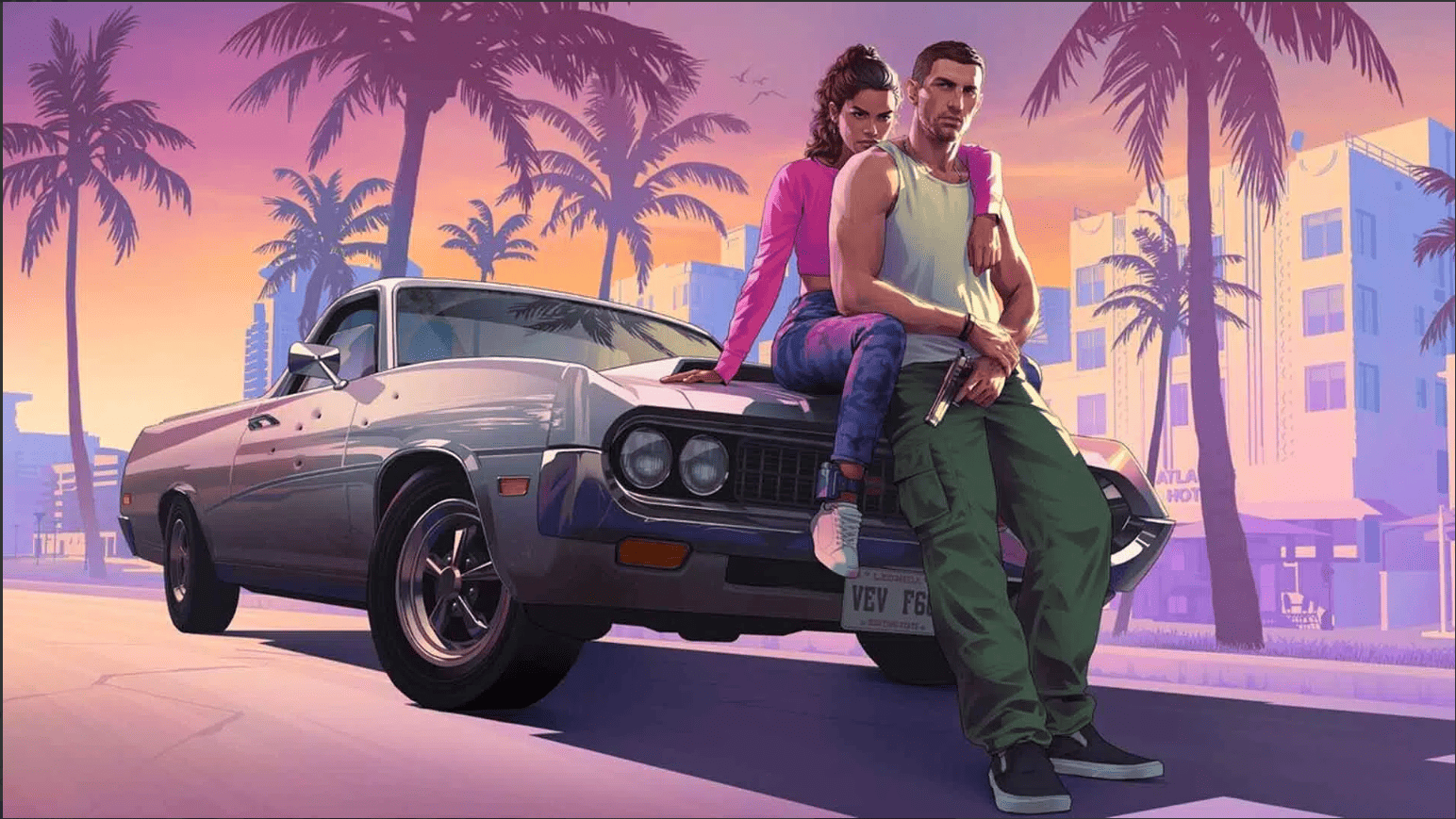
3. Search Grand Theft Auto VI in Google Play
4. Download and Install Grand Theft Auto VI
5. On install completion click the icon to start
6. Enjoy playing Grand Theft Auto VI on PC with MEmu
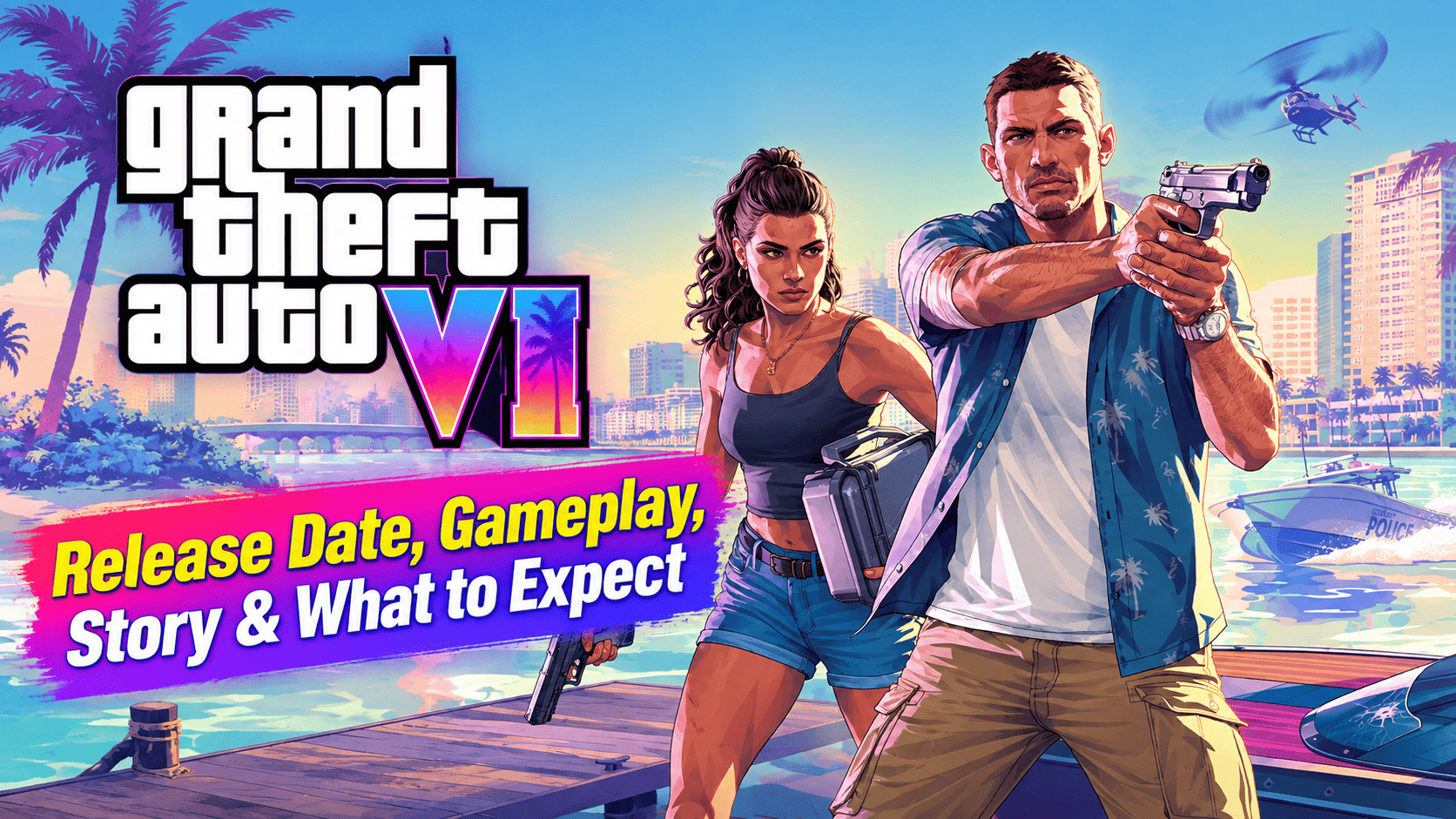
GTA 6 Is Just Four Weeks Away: Release Date, Story, Gameplay, and What to Expect
GTA 6 Pre-Orders Are Officially Open as of June 25, 2026
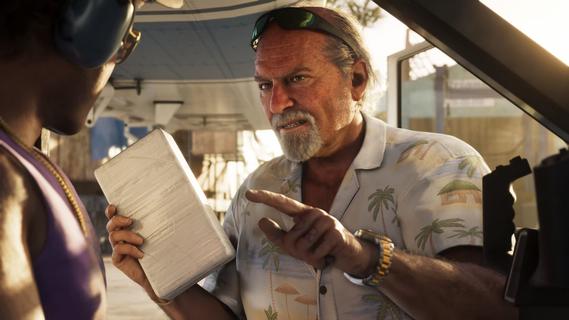
Grand Theft Auto VI is Now Coming May 26, 2026. How to download and play?
Free Fire OB55 Update: Everything New in the Latest Patch
Free Fire x Naruto Shippuden Chapter 1 Event Guide: Nine Tails, Hinata, Rewards, and More
Free Fire: How to Unlock Cristiano Ronaldo (Chrono)
Free Fire: How to Recover Your Account Quickly and Easily
Free Fire Best Characters Tier List 2026
Free Fire: The BEST Weapons for Every Situation
PUBG Mobile / BGMI 4.7 Update: Arctic Chronicles, New Ancient Beast, Winter Mode, and More
PUBG Mobile 4.7 Update: Ancient Beast Themed Mode Preview and New Features
PUBG Mobile October & November 2026 Leaks: New Events, Skins & Cosmetics
PUBG MOBILE 4.6 Update: Midnight Hunters Mode Arrives September 9
PUBG Mobile Phantasia Siren Gilt Set Release Date and Latest Updates
PUBG Mobile x Spider-Man: Brand New Day – Everything You Need to Know

Popular Games on PC
Top Apps on PC
Copyright © 2026 Microvirt. All Rights Reserved.|Terms of Use|Privacy Policy|About Us