Downloading MEmu...
Si le téléchargement ne démarre pas, cliquez ici
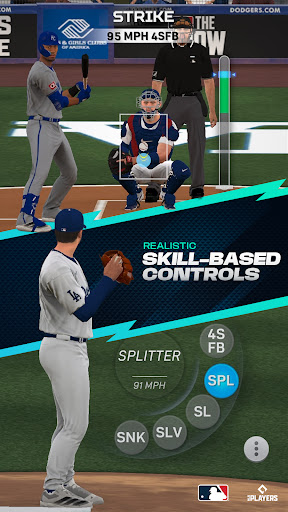
Comment télécharger MLB® The Show™ Mobile Baseball sur PC
-
![MLB® The Show™ Mobile Baseball PC]()
1. Téléchargez l'installateur MEmu et terminez l'installation
-
![MLB® The Show™ Mobile Baseball PC]()
2. Démarrez MEmu puis ouvrez Google Play sur la page d'accueil
-
![MLB® The Show™ Mobile Baseball PC]()
3. Recherchez MLB® The Show™ Mobile Baseball dans Google Play
-
 Install
4. Téléchargez et installez MLB® The Show™ Mobile Baseball
-
5. Une fois l'installation terminée, cliquez sur l'icône pour démarrer
-
![MLB® The Show™ Mobile Baseball PC]()
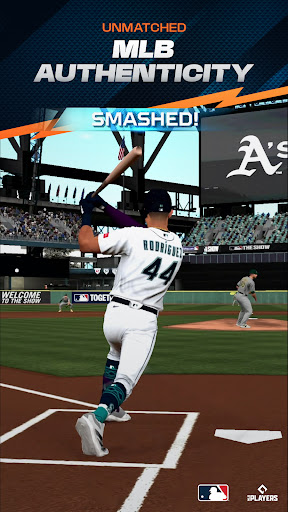
6. Profitez de jouer MLB® The Show™ Mobile Baseball sur PC avec MEmu
















Sujets populaires