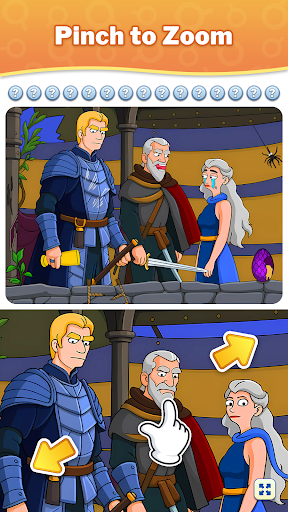
Downloading MEmu...
If the download doesn't start, click here
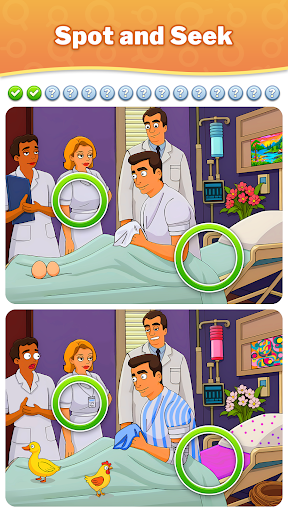
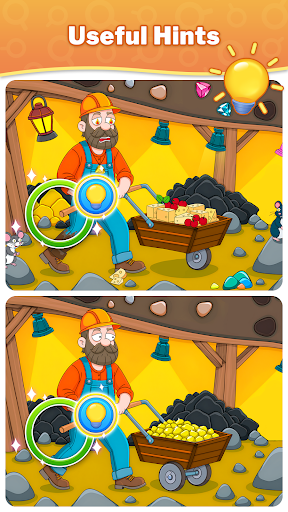
Πώς να κατεβάσετε το Differences - Find & Spot It στον υπολογιστή σας
-
![Differences - Find & Spot It PC]()
1. Κατεβάστε το πρόγραμμα εγκατάστασης MEmu και ολοκληρώστε την εγκατάσταση
-
![Differences - Find & Spot It PC]()
2. Ξεκινήστε το MEmu και στη συνέχεια ανοίξτε το Google Play στην επιφάνεια εργασίας
-
![Differences - Find & Spot It PC]()
3. Αναζητήστε τον Differences - Find & Spot It στο Google Play
-
 Install
4. Λήψη και εγκατάσταση του Differences - Find & Spot It
-
5. Μόλις ολοκληρωθεί η εγκατάσταση, κάντε κλικ στο εικονίδιο για να ξεκινήσετε
-
![Differences - Find & Spot It PC]()
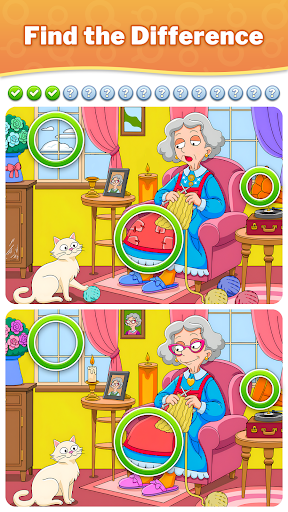
6. Enjoy playing Differences - Find & Spot It on PC with MEmu








καυτά θέματα