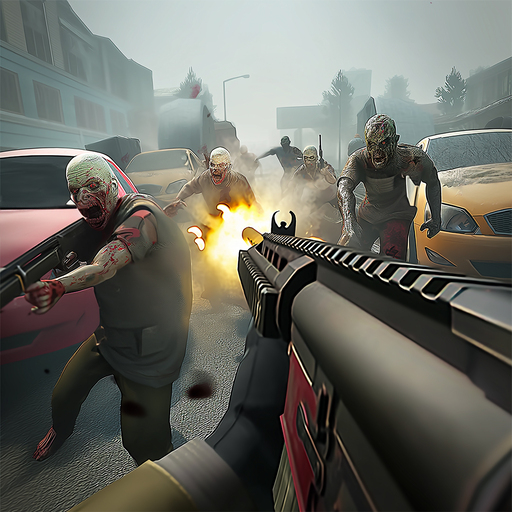
Zombie Fire 3D
अपडेट किया गया
वर्तमान वर्शन
1.36.3
संसाधन

अपने सेलफोन पर Zombie Fire 3D का उपयोग करते समय ओवरचार्ज के बारे में चिंता करना बंद करें, अपने आप को छोटी स्क्रीन से मुक्त करें और बहुत बड़े डिस्प्ले पर ऐप का उपयोग करने का आनंद लें। अब से, कीबोर्ड और माउस के साथ अपने ऐप का पूर्ण-स्क्रीन अनुभव प्राप्त करें। एमईएमयू आपको उन सभी आश्चर्यजनक सुविधाओं की पेशकश करता है जिनकी आपको उम्मीद थी: त्वरित इंस्टॉल और आसान सेटअप, सहज नियंत्रण, बैटरी की कोई सीमा नहीं, मोबाइल डेटा और परेशान कॉल। आपके कंप्यूटर पर Zombie Fire 3D का उपयोग करने का सबसे अच्छा विकल्प नया MEmu 9 है। हमारे अवशोषण के साथ कोडित, बहु-उदाहरण प्रबंधक एक ही समय में 2 या अधिक खाते खोलना संभव बनाता है। और सबसे महत्वपूर्ण, हमारा अनन्य उत्सर्जन इंजन आपके पीसी की पूरी क्षमता को जारी कर सकता है, सब कुछ सुचारू और सुखद बना सकता है।
और दिखाएं
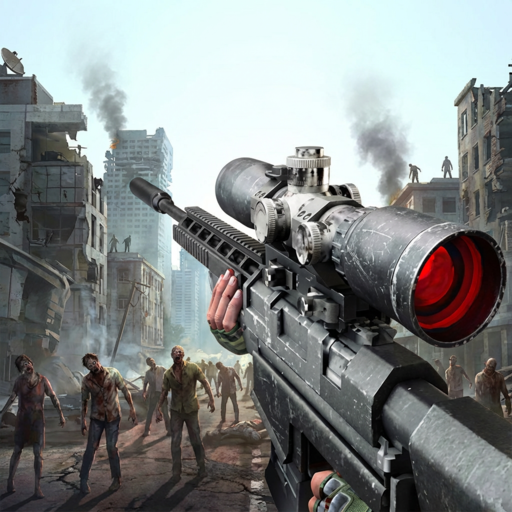
डाउनलोड करें Zombie Fire 3D पीसी पर MEmu एंड्रॉयड एमुलेटर के साथ बड़े पर्दे पर खेलने का आनंद लें। ZOMBIE FIRE 3D: Offline Game will bring you into the world that the zombie infection has ripped across the country.
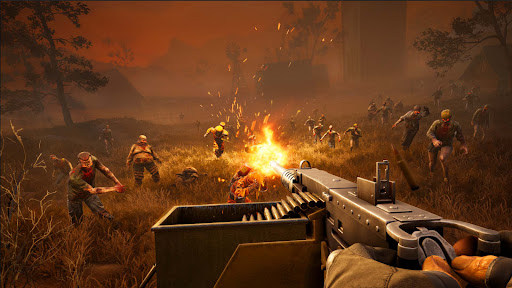
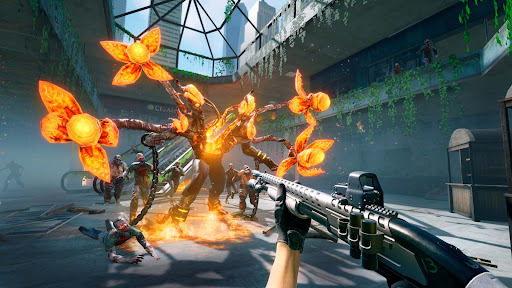
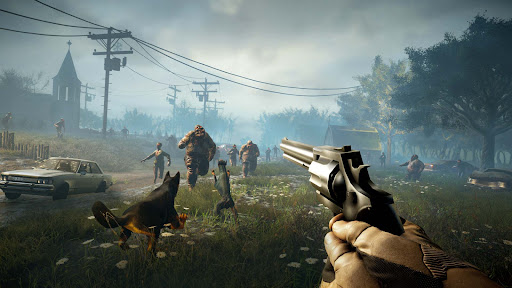
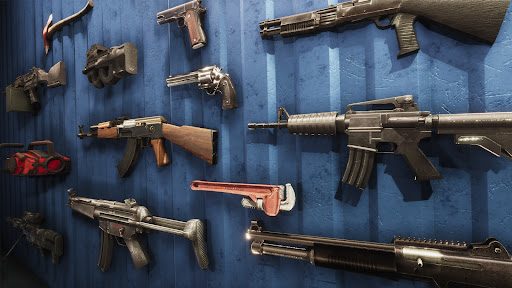
ZOMBIE FIRE 3D: Offline Game will bring you into the world that the zombie infection has ripped across the country.
You woke up to the apocalypse in the survival shooter. Now it is survival time. The world belongs to the infected now. It is time to kill zombie, cover yourself and survive the apocalypse.
ZOMBIE FIRE 3D: Offline Shooter features:
- Play Offline anytime you want. It is an offline game, you don't need wifi to play.
- New Shooting Game and challenging Story mode. Take your weapon and kill the zombie horde
- Stunning graphics with destructible environments only on this zombie game.
- Become a real shooter in the battle, put yourself in a fun adventure with non stop action shooting game. Don’t stop shooting in offline missions!
- Face the zombies with your guns and weapons, find the ultimate combination to win the battle in the ultimate killing game.
ZOMBIE FIRE 3D: Offline Shooter is a first-person shooter that features competitive combat through tons of zombie and weapons, easy control, crafted maps and challenging game modes. When duty calls, you must answer! Will you fight as a member of Coalition or The Breach?
Shoot zombies with your gun in fps mode. Death is coming and the battlefield is just for heroes!
Do whatever you can to survive this zombie war. It's a new zombie world out there. A new shooting zombie game! Build a strategy and create your own story. You can plant a bomb or shoot the zombies in this shooting game!
From DEAD TARGET and ZOMBIE HUNTER developer, ZOMBIE FIRE 3D will satisfy you even more!
Let’s download this zombie game and become the last shooter!
और दिखाएं

1. MEmu इंस्टॉलर को डाउनलोड करें और इंस्टॉलेशन को पूरा करें

2. MEmu शुरू करें फिर होमपेज पर Google Play खोलें

3. Google Play में Zombie Fire 3D खोजें
Install
4. Zombie Fire 3D डाउनलोड कर इंस्टॉल करें
5. इंस्टॉल पूरा होने पर आइकन दबाएं

6. MEmu से पीसी पर Zombie Fire 3D खेलने का आनंद लें
MEmu Play सबसे बेहतरीन मुफ़्त Android एमुलेटर है और 5 करोड़ लोग पहले ही इसके शानदार Android गेमिंग अनुभव का आनंद ले चुके हैं। MEmu 9 वर्चुअलाइज़ेशन तकनीक आपको अपने PC पर हज़ारों Android गेम, यहाँ तक कि सबसे ज़्यादा ग्राफ़िक्स वाले गेम भी, आसानी से खेलने की सुविधा देती है।
असीमित बैटरी या मोबाइल डेटा के साथ बेहतर ग्राफिक्स के साथ बड़ी स्क्रीन; लंबी अवधि।
कीबोर्ड और माउस या गेमपैड के उत्तम नियंत्रण के लिए संपूर्ण कीमैपिंग का समर्थन करता हैं।
एक ही पीसी पर मल्टी-इंस्टेंस मैनेजर के साथ एक समय में कई गेम खाते या कार्य कर सकते हैं।
Play Zombie Fire 3D on PC by following steps: