Idle RPG LostWorld2
Updated
Current Version
Offered By

With your passion for Idle RPG LostWorld2, you shouldn’t have to limit yourself to the small screen of a phone. Play like a pro and take full control of the game using a keyboard and mouse. MEmu gives you everything you’re looking for. Download and play Idle RPG LostWorld2 on PC. Play as long as you want — no more worries about battery life, mobile data, or unexpected calls. The all-new MEmu 9 is the best way to play Idle RPG LostWorld2 on PC. With our expertly designed keymapping system, Idle RPG LostWorld2 feels just like a real PC game. The MEmu multi-instance manager lets you run two or more accounts on the same device at the same time. Most importantly, our exclusive emulation engine unlocks your PC’s full potential, delivering smooth and seamless performance.
Show more
Download Idle RPG LostWorld2 on PC with MEmu Android Emulator. Enjoy playing on big screen. What happened to their home island?
What happened to their home island?
Collect monster cards, raise your companions, and explore the island's unknown regions!
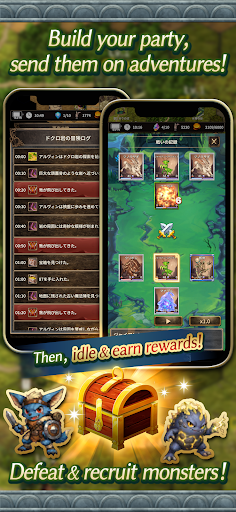
Combine classes, equipment, and skill cards to build your own party in this idle RPG!
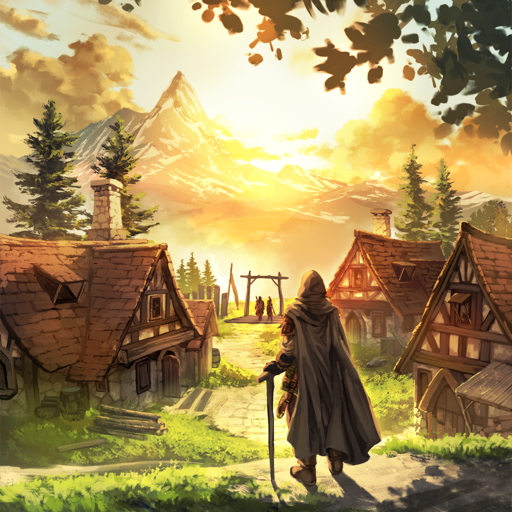
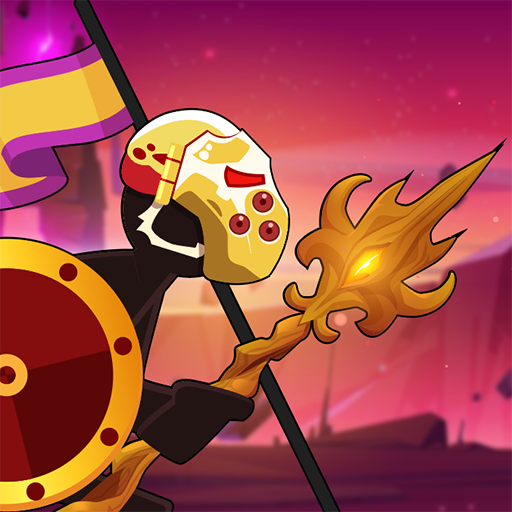
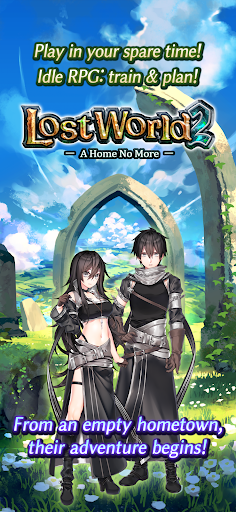
LostWorld2 - A Home No More - is a fantasy RPG where you recruit and raise a colorful cast of monsters, explore an island, and restore a village left in ruins.
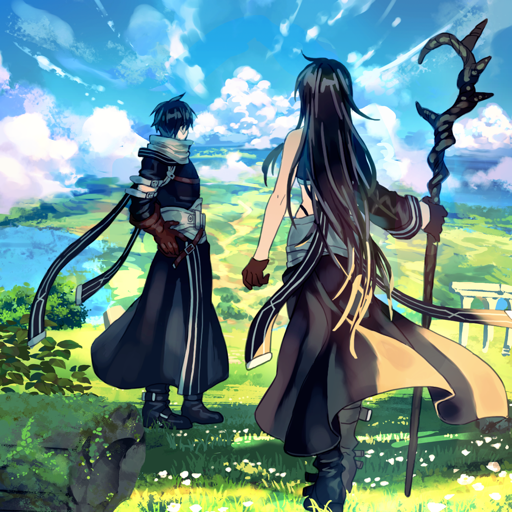
After their adventures on the mainland, Alvin and Lilian return to their home island.
But the village they remember is now barely recognizable…
Alvin can be a little unreliable, while Lilian is always ready to keep him in line.
Enjoy their playful banter as you search for the missing villagers and uncover what happened to their home!
◆ Explore the Island and Discover New Dungeons!
Uncover the hex-based map piece by piece as you venture through forests, caves, snowy plains, and more.
Deep within the island lie places even Alvin and Lilian have never seen.
Treasure chests and locked doors—what could be waiting beyond them?
Set out with your companions and discover somewhere new!
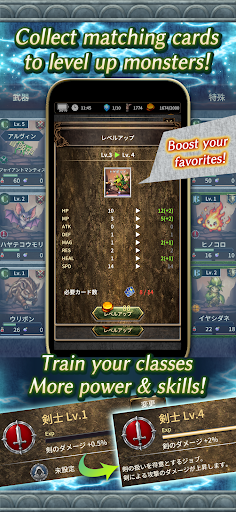
◆ Collect Monster Cards and Raise Your Favorites!
Defeated monsters can become your companions!
Collect cards of the same monster to level it up.
Take your time raising your favorites, then tackle the next dungeon together!
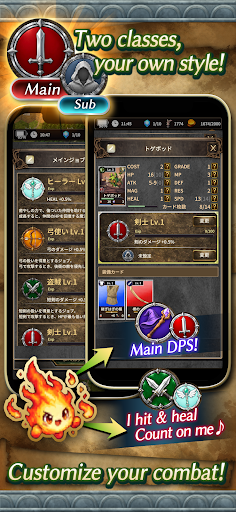
◆ Two Classes, Your Own Playstyle!
Each monster can combine two classes.
Thieves target weakened enemies, greatsword fighters strike nearby foes, and healers learn restorative magic. Each class brings something different!
Mix weapons, armor, and skill cards to find the right role for each companion.
Card order, skills that trigger under specific conditions, front- and back-row positioning, and elemental matchups all affect your strategy.
Experiment with training and party setups to build a team that suits your style!
◆ Craft Equipment to Strengthen Your Companions!
Build a smithy to unlock equipment crafting.
Use matching equipment as materials to strengthen your gear and add new abilities!
Combine effects such as attacks that hit every enemy and additional fire damage.
Create the perfect equipment for your favorite monsters!
◆ Place Buildings and Make the Village Your Own!
Rescue villagers scattered across the island and bring life back to your ruined hometown.
Build weapon shops, armor shops, a smithy, a monster alchemy workshop, and more!
Arrange buildings on a hex-based map and shape your village your way.
As it grows, unlock more ways to support your adventures, from buying equipment to crafting it.
◆ Prepare Your Party, Then Sit Back!
Send your party on an adventure, then wait for the results.
Explore new locations at a brisk pace, or take longer return trips through areas you've already cleared.
Even on busy days, check your results whenever you have a spare moment.
There's no penalty for defeat. Strengthen your companions and equipment, then try again!
You can also send your companions to train for a duration of your choice to earn gold and class experience.
◆ Find Your Own Way to Win!
Train your companions steadily and push forward through sheer strength, or study your enemies and build the right card deck for each challenge.
Collect monsters, experiment with equipment combinations, and keep exploring the island.
Reclaim your lost home, one step at a time and at your own pace!
Show more

1. Download MEmu installer and finish the setup

2. Start MEmu then open Google Play on the desktop

3. Search Idle RPG LostWorld2 in Google Play
Install
4. Download and Install Idle RPG LostWorld2
5. On install completion click the icon to start

6. Enjoy playing Idle RPG LostWorld2 on PC with MEmu
MEmu Play is the best Android emulator and 100 million people already enjoy its superb Android gaming experience. The MEmu virtualization technology empowers you to play thousands of Android games smoothly on your PC, even the most graphic-intensive ones.
Bigger screen with better graphics; Long duration, without limitation of battery or mobile data.
Full Keymapping support for precise control of keyboard and mouse or gamepad.
Multiple game accounts or tasks on single PC at one time with Multi-Instance manager.
Play Idle RPG LostWorld2 on PC by following steps: