SHAREit Lite - Share & File Transfer App, Share it
Diupdate
Versi Saat Ini
3.17.59_AP
Ditawarkan Oleh

Hentilah khawatir tentang biaya berlebihan saat menggunakan SHAREit Lite - Share & File Transfer App, Share it di ponsel Anda, bebaskan diri Anda dari layar kecil dan nikmati menggunakan aplikasi pada tampilan yang lebih besar. Mulai sekarang, dapatkan pengalaman full-screen di aplikasi Anda dengan keyboard dan mouse. MEmu menyediakan semua fitur mengejutkan yang Anda harapkan: cepat menginstal dan mudah menggunakan, kontrol intuitif, tidak ada lagi batasan baterai, data seluler dan panggilan yang mengganggu. MEmu 9 yang baru adalah pilihan terbaik untuk menggunakan SHAREit Lite - Share & File Transfer App, Share it di komputer Anda. Bersandi dengan absorpsi kami, manajer multi-instance memungkinkan pembukaan 2 akun atau lebih pada saat yang bersamaan. Dan yang paling penting, mesin emulasi eksklusif kami dapat melepaskan potensi penuh PC Anda, menjadikan semuanya lancar dan menyenangkan.
Tampilkan Lebih banyak
Unduh SHAREit Lite - Share & File Transfer App, Share it di PC dengan Emulator Android MEmu. Nikmati permainan pada layar yang besar. SHAREit Lite is fast, conserves data and comes in a small App size!
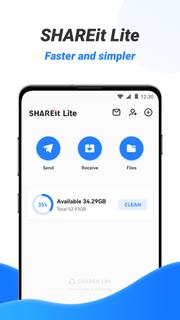
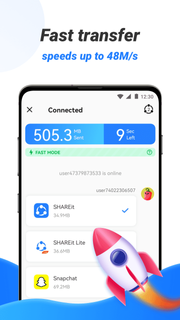
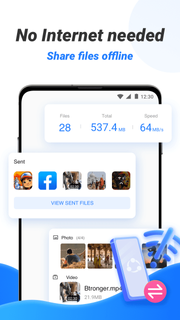
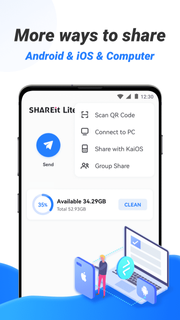
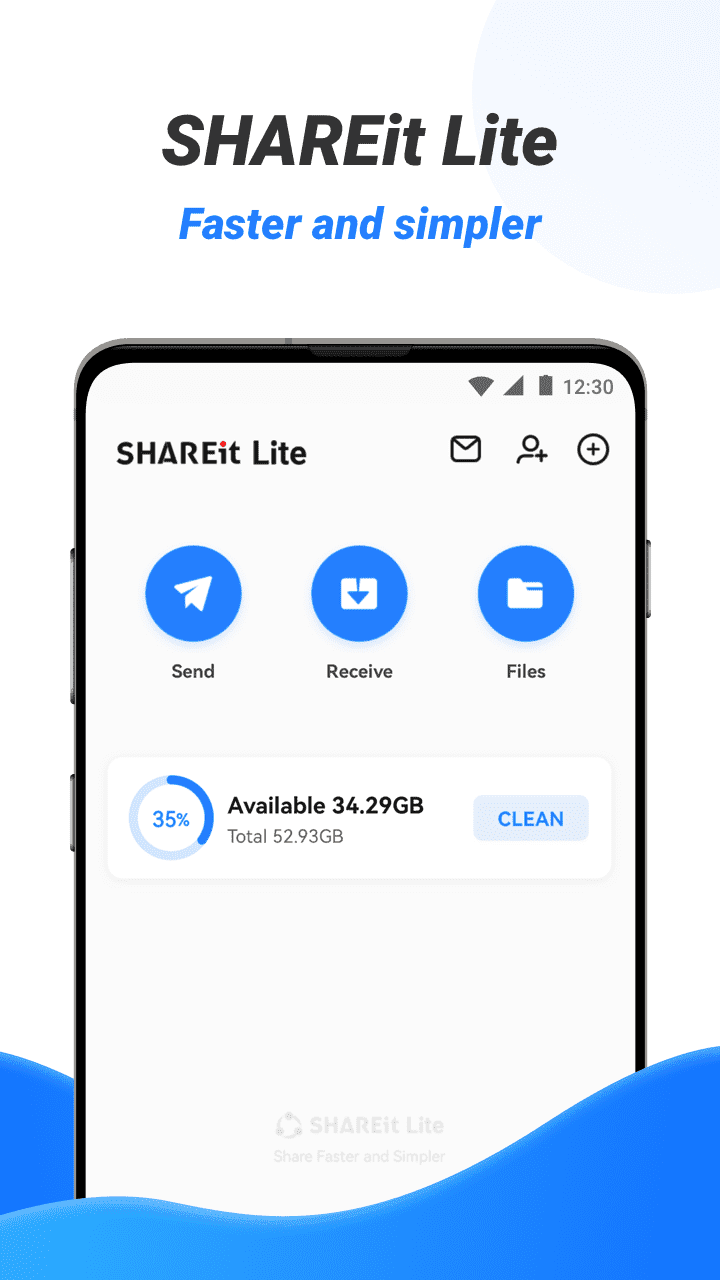
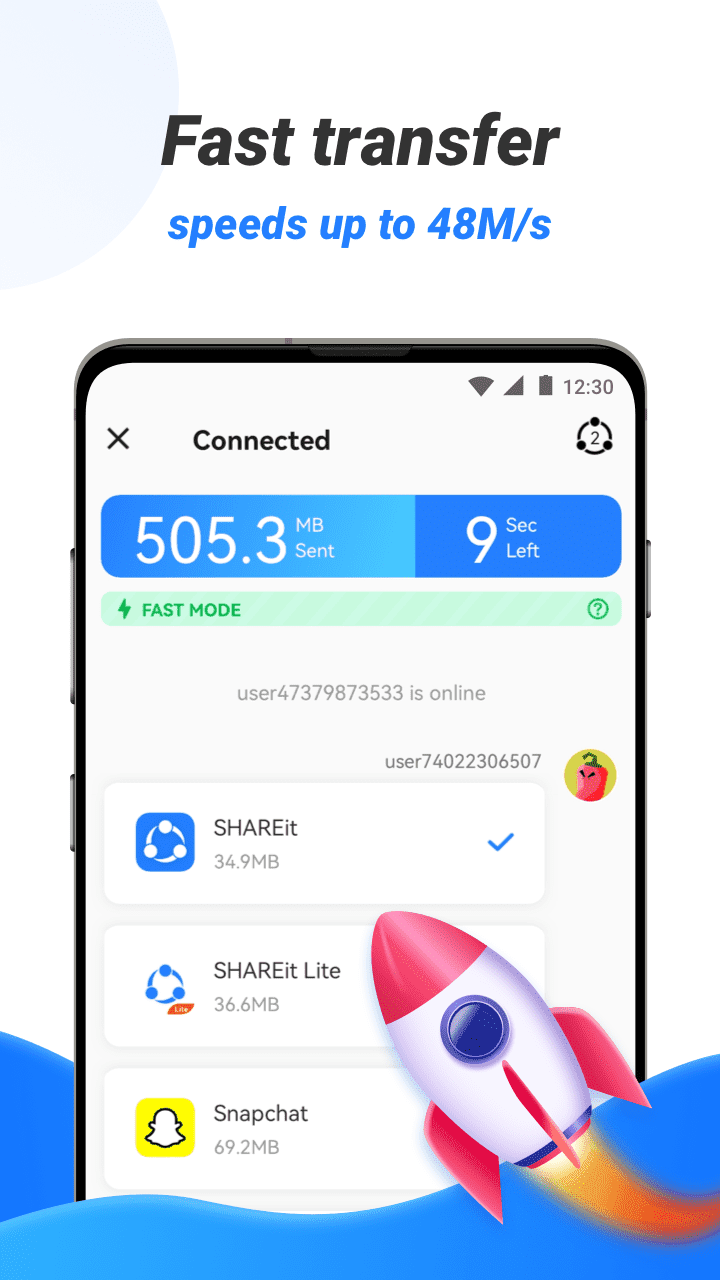
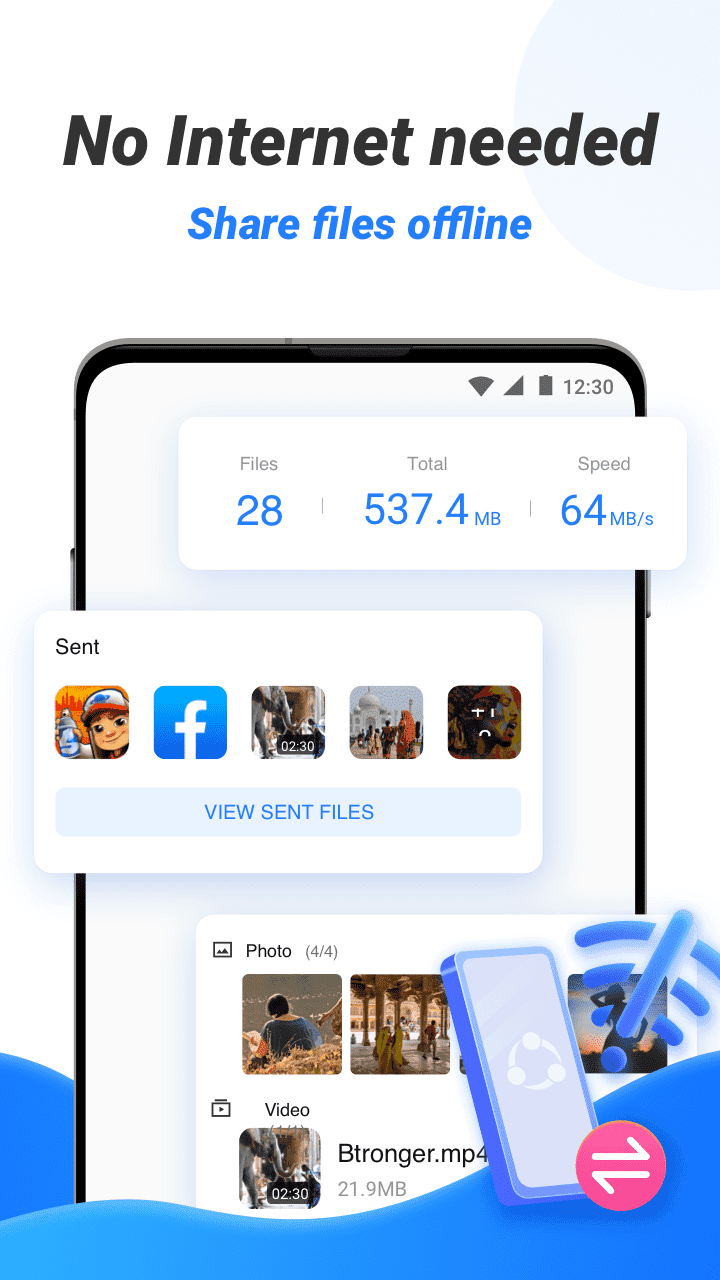
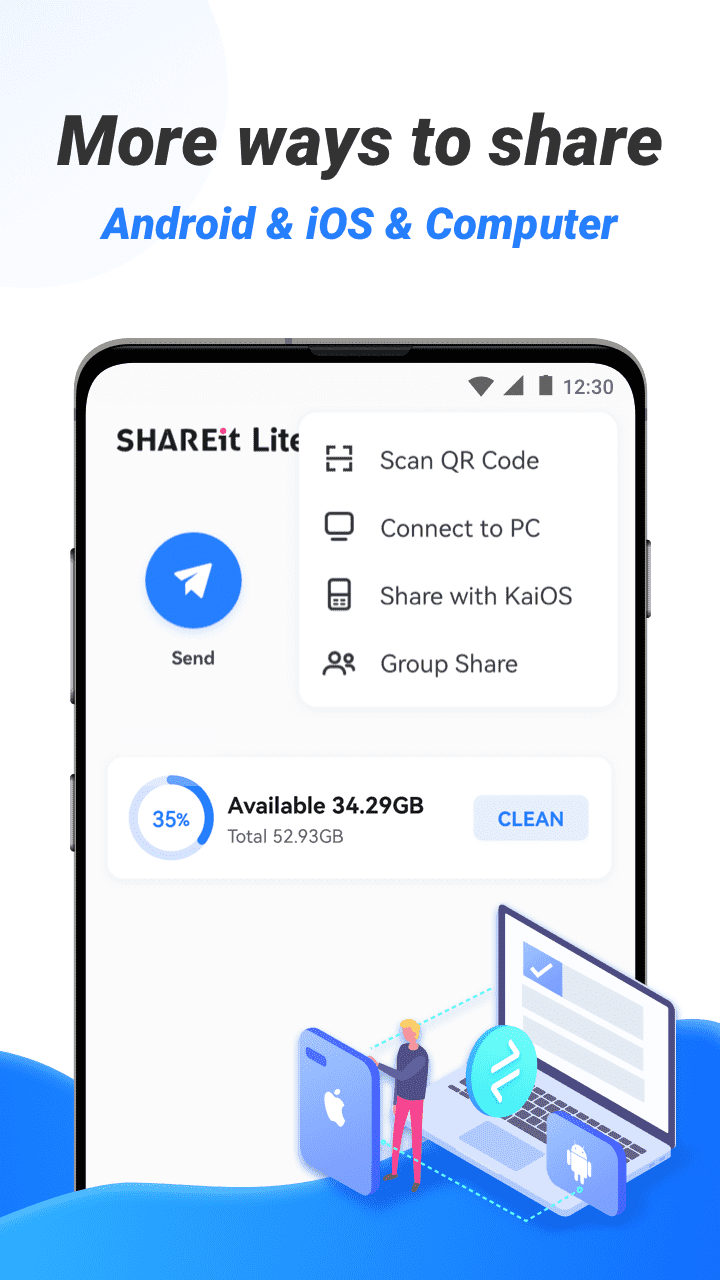
SHAREit Lite is fast, conserves data and comes in a small App size! Send and receive files for free. Just enjoy no interruptions sharing with your friends!ð SHAREit Lite is a super tiny fast file sender APP to transfer All types of files ï¼App, music, pdf, word, excel, zip, Folder..). Share it in any place at any time! Super lite, super easy to use! Enjoy sharing!â¡ Transfer files with flash speed: up to 42MB/sð We transfer absolutely without mobile data usage.ð» Compatible with all platforms & all mobile phones: Android, kaiOS, iOS, Windows, Mac. Android to Android file transfer, Android to iPhone file transfer, Android to PC file transfer, large file transfer, and all file sharing.ð¯ Completely secure file transfer process - protect your privacy without any malware.â¬ï¸ Downloaderï¼Save videos and photos from WhatsApp, Facebook and Instagram.ðµ Video to MP3: Convert Video to Audio.ð° Game Center âHundreds of Casual Games available without install/download.⨠More features: File manage, Safebox, Zip, Music player, Video player, File preview.ð Let's share it!ãMain featuresãâ Simple & Special UI interfaceThe Simple interface brings you a comfortable file transfer & share experience. File Transfer has simple, clean, and user-friendly transfer files interface.â Transfer files with fast speedNow Share your favorite videos, music, photos, mobile apps through the File transfer app. The highest transfer speed reaches 42MB/s. With this sharing app you can send and receive files as big as you want. Movies, videos etc with 200 times faster speed than bluetooth transfer. You can send a lot of Apps, files and medias at once.â Share and send all kinds of files without restrictionsTransfer all types of files ï¼App, music, pdf, word, excel, zip, Folder..ï¼in any place at any time. Transfer satisfies all your transfer needs perfectly. It's very easy to connect your phone to computer when you want to send files especially when sharing big files.â Completely secure file transfer processThe entire file transfer process uses encryption technology to protect your privacy in all aspects. And also we will not transfer to you any malware that you did not ask for like other file sender APPs.â Fast DownloaderSupports downloading videos and photos to your device.â Video to MP3 âConvert Video to AudioEasy to convert video to MP3 file, convert MV /Lectures to MP3. The App is good for conversion of videos to audios and it stores in your device in a compressed format i.e (smaller space, which conserves storage) . â File managerThe file manager will let you see how many files and apps are on your phone at a glance. The easy-to-use File Manager allows you to view, move or delete files you received.â Cleaner: Scenario-based removal of junk files, app uninstallation, deletion of unhealthy or unnecessary photos and videos.block notifications from third-party apps set by the user and prompt the user to clean it upDownload SHAREit Lite, enjoy sharing with friends and family!
Tampilkan Lebih banyak

1. Unduh dan instal MEmu APP

2. Menjalankan MEmu lalu buka Google Play di halaman

3. Cari SHAREit Lite - Share & File Transfer App, Share it di Google Play
Install
4. Unduh dan instal SHAREit Lite - Share & File Transfer App, Share it
5. Setelah insatl APP selesai,klik ikon untuk mulai

6. Nikmati bermain SHAREit Lite - Share & File Transfer App, Share it di PC dengan MEmu
MEmu Play adalah emulator Android gratis terbaik dan 50 Juta orang sudah menikmati pengalaman luar biasa dalam Aplikasi Android. Teknologi virtualisasi MEmu memberi kekuasaan untuk memainkan ribuan Aplikasi Android dengan lancar di PC anda, bahkan Aplikasi dengan grafis yang paling tinggi.
Layar lebih besar dengan grafis yang lebih baik; durasi panjang, tanpa batasan baterai atau data seluler.
Didukung penuh oleh Pemetaan tombol yang lengkap untuk keakuratan kontrol keyboard dan mouse maupun gamepad.
Membuka beberapa akun game atau tugas di waktu yang sama hanya pada satu PC, dengan Multi-Instance manager.
Use SHAREit Lite - Share & File Transfer App, Share it on PC by following steps: